
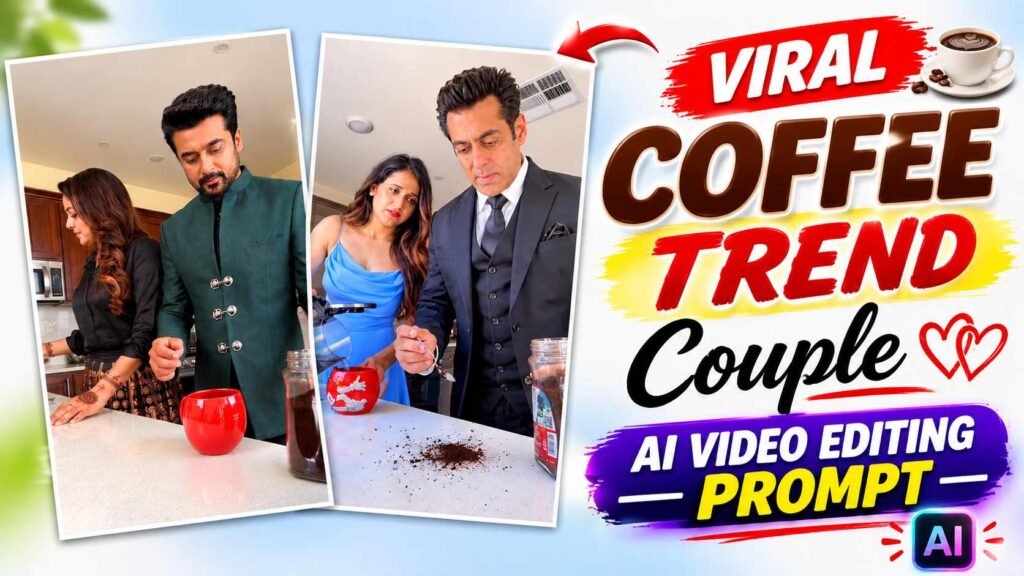
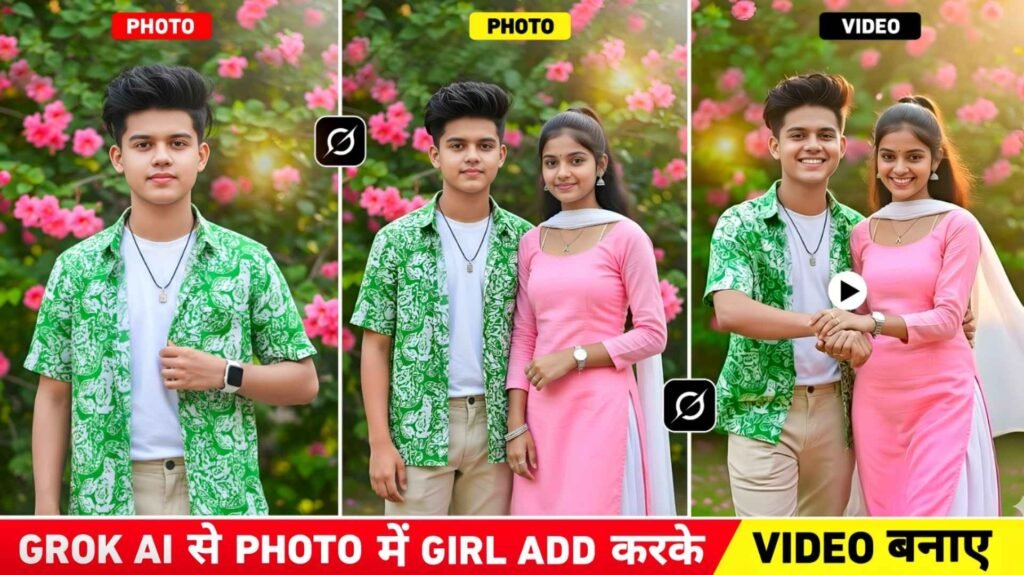
Coffee Trend Ai Prompt – The Coffee Trend Couple AI Video is currently going viral on Instagram Reels, with many people creating their own versions using AI. In this trend, a boy and a girl appear together in a coffee-themed scene, sharing cute moments while drinking coffee. Their expressions, poses, eye contact, and natural movements make the video look attractive and engaging. The interesting thing is that you don’t need to visit a cafe, record videos with your partner, or spend hours editing different clips. With Google Flow AI, you can recreate this trend using just two photos and a reference video. Simply upload a Coffee Trend video featuring a boy and a girl, add two clear photos of your chosen people, and use the AI video prompt provided in this article. Google Flow will use these images and the reference video to create a new couple video, attempting to match the original scenes, actions, and movements. This way, you can create your own Coffee Trend Couple AI Video and share it on Instagram Reels.
Needed To Create A Coffee Trend Couple Ai Video
Before creating your Coffee Trend Couple AI Video, make sure you have three important things ready. First, download a suitable Coffee Trend reference video featuring a boy and a girl enjoying a coffee scene. This video will help Google Flow understand the original scenes, poses, expressions, and movements you want to recreate. Second, select two clear photos, one of a boy and one of a girl. You can use your own photo and your partner’s photo or pictures of two other people, provided you have their permission. Try to choose clear, front-facing photos so the AI can better recognize their faces. Third, keep the Coffee Trend Couple AI Video Editing Prompt from this article ready. This prompt contains the instructions that will guide Google Flow in recreating the reference video using your selected photos. Once everything is ready, you can easily upload the reference video, both photos, and the prompt to Google Flow. Keeping these three things saved on your phone will make the entire video creation process much easier.
Coffee Trend Couple Ai Video Editing Prompt
The prompt plays a crucial role in creating AI videos like this, as it tells Google Flow what kind of result you want. Simply uploading two photos won’t necessarily produce the same result as the reference video. The AI also needs to understand that the two uploaded photos should be shown instead of the boy and girl seen in the reference video. The coffee drinking act, seating position, mutual actions, facial expressions, and camera movement in the video must be as close to the reference as possible. The Coffee Trend Couple AI Video Editing Prompt is provided below for this purpose. You simply copy it completely and paste it into the prompt box. After uploading the video and both photos to Google Flow. The AI will attempt to create a new video based on the instructions in the prompt, featuring both of your selected characters in a Coffee Trend scene.
Coffee Trend Ai Prompt
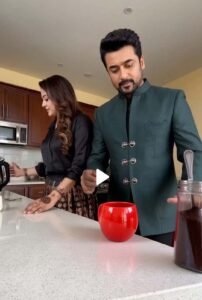
REFRENCE VIDEO
PROMPT HERE
Save Reference Video And Add It To Flow Ai?
After uploading the reference video and two photos to Google Flow, copy the Coffee Trend Couple AI Video Prompt from this article and paste it into the prompt box. Check that both photos and the reference video are uploaded correctly, then click Generate to create your AI Couple Video. Google Flow will use your uploaded photos, reference video, and prompt to recreate the coffee trend scene with your chosen characters. Once the video is ready, watch it carefully to check the faces, movements, and overall scene. If something doesn’t look right, adjust the prompt and generate the video again. Using clear photos and a suitable reference video can help you get better results.
Make Couple Video by Pasting A Prompt Into Flow?
Once you’ve successfully uploaded the reference video and your two photos to Google Flow, use the Coffee Trend Couple AI Video Editing Prompt provided in this article. To do this, go to the Prompt section above and copy the entire prompt. Then return to Google Flow and paste it into the prompt box. Once everything is carefully checked, ensure the reference video is correct, both photos of the boy and girl are uploaded, and the entire prompt is pasted correctly. Select Generate and begin the video creation process. Google Flow will now understand your reference video, both photos, and the prompt instructions and attempt to create a new AI Couple Video. In the finished video, both characters from your uploaded photos will appear in the coffee trend scene, and their acting and movements will attempt to match the reference video. After the video is generated, watch it thoroughly to check if both characters’ faces are correct, their acting, and the coffee scenes are well-crafted.
If a character’s face has changed or a movement isn’t quite right, you can make the necessary corrections to the prompt and re-generate the video. Keep in mind that AI doesn’t always produce the same results, so choosing a clear photo and the right reference video can help achieve better results.
Final Thoughts
If you want to create the viral Coffee Trend Couple AI video using your own photos, simply upload the reference video and two photos to Google Flow AI, paste the provided prompt, and click Generate. Your AI Couple Video will be ready to share on Instagram Reels. Always take permission before using someone else’s photo and never present AI-generated videos as real recordings.

I’ve Been editing photos and videos for over 5 years. Here, I share Lightroom Presets, Ai Photo Editing Prompts, Vn Templates, and easy editing tutorials so you can give your photos and videos a professional look. Welcome to the world of creative, high-quality editing
Pingback: Viral Couple Prank Ai Video Prompt | Flow Ai Guide