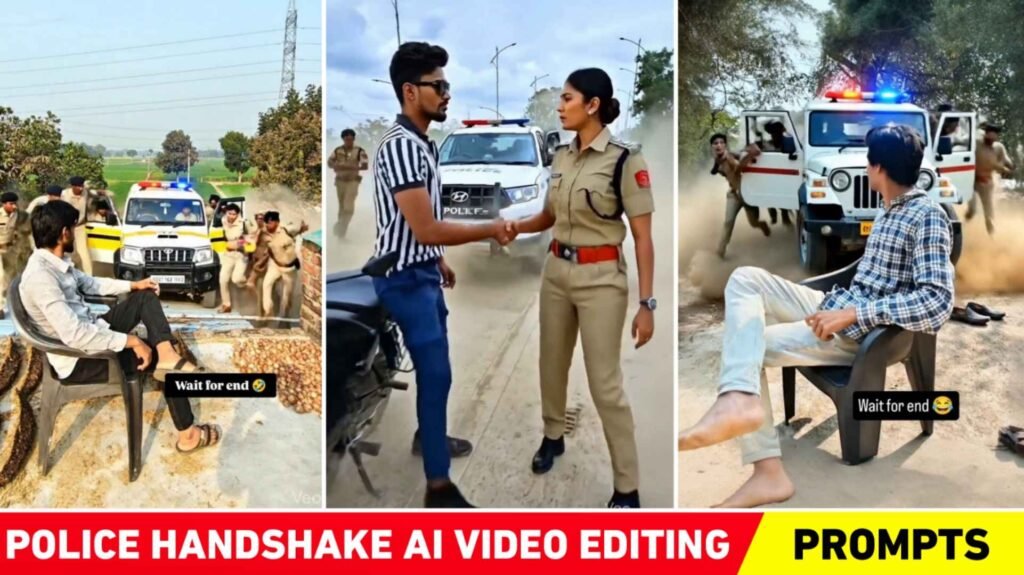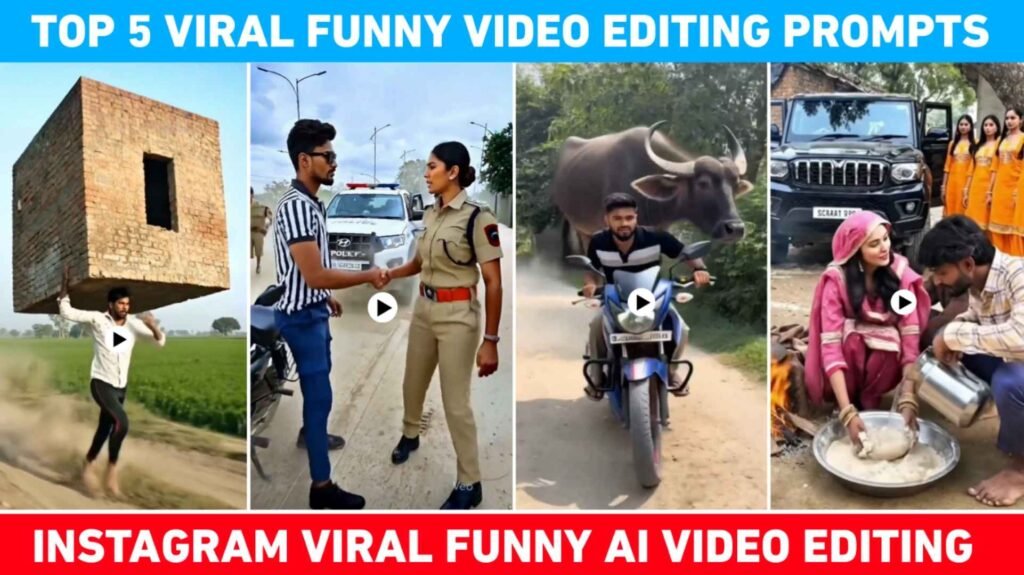
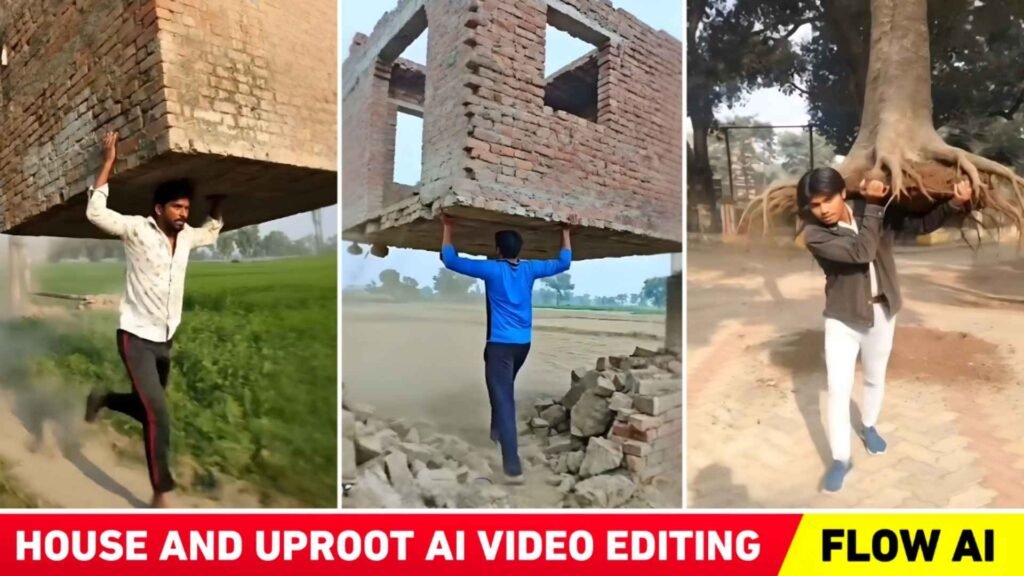
A huge trend of Ai generated videos is currently sweeping social media. People are creating and uploading all sorts of Ai videos, and they’re going viral. Recently, I told you about the police handshake video editing in my previous article, and today I’m going to tell you about another new Ai video editing trend. You must have seen videos on Instagram of someone uprooting a tree or a building and carrying it on their shoulder. These videos are going viral on social media these days. People are creating and posting various types of videos, and keeping this in mind, today’s article is related to this topic. In this article, I will tell you about creating trending house and tree uproot Ai video editing 2026. You probably already know that this video was created using Ai and to create videos with Ai, we need prompts. So in this article we’re going to provide the prompt used for the video that’s currently trending. With this prompt you can create a similar viral video in just a few minutes. We will explain everything, including what kind of photos to use to make your video look perfect.
Detail Of House And Tree Uproot Ai Video Editing
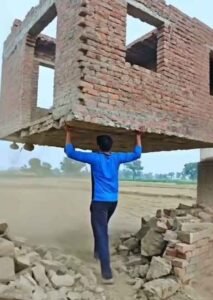
To create this viral video you first need to decide whether you want to make a video of a house being uprooted or a tree being uprooted. If you need to create videos about demolishing a house then take photos that include the house in the picture. If you’re going to take a picture make sure it’s a full-body shot. In those types of videos it’s shown that in the photo the boy suddenly uproots the house or building and carries it away on his shoulder. Regarding the background music, a hopeless song is being used. Actually, people are creating and posting these kinds of videos according to their own preferences. So, I’ll give you two prompts: the first is “uprooting a house” and the second is “uprooting a tree.” Can create videos using both prompts. If you want to create a different type of video, Can change the text “House” and “Tree” in the prompts to something else and create a different kind of video. But I’ve seen these two videos trending the most on Instagram.
Will The Faces Also Be Changed In Those Videos?
It depends on the type of Ai tool you’re using to create the video. If you use the right Ai tool, the face will not change at all. We’ve observed that most people are creating these kinds of videos using the Flow Ai tool. Since the face doesn’t change in videos created with Flow Ai, I’ll also explain how to create such videos using Flow Ai. Sometimes, the Ai changes the face. But mostly, we’ve observed that the Ai doesn’t alter the face in this process. If your face still changes, Can try this: add “No face change” at the end of the prompt I give you. Otherwise, whenever you create a video, select two or three options in the Flow Ai output results. Two or three different versions of your video will be generated. The face will definitely match in at least one of them. But let me tell you the face won’t change in any of them. The face will remain the same in all of them just like in the original photo. Whenever you post a video on Instagram make sure to upload it with the Hopeless song.
House And Tree Uproot Prompt

Create House And Tree Uproot Ai Video Using Flow Ai
As saw above, we have provided prompts for creating two types of videos. Choose the type of video you want to create and copy the corresponding prompt carefully. After copying the prompt, prepare the photos according to the video type. Everyone is creating videos using prompts in Flow AI. So, this information is about creating videos using Flow Ai.
- Search for “Flow Ai” in any browser.
- Click on the Create Flow button.
- Now log in to it with your Gmail ID.
- Click on the New Project tool.
- Below, select “Frame to Video” instead of “Text to Video”.
- Add your photos by clicking on the plus option at the bottom of the frame-to-video section.
- Crop the photo as needed and click on the Crop & Save button.
- Paste the same prompt into the chat box that you copied from here.
- Click on the send icon in the right-hand corner and wait for a few moments.
- Flow Ai will have started creating the video. Once the video is ready, save it by clicking on it.
Conclusion
You probably already know this. Ai has been trending massively on Instagram for the past few days. People create and post many types of videos, including clips where they uproot houses and trees. So, in this article, we have provided information about the tutorial in this video. We have explained the methods for creating both types of videos in this article. We have also provided the relevant prompts. So, I hope that after learning the information we provided you will have learned how to create that kind of viral video. If you encounter any difficulties while making the video please feel free to ask us in the comments section.

I’ve Been editing photos and videos for over 5 years. Here, I share Lightroom Presets, Ai Photo Editing Prompts, Vn Templates, and easy editing tutorials so you can give your photos and videos a professional look. Welcome to the world of creative, high-quality editing