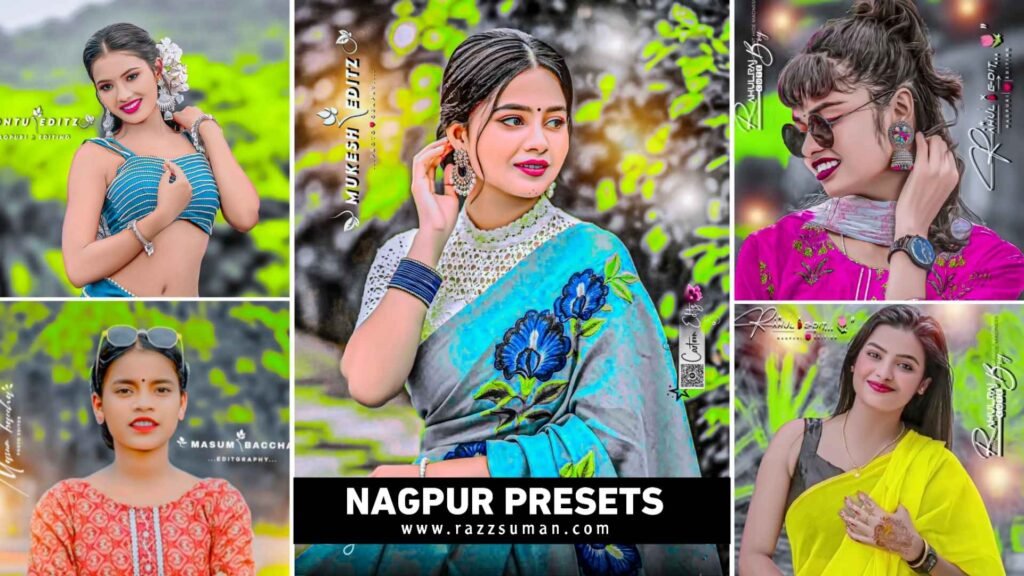
Nagpuri Photo Editing – A new type of editing trend has come in the world of photo editing in which people are very fond of making any kind of photo in two colors. Which is being known as Nagpuri photo editing on social media. This type of editing first started in Jharkhand and gradually it started going viral everywhere. In Nagpuri photo editing, we saw that people like to make their photos in two colors. First of all black color and second as per your choice red, green blue, yellow etc. This type of photo editing is being done through Lightroom app only because Lightroom is the best app to give the background of the photo in two colors. To do this kind of editing from Lightroom app, one has to use the masking tool given in Lightroom. But there is no need to do this. We show you how to do Nagpuri photo editing in just one click. Will tell you about this. Our today’s article is related to how Nagpuri photo editing can be done in less time with the help of Lightroom presets. In this we have told about all the things related to Nagpuri photo editing.
Complete Guide Nagpuri Editing Lightroom Presets
Before doing Nagpuri photo editing, it is very important for us to know what Nagpuri photo editing is and what kind of editing is done in it. So let me tell you, Nagpuri photo editing is an editing style which has been inspired by the Nagpuri culture, traditional look and songs of Jharkhand. Some brothers and sisters of Jharkhand started editing Nagpuri photos and posting them on Instagram, which many people started liking and due to this, other people also started thinking of doing similar editing. Gradually, people started calling it Nagpuri editing. In this type of editing, people first make the background of their photo completely black and white and then with the help of masking tool, they add color at some places and also match the background well with the photo. This makes the face absolutely smooth and fair. To make the photo look even better, people add the photo in PicsArt and add a signature of their name. You can easily create this type of photo with Lightroom presets. That we have given in this article.
Which Photos Do These Nagpuri Presets Work Best
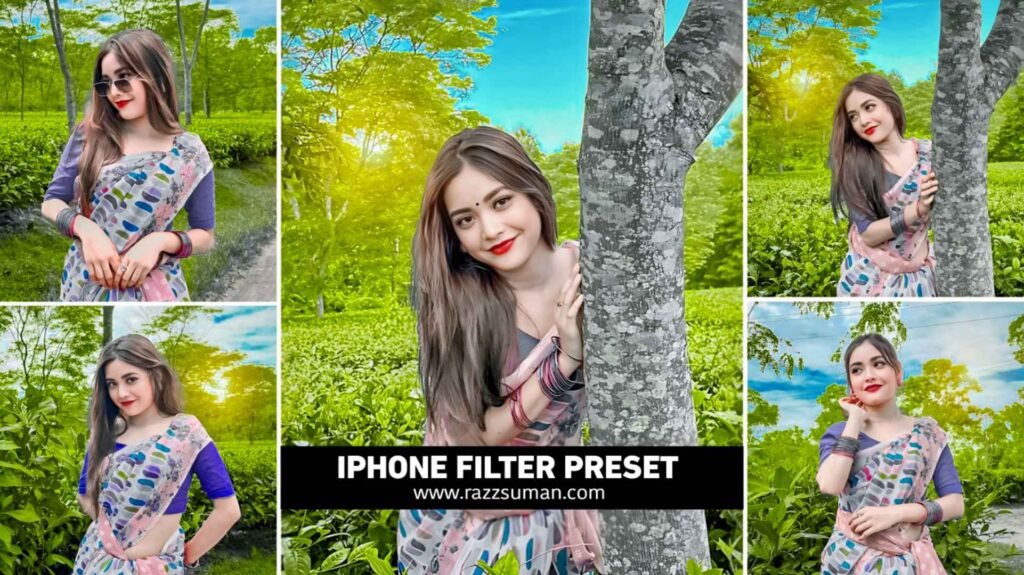
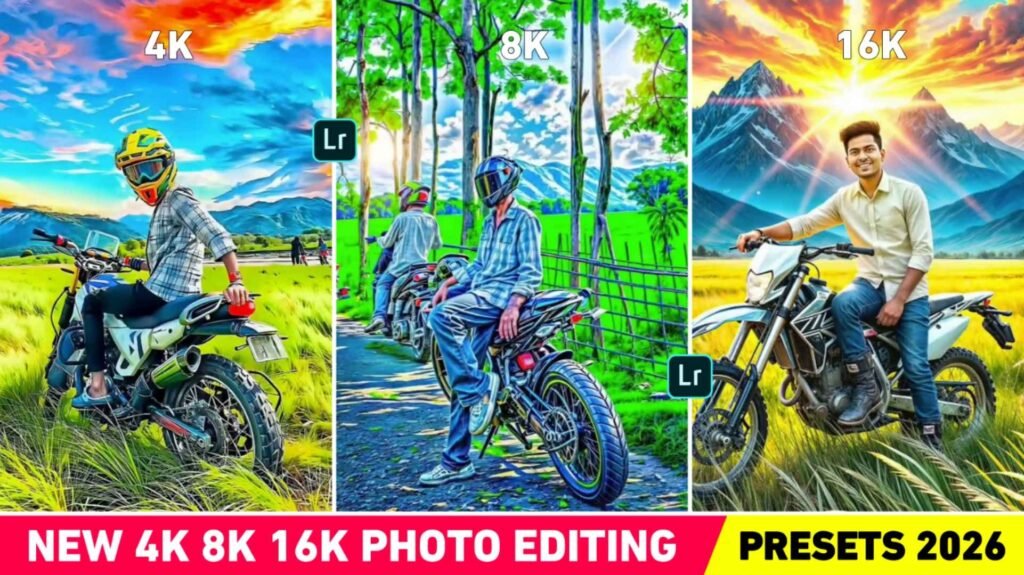
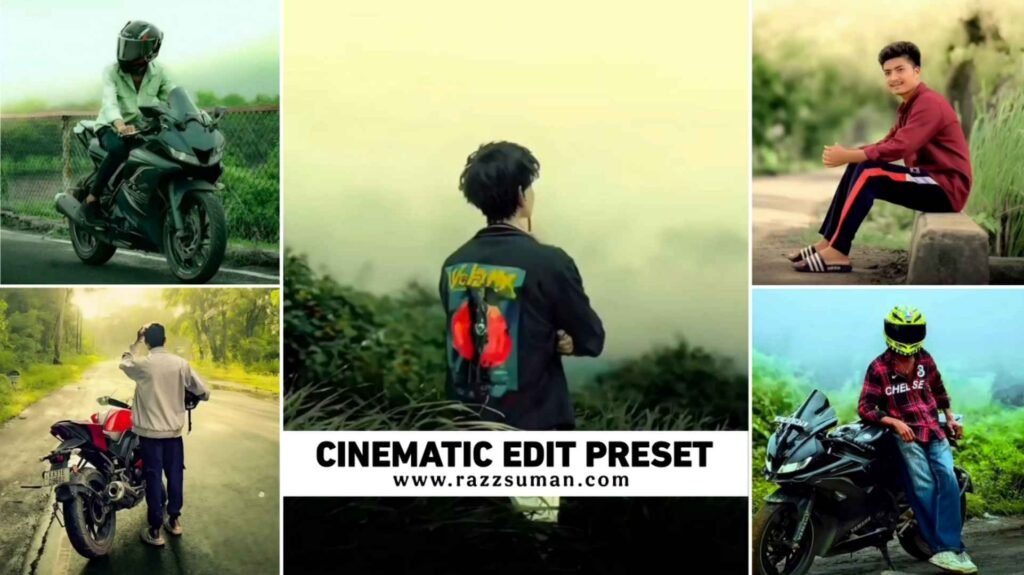
To do Nagpuri photo editing using Lightroom’s Nagpuri preset, it is very important for the photo to be good, only then the result can be good. This type of preset will work well for most outdoor photos. Will not work well on indoor photos. The outdoor photo should also be one in which the background should be green. That is why whenever you click a photo for editing Nagpuri photo with the help of preset or manually from Lightroom, then click the photo at a place where there are lots of green plants in the background. There should be lush green plants in the background so that the two colors we give in the background are applied well. For example, we have shared some photos in thumbnails. Also in this article, a sample of Nagpuri photo editing done before and after has been shown, which can be seen. The background is of lush green trees and plants, that is why Nagpuri preset has worked so well on the photo and the result is good. We have shared three to four types of Nagpuri presets in this. If one doesn’t work well, you can try the other one.
Nagpuri Lightroom Presets
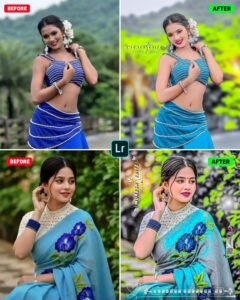
How To Use Nagpuri Photo Editing Lightroom Presets
It is very easy to edit any kind of photo with preset. First of all, just keep in mind that whatever type of preset you are using, you must have a photo similar to it. It is not that if you apply the preset on any type of photo, it will work. Now we will use Nagpuri photo editing preset so what kind of photo should we click or take. I have told about it in the previous paragraph, so take similar photos. After taking the preset and photo, now you have to open the Lightroom app and share the preset and your photo from the gallery. Then click on the preset and click on the three line option at the top right side corner, click on Copy Settings and see all the tools like Heal Masking, Light, Colour, Effect and Detail etc. Tick all the options one by one. Then you have to come to your photo and again click on the three lines and select the Paste setting option. We will apply the Nagpuri preset to your photo. If anything goes wrong, you can fix it with the help of manual editing tools.
Make Nagpuri Editing Signature Logo?
As we said, after editing Nagpuri photo, if you add your own name, signature logo in that photo. Then the photo starts looking even better. You can use PicsArt or Pixllab editing app to create signature or add it to your photo. To create people select a transparent background and then. Go to the text option and write your name there and select Signature Font in Font Style. You can make the same type of Nagpuri people by looking at the photos we have shown in this article. To add Nagpuri signature logo in your photo. Go to PicsArt app and first add Nagpuri photo there and then go to the sticker tool and add a bright light PNG there. Do blending of the light PNG on the screen and then go to Add Photo and add the signature you have created and adjust it properly. We will apply the Nagpuri editing logo to your photo.
Conclusion
Friends, in the end we would like to say that in today’s new article we have given information about how to do a new type of photo editing. You must have seen the photos shown in thumbnails on Instagram, YouTube and Facebook. People call this style Nagpuri photo editing. So how do we edit this type of photo. This is what I have told you about. In this, we have shared with you some presets of Lightroom app. To create such photos and have explained thoroughly about all the things related to it. Not only this, after editing Nagpuri photo with the help of preset. We have to how to create Nagpuri editing logo. We have also explained how to make your photo even better by adding logo to it.
FAQ
1. Which App Is Good For Nagpuri Photo Editing?
Ans. – Most people use Adobe Lightroom because it allows for accurate editing. Others can then use PicsArt and Snapseed to enhance their photos.
2. Which Colour Tone Is Used More In Nagpuri Editing?
Ans. – We have seen that in this style everyone likes to give green, yellow and blue color tone in the photo. You can give color as per your choice.
3. What Is Nagpuri Photo Editing Presets?
Ans. – Presets contain all the editing settings already built in. Apply these with a single click to edit your photo.

I’ve Been editing photos and videos for over 5 years. Here, I share Lightroom Presets, Ai Photo Editing Prompts, Vn Templates, and easy editing tutorials so you can give your photos and videos a professional look. Welcome to the world of creative, high-quality editing