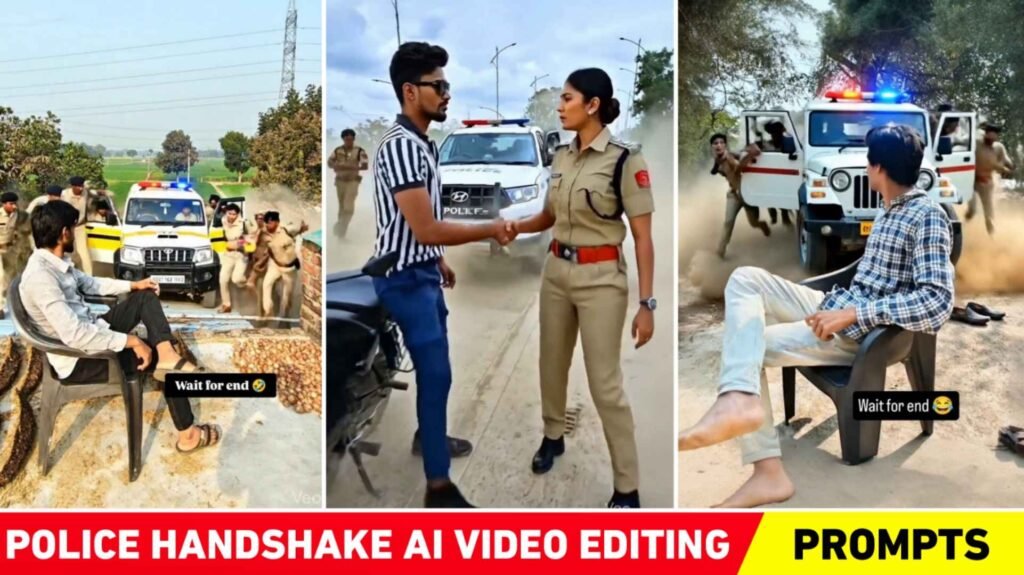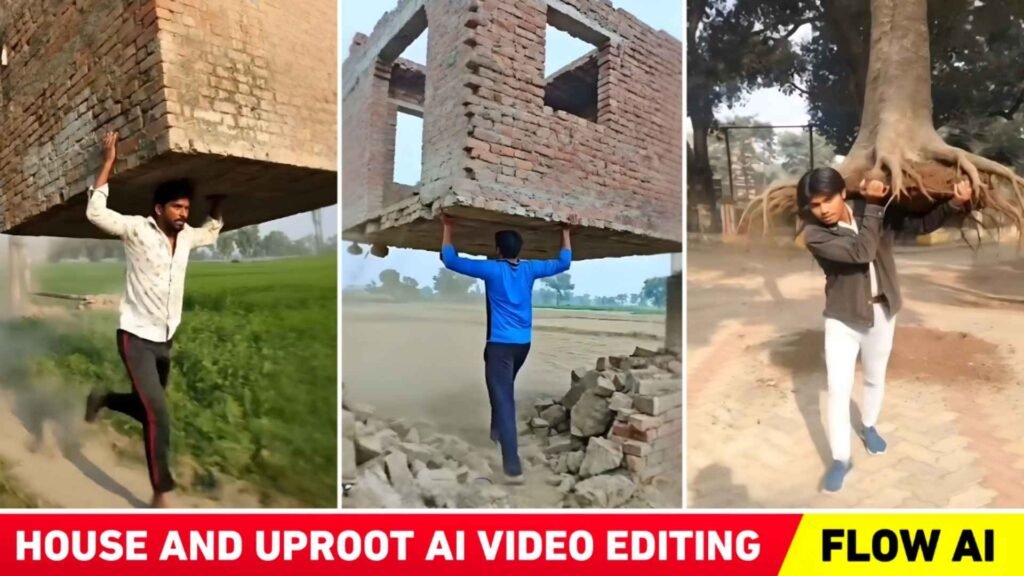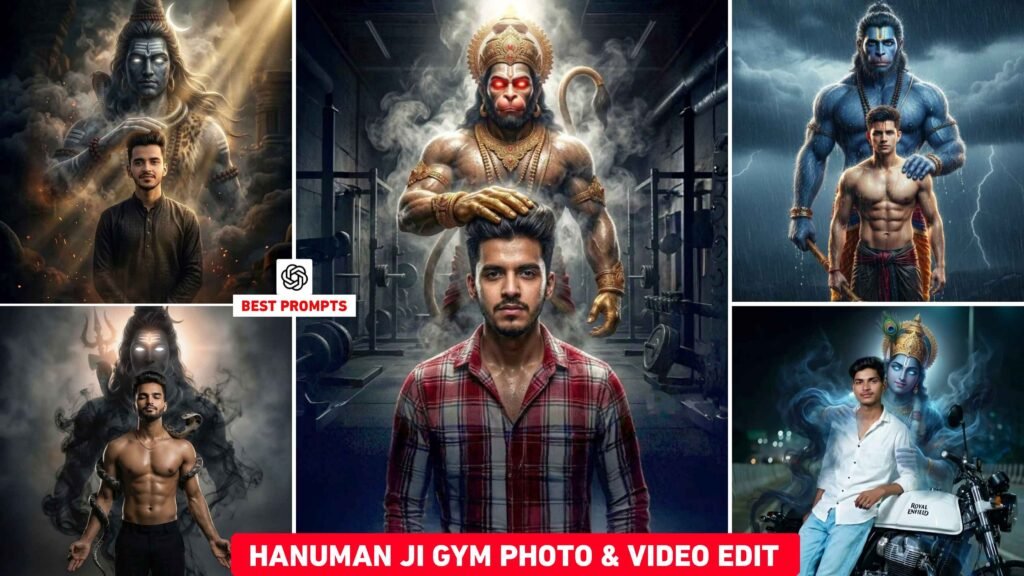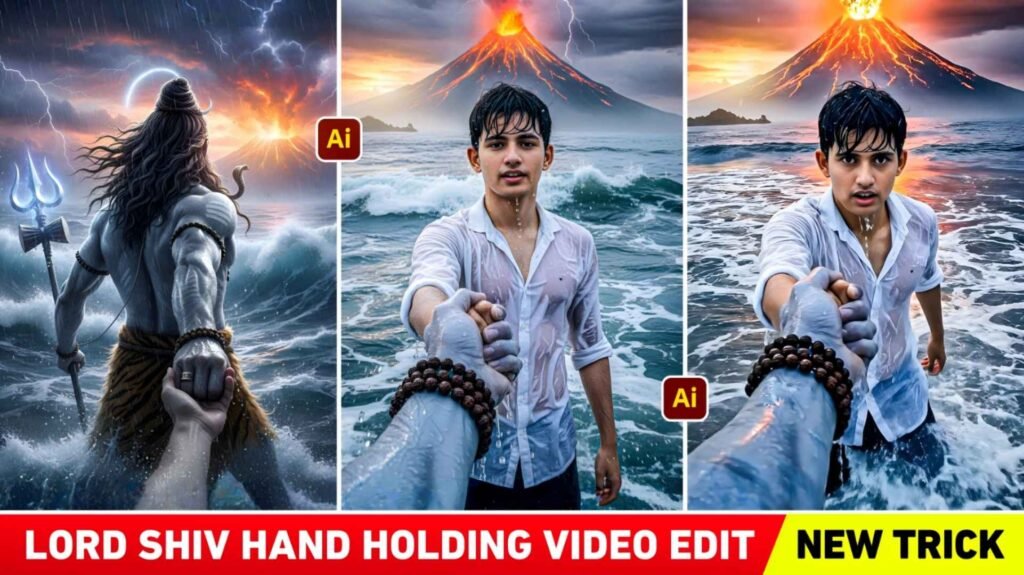
Friends, now people do not use any editing app like PicsArt, Snapseed and Lightroom at all for changing clothes or background in photos or for doing any kind of editing. In today’s time, everyone uses AI for editing, whether it is photo editing or video editing. Earlier people used to use PicsArt App to add girl in their photo. Now, with the help of just one prompt from AI, you can add any kind of girl to your photo. Today’s article is going to be related to how with the help of AI you can add a girl to any type of photo and edit it well. Not only this, we also learn how to add a girl to a photo and also how to make a cinematic video of her. This is also going to be told in this article. Because many people like to edit their photos by adding a girl. We’ll share some prompts for doing this type of editing. By using AI tool, a girl can be easily added to the photo. A video can also be made along with it. We will also tell you which is the best AI tool.
Complete Guide Add Girl In Photo And Create Video
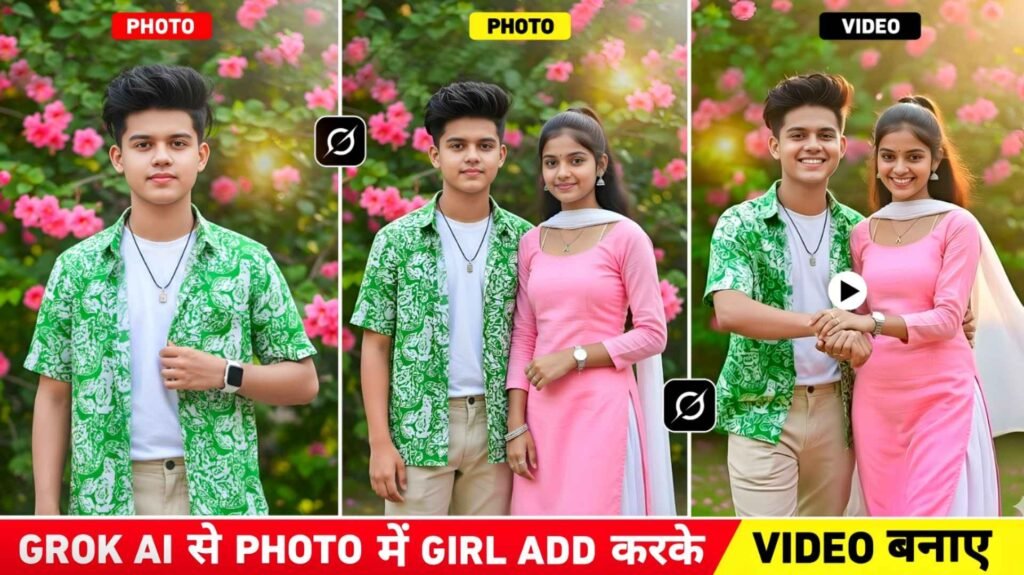
In this we will share three prompts with you to make a video by adding a girl to the photo. First, with the help of Prompt, you can create a stylish photo of your own as you can see in the photo shown in the thumbnail. To make such a photo, you will only need a good quality selfie photo. With the help of another prompt, you can add a beautiful Indian girl to that photo. The third prompt will be for making a video. By using all three prompts in a single Ai tool, you can create both photo and video, which is named Grok Ai. Because we saw in Grok Ai that along with making photos, it can also make videos easily. Using the first and second prompt in Grok Ai, first create a photo and then create a video from the photo by selecting the Create Video option there. Whatever photo you create with the help of Selfie Photo, you will be wearing a green shirt and white t-shirt. There will also be a watch in hand and a stylish locket around the neck.
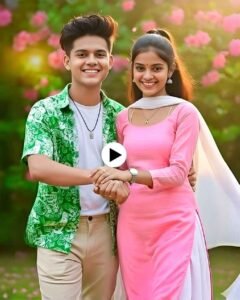
The girl will be in suit and salwar which will also have pink colored suit and white colored coverall. Talking about the video, it will be of cinematic romantic type. In which the boy and the girl will walk holding each other’s hands.
Why Did We Suggest Editing With Grok Ai?
I suggested doing this editing with Grok Ai because in all other Ai tools we can only create photos. To make videos we have to use other AI tools, but this is not the case with Grok AI. Both photos and videos can be made in Grok Ai. Secondly, he makes two photos and gives them. Even if someone doesn’t like one photo, they will definitely like the other. In this, photos can be made without logging in. In all the rest we have to login first. The photo is also made of very good quality and the photo is ready in just a few seconds. To create photos with Grok AI, you can either use its application. Otherwise you can go to its website. Now everyone makes photos using AI only. All I would suggest is to install the Grok Ai application from the Play Store and then create photos in it, because the user interface of the application is very simple. To add a girl to the photo, even if you write ‘add to girl’ in the prompt, the girl will be easily added to your photo. Rest let us know how to edit using it.
Add Girl In Photo Prompt


How To Add Girl In Photo Using Grok Ai?
To do such editing, first you will have to make a good photo of your own, as I have already told you, so for that, look at the first photo we have uploaded and copy the prompt carefully. After copying, install Grok Ai App on your phone from Play Store or App Store. If asked to login then login. Then to make a photo, click on the media option below and click on Photos and upload a good quality selfie photo of yours. Enter the prompt you copied from our website in the chat box. If you want to customize the photo, like changing the clothes in the photo, replacing shirt with T-shirt or changing the color, then you can change the name of the clothes in the prompt and then click on the send button. Two photos will be ready in some time. Click on whichever of the two you like and save it by clicking on the Save button below. Now to add the girl, click on the media option again and upload the created photo. Enter a prompt in the chat box and send it.
Create Photo To Video Using Grok Ai Prompt
Making a video is also very easy, all you need to do is copy the prompt given in this paragraph, after copying it. If you want to add the girl in the photo with Grok Ai, then edit it properly with editing app so that the video becomes of good quality like color grading in the photo, enhancing the photo, all this. After doing all this, let us tell you step by step how to make a video.
Photo To Video Prompt
- Go to the grok ai application.
- Select the Create Videos option.
- Add the same photo from the gallery where you added the girl.
- Click on the Video option on the right side and click on Custom.
- Now enter the copied prompt in the chat box.
- Click on the send button and wait for a while.
- After some time, the tool will create the video.
- Click on the video and watch it carefully.
- If the result is not good, try again.
- Save the video to your device by clicking the Save button below.
Findings
This is what we have told in this article. How with the help of AI you can add a beautiful girl to any kind of photo and make a video of it, which everyone is doing these days. In this, we have talked about an AI tool that can create both photos and videos. Adding a girl to the photo and making a video of it has become a new trend. We have explained editing related to this here. We have shared three types of prompts that help you edit easily. So if you are also thinking of making a video by adding a girl to your photo, then this will be a good option.

I’ve Been editing photos and videos for over 5 years. Here, I share Lightroom Presets, Ai Photo Editing Prompts, Vn Templates, and easy editing tutorials so you can give your photos and videos a professional look. Welcome to the world of creative, high-quality editing