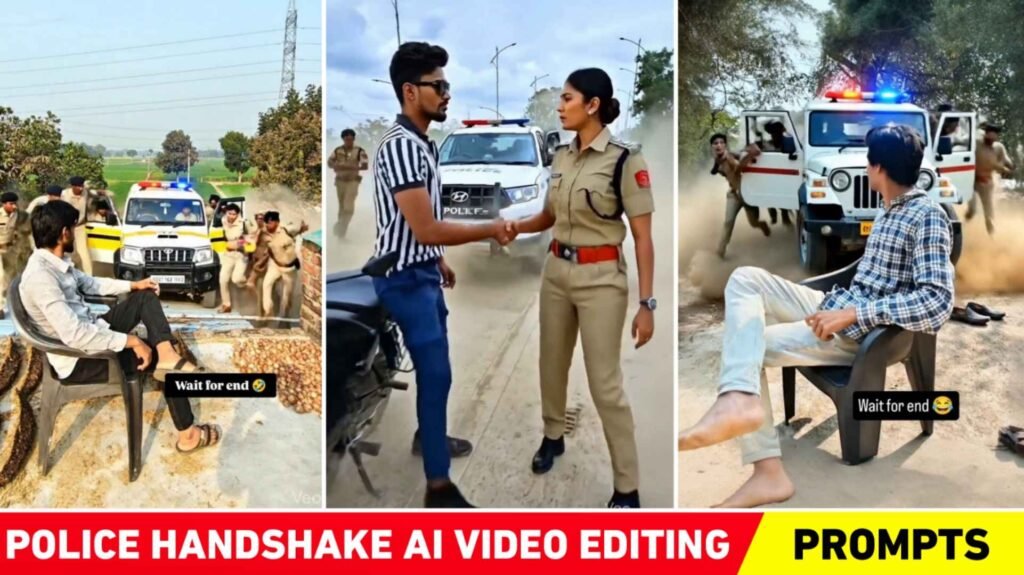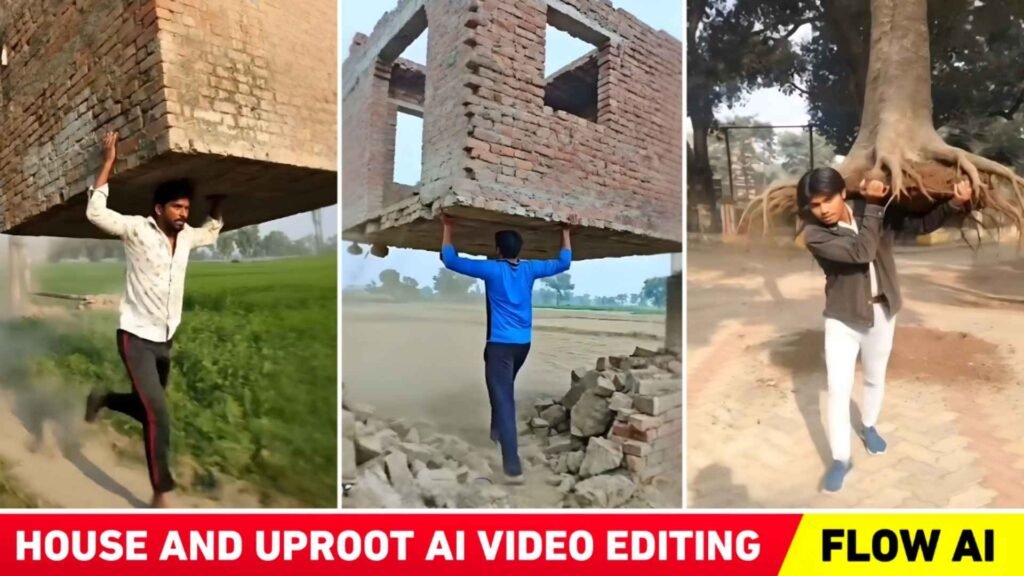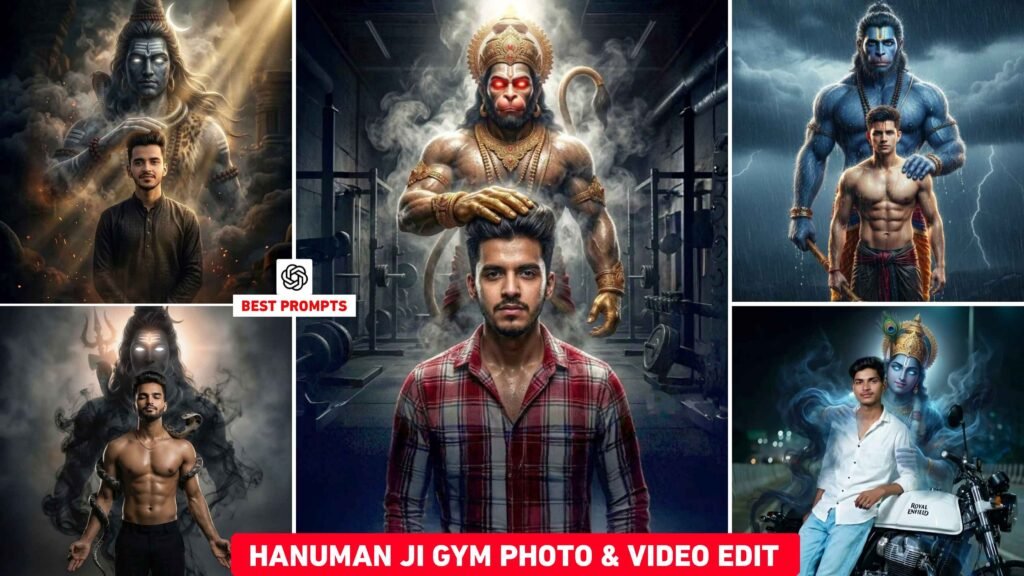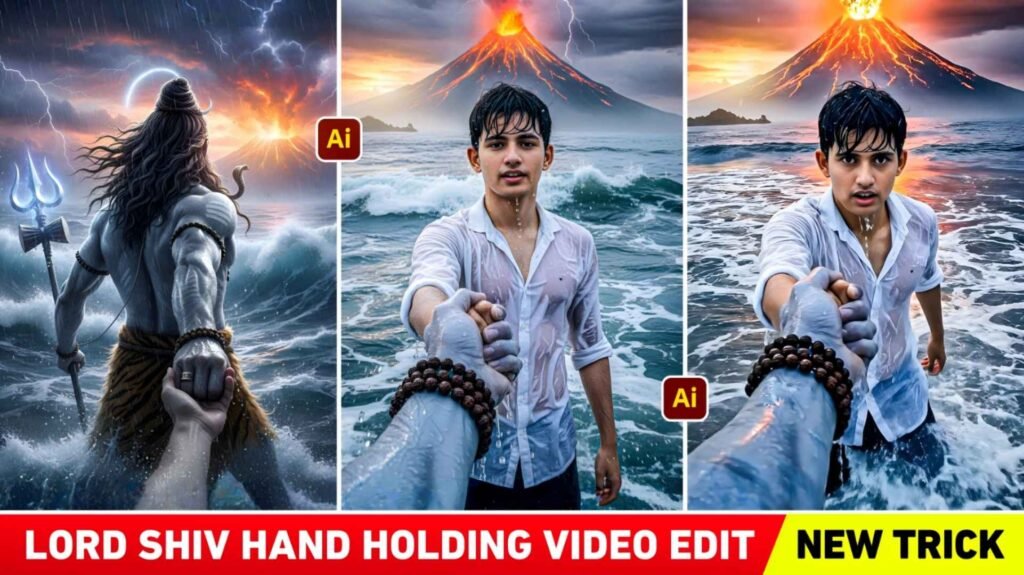
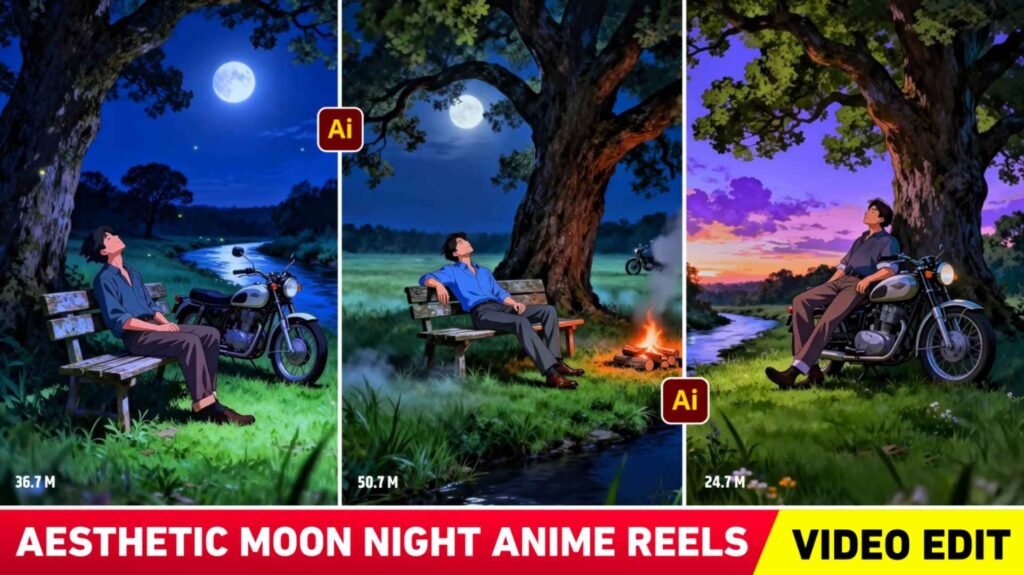
Aesthetic Anime Reels Editing – Who doesn’t like doing aesthetic editing. Everyone you see likes to do aesthetic editing very much. Be it a boy or a girl, recently we saw an Instagram ID who is making and posting aesthetic videos which are going viral. The purpose of which is to show a feeling of peace, tranquility and loneliness. In today’s time, everyone has some problem in their life. So he is making and posting the video accordingly. You can also know that type of video by the name of Aesthetic moon night Anime video. Today we will learn to make similar videos. Because this type of video is being liked a lot by the people. People often share that kind of video on Instagram Story WhatsApp Status. To do that kind of editing, first we will teach how to make a photo. After that how to make a video of that photo. We will also tell you which editing app we should use and what kind of song we should use after the video is made so that our video also goes viral. Everything will be told in it, hence read this article till the end.
Details Aesthetic Moon Night Anime Reels Editing
Mostly we have seen that a video of the boy is being made and shared. In which an intro scene is shown to show the life, dreams or memories of a boy. Like the beginning of a story like Small Town Boy Dreams Big, the video which has got the maximum views is the video Gaon ki shaam, train ki awaaz, thandi hawa. It is of “Bachpan ki Yaadein” type. Which makes everyone emotional. Different types of scenes are shown in all videos, so to make that type of video, we have to first make a photo. To make photos you can use gemini or chatgpt. We have also shared some photo making prompts with the help of which you can make photos. If you want to make a different type of photo, then you can change the text in the prompt as per your requirement, which means to make a video, first we have to make a good quality photo. There are many AI tools available for creating photos.
Like gemini, Chatgpt and Grok Ai with which you can make very good photos. Then the best ai tool for making videos is Flow Ai. Which can easily convert any type of image into video.
What Kind Of Background Music Should We Use?
If the video is of aesthetic, motivational or emotional type, then we should add background music accordingly. In such videos, we should use only lofi songs or we can save the videos which are going viral on Instagram and extract the background music from them and use them in our videos. We noticed that in most of these videos, Moon Night background music is being used which has a light motivational tone. And the entire night scene happens. In which a slight jhingur sound is also heard. In some videos, background music of village life can also be used, but photos will also have to be made accordingly. Only then will he be a good match. If there is still confusion as to what kind of background music we should use, then first make the video well and whenever you post it on Instagram, you can go to the video of the person whose video is going viral and click on Use Audio and use that audio in your video.
Aesthetic Anime Reels Editing
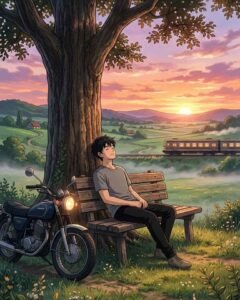

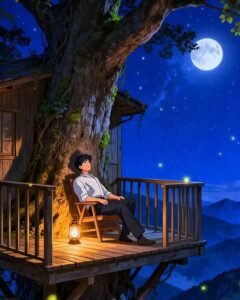
How To Make Aesthetic Moon Night Anime Photo?
Before making a photo, decide what kind of photo you want to make and prepare the prompt accordingly. For example, we have shared some prompts here which you can guess by seeing. If you want to make a photo using those prompts, you can make it. If you want to make the photo as per your wish, then copy the prompt given by us and put it in Notepad and make some changes in the text as per your wish to make the photo. After preparing the prompt, go to any AI tool and select the Create Image option there. If you want to create using your photo, then upload your photo there, otherwise just enter the prompt in the chat box and click on the send button. Within some time AI will create your photo and give it. Once the photo is created, click on your photo to save it and click on the save button to save the photo. If you don’t like the photo, you can try again. Similarly, you can make the photo as per your wish.
Make Aesthetic Moon Night Anime Using Flow Ai
As we told that currently the best AI tool for creating video from images is Flow AI because it makes very good videos and that too in HD quality, all the others do not make such HD videos. We also need a prompt to make a video. Now everyone will make all types of videos, so it is not possible to give prompts accordingly. But we are sharing a prompt which if used on any type of photo, Flow Ai will easily make its video. So copy the given prompt, after that let us know what we have to do.
Anime Reels Editing
- Open any browser and search for Flow AI.
- Now log in with your Gmail.
- Click on the New Project option.
- Select the Nano Banana 2 option at the bottom right.
- Now select the Video option and also select the Portrait option.
- Click on the plus option at the top and then click on Upload Image.
- Upload the photo created there.
- Now click on the Start option below and select the same photo.
- Enter the prompt in the chat box and send it.
- The system will begin creating the video. Wait a moment.
- To save, click on the video and save it by clicking on the save button above.
Conclusion
Overall, I’ll just say this: Today we’ve taught you how to edit aesthetic reels. Which is going viral on Instagram in the name of Aesthetic Moon Night Anime Reels Editing. In this, we have given information about making photos as well as videos. We have shared some prompts that help you easily create photo videos.
Thanks For Read This Artical.

I’ve Been editing photos and videos for over 5 years. Here, I share Lightroom Presets, Ai Photo Editing Prompts, Vn Templates, and easy editing tutorials so you can give your photos and videos a professional look. Welcome to the world of creative, high-quality editing