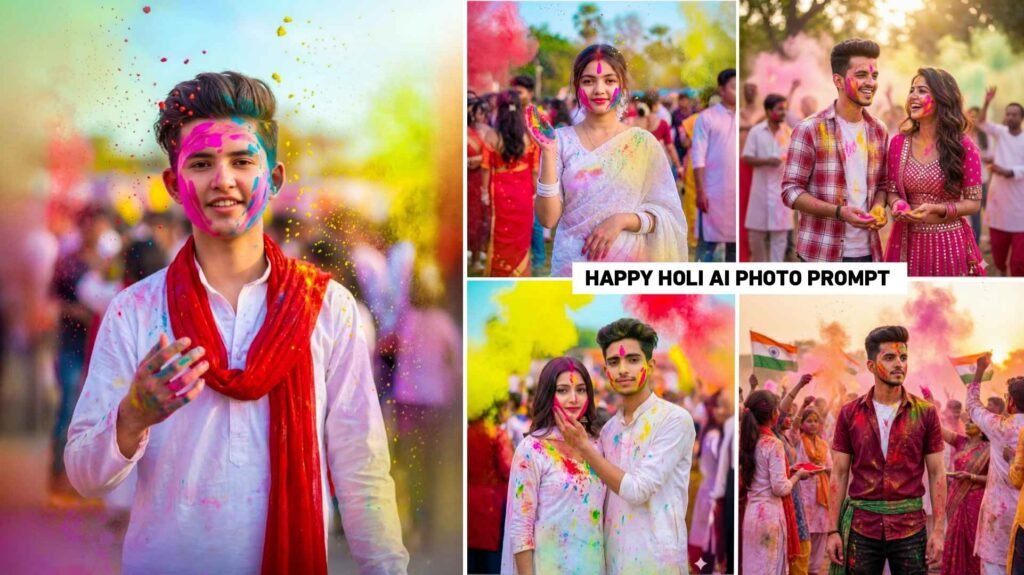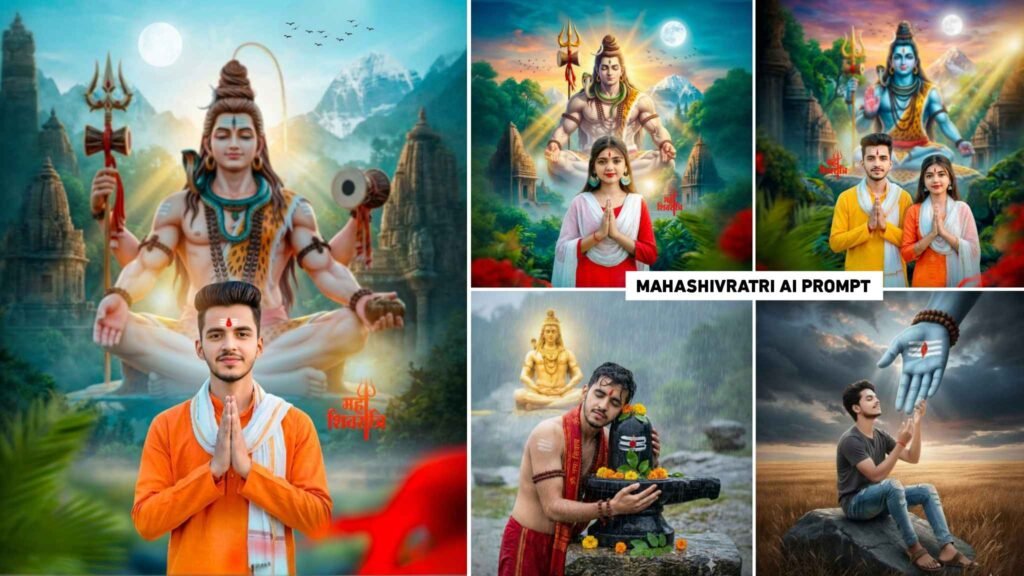

Boy Girl And Couple Ai Prompts – Everyone is interested in creating photos with AI. Be it a boy, a girl or a couple, in today’s time they create any kind of photo through AI. Many people are even making wonderful couple photos using prompts of their own and their partner’s photo. The biggest role in creating photos is played by Google Gemini and Chatgpt AI tools. Because these are the two AI tools which are very popular today for creating any kind of photo. Without prompt we cannot create photos with any kind of AI. Unless we give some prompt. Our photo is not made that way. Now everyone is interested in making photos with AI, due to which there are many AI photos on social media which become very viral. In this article we are going to share the prompt of all those photos. That is to say, the photo created by AI is going viral on social media, especially on Instagram. We are going to give prompts of all those photos in this article. In this we will share prompts for making photos for all, boys, girls and couples.
Complete Information Boy Girl And Couple Ai Prompts
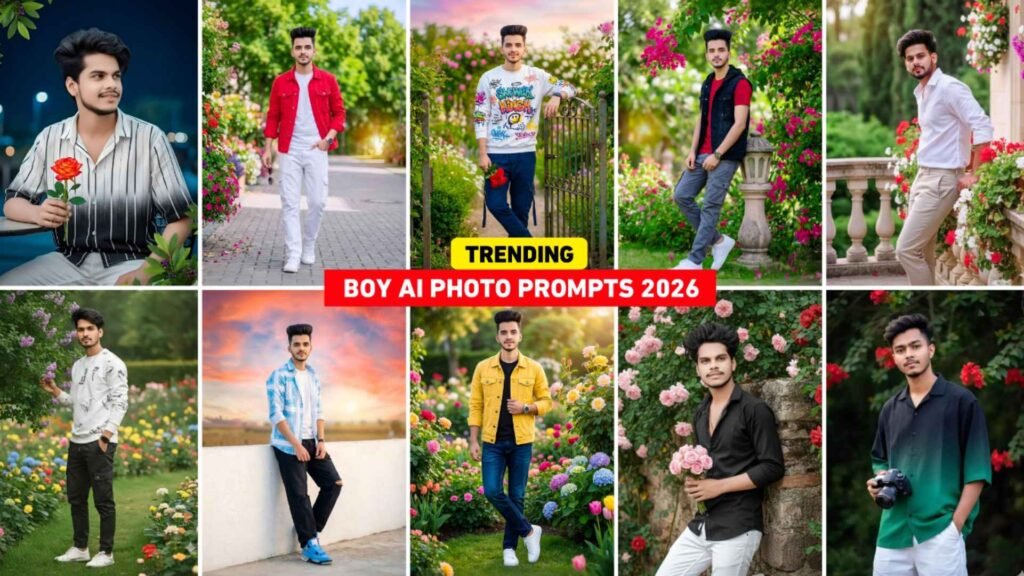
There are many such photos which are going viral. But in these we will give prompt of those photos which are really going viral. If you create a photo using whatever photo prompt you give for the boy, then in every photo he will be wearing Stylish Dress, Sunglasses, Sneakers. The photo will be of both outdoor and indoor. Using all the prompts, we first created photos with Gemini Ai and saw that the face background was created correctly in each photo, only then I shared the prompt with you. In this article we have given 6 to 7 types of prompts with photos. Apart from this, we have also given prompts with lots of photos in our WhatsApp Channel. From where you can easily copy and create photos using Gemini. To make the photo, use such a photo in which the face is clearly visible. Only then will the face match properly in the photo made by Gemini. After creating the photo from the given prompt, do color grading in the photo with the help of Lightroom app. After color grading, your photo will look even better.
Make A Gemini Created Photo Even More Stunning
If you make photos with AI then you must have seen this thing at some point or the other. AI makes our photos so good that we do not need to add anything to it. That means there is no need to edit anything through a separate editing app. But what happens sometimes. AI creates our photo but we have to improve some things in it so that our photo looks even more wonderful. We have seen that people do color grading of their photos with Lightroom app before sharing it on social media and then send it to PicsArt app and add anything. Like light PNG, signature logo, they post it only after adding it. Some people also do color grading of the photos with the help of Lightroom presets and also expand the photos and post them. You can use hypic photo editor to expand. If there is really a need for color editing in the photo made by Gemini, then you should do color editing in the photo, otherwise sometimes after doing this thing the photo starts looking even worse.
Boy & Girl Ai Photo Prompts



Boy And Couple Prompts




Create Boy Girl And Couple Ai Photo Using Gemini Prompts
It is quite easy to create any kind of photo with Gemini. We have seen people create photos even without uploading them. Before making a photo, it is very important for us to pay attention to some things. Like a prompt, a small prompt is a good thing, make a good photo. Secondly, upload the selfie photo, Chhota Achha and Safa photo and the face will match in the photo from the same account. Let’s learn step by step how to create a photo with prompt and selfie photo help key.
- Install the Gemini app from the Play Store.
- Open the app and login with Gmail.
- After logging in, you’ll see the Create Image option. Click on it.
- Upload your selfie photo by clicking on the media option at the bottom left.
- Whatever prompt you have copied, paste it in the chat box.
- Click on the send button at the bottom right and wait for a while.
- Gemini may have started making your photo.
- After the photo is created, click on the photo and view it.
- Save the photo by clicking on the download option at the bottom.
- Similarly, you can create p
Google Gemini Photo Enhance Ai Prompt
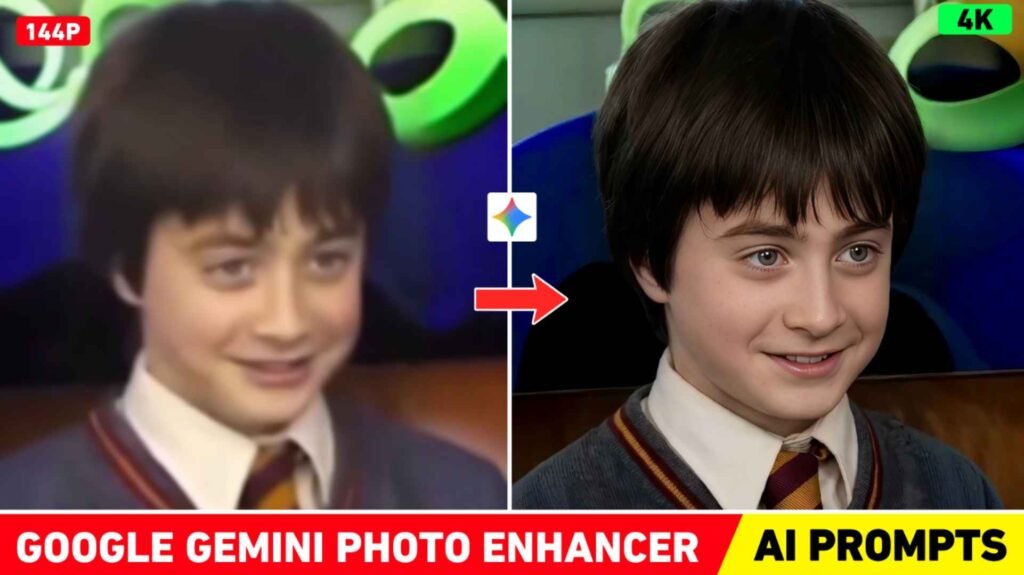
After creating photos with AI, people definitely make their photos HD before posting them on Instagram. That means enhance, so that the photo stands out. To do this, people use various editing apps like PicsArt, Magic Eraser and photo enhancer apps like Remini. But let me tell you. Now there is no need to do this at all because now you can make any photo in HD with Gemini itself. For this, photo enhancer prompt will be required, we have given the prompt related to this in the previous article. You can see by visiting AI photo editing catogery of our website. Otherwise, click on the search option and search by writing Enhance Prompt. You will get to see that post there; then click on that post and follow the prompt to create any kind of blurred photo in 4K HD.
Overall
Overall I would like to say this much. In this new article, we have shared a boy girl and couple prompts for some boys, girls, and couples to create photos with AI moreover, it will help you generate high-quality images easily. which can be used very easily in Google Gemini or Chatgpt AI tool to create exactly the same photo as you have seen in the thumbnail. In this, after making the photo, we have made that photo even better like color grading the photo to HD, how to do all this. Information has also been given about this. After telling all this, therefore you must have learned to create photos with the help of AI. If you still have any problem then please ask us in the comment box.

I’ve Been editing photos and videos for over 5 years. Here, I share Lightroom Presets, Ai Photo Editing Prompts, Vn Templates, and easy editing tutorials so you can give your photos and videos a professional look. Welcome to the world of creative, high-quality editing