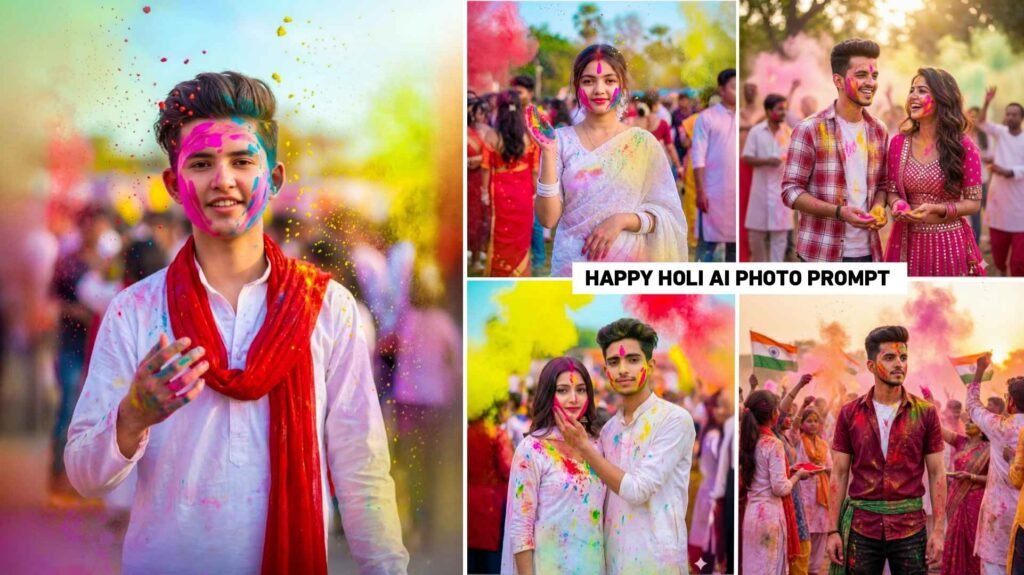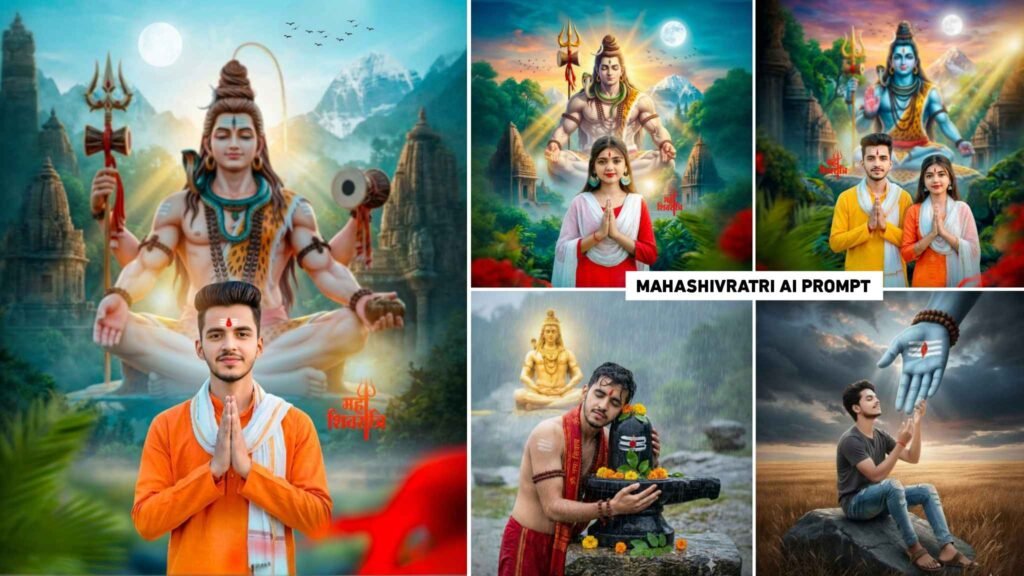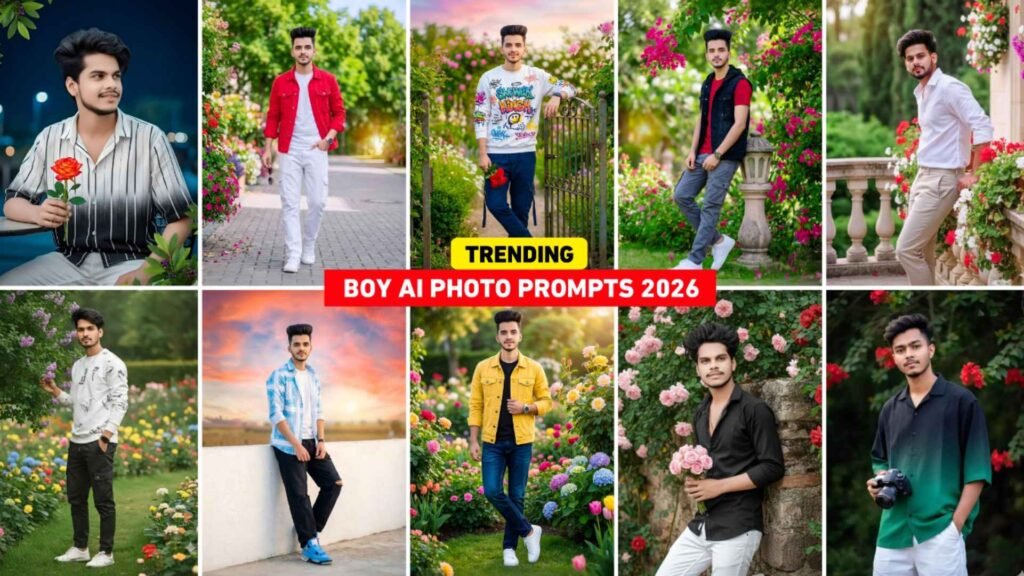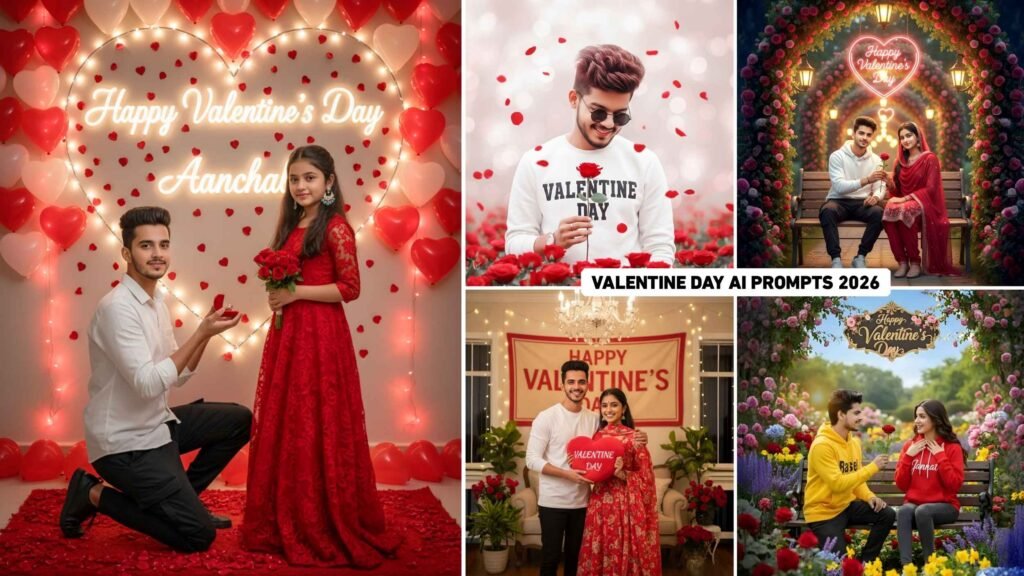
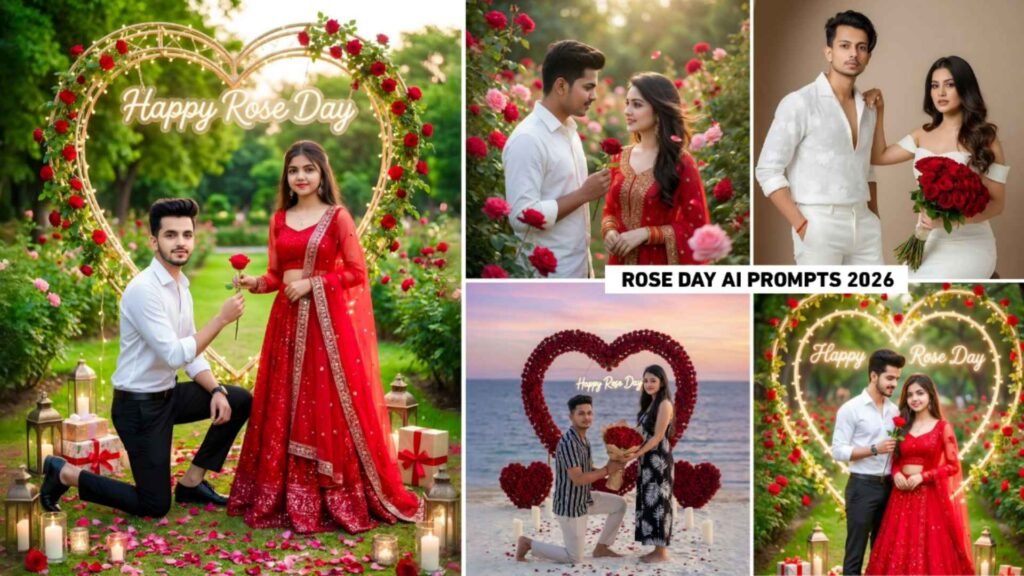
Google Gemini Rose Day Ai Photo Editing Prompts 2026 – Friends, the month of February has begun. As you know this month is very special especially for couples because Valentine’s Week falls in this month starting with Rose Day. On Rose Day people express their feelings by giving beautiful red roses to their partners and share their love with the world on social media. As you know taking and sharing photos has become a huge trend these days. This time Ai has taken this trend to a whole new level. This is because, with the help of tools like Google Gemini, people are creating incredibly beautiful and realistic cinematic Rose Day pictures from just a simple selfie. These pictures are going viral on Instagram and Facebook. Keeping all this in mind, in this new article, we are giving you many prompts to create Rose Day pictures.
Google Gemini Rose Day Ai Photo Editing Prompts 2026
A few years ago, before the age of Ai, people would take pictures on Rose Day and then use editing apps like PicsArt and Snapseed to add backgrounds, roses, and text to create a special look. But now, Google Gemini has completely changed the game. These days, people simply upload a selfie and, with the right prompt, create a photo in just a few moments. In this article, we’re providing prompts for all kinds of Rose Day photos. Whether it’s a boy kneeling and giving a rose to a girl, a couple standing in a beautiful park background, or a girl smiling and giving a rose to her partner, we’ve included some reference photos so you can easily copy the prompts for your preferred style and create the perfect photo.
Gemni Rose Day Prompt



Rose Day Ai Photo Prompt


Create Gemini Rose Day Ai Photo Editing Using Prompts
Creating photos is incredibly simple. If you find a prompt along with a photo from anywhere. You can go to the Google Gemini website or use the application to create the photo. Both methods produce the same result. You need to copy the photo prompt of your choice from here. Then, open Google Gemini. First select the “Create Image” option as we are creating a photo. After that click on the plus button at the bottom. Select the media option and upload any selfie photo from your device. Paste the prompt you copied into the message box. After doing this click the send button on the right side and wait for a while. Gemini will start generating your image. After a short wait your photo will appear. Click on your photo and then click the save icon to save it to your device.
How To Perfectly Match Your Face?
Sometimes, when we create photos using Gemini, our face doesn’t match properly, which causes a lot of frustration. My advice is that whenever you create any kind of photo with Gemini, make sure the photo you upload shows your face clearly and distinctly. Because Gemini creates this photo based on the selfie photo you uploaded. It also depends on the prompt if the prompt is written correctly specifying that the generated photo. Should have the same face as the uploaded photo. Then Gemini will create a photo with a very realistic face. If you’re also facing the problem of your generated photos not matching the face correctly. You can try this at the very end of your prompt, add “100% real face” and give it another try. It has been observed that doing this often results in a perfect match of the face.
Conclusion
In summary, this is all we wanted to say. In today’s new article we have provided some prompts for generating Ai images. Using Gemini for the first day of Valentine’s Week which is Rose Day. If you also want to create various photos of yourself and your partner with your faces incorporated into Rose Day themes. Then these Google Gemini Rose Day Ai Photo Editing Prompts 2026 will be the best option. We have included all the prompts that are currently going viral on social media apps like Instagram and YouTube.

I’ve Been editing photos and videos for over 5 years. Here, I share Lightroom Presets, Ai Photo Editing Prompts, Vn Templates, and easy editing tutorials so you can give your photos and videos a professional look. Welcome to the world of creative, high-quality editing