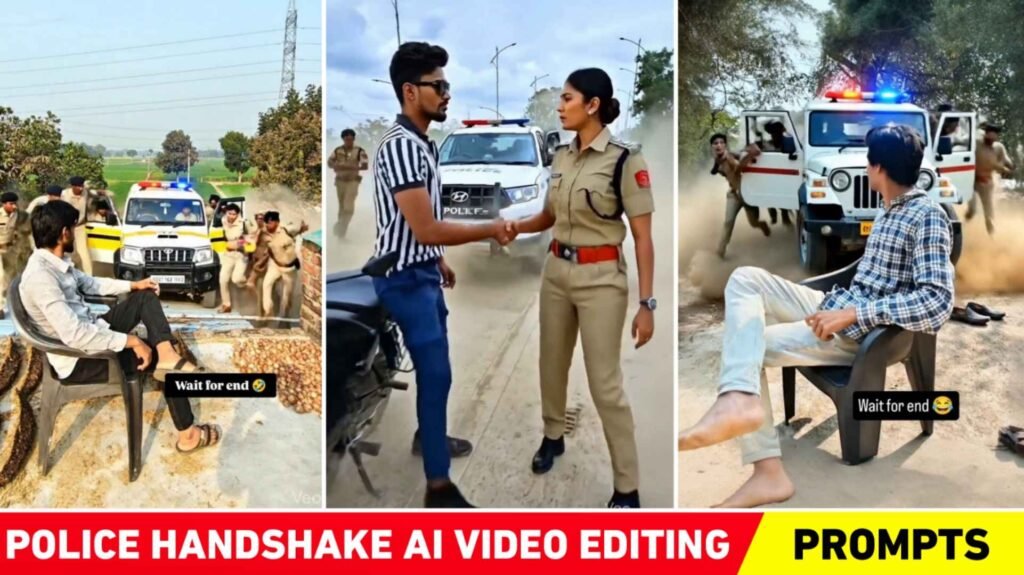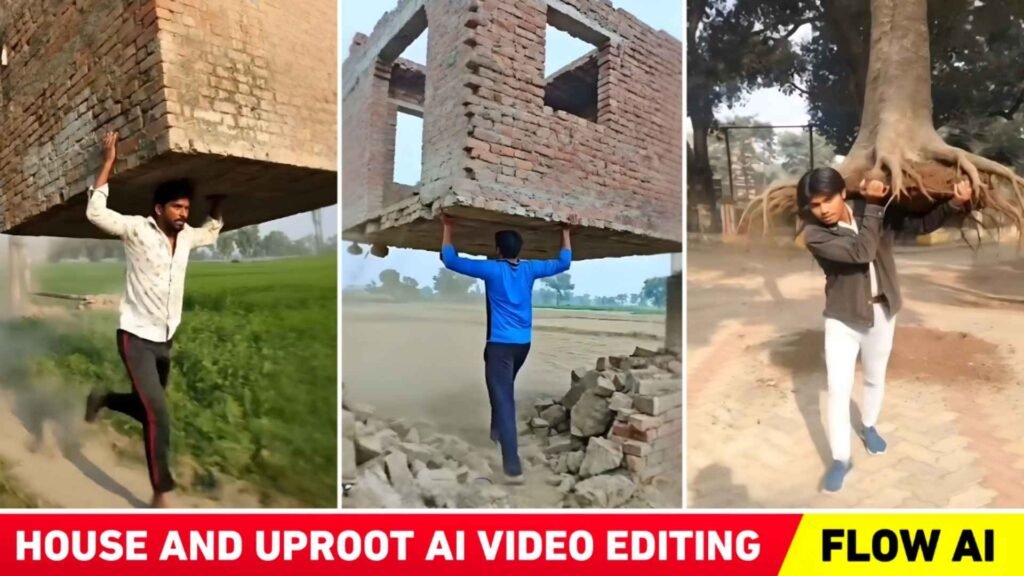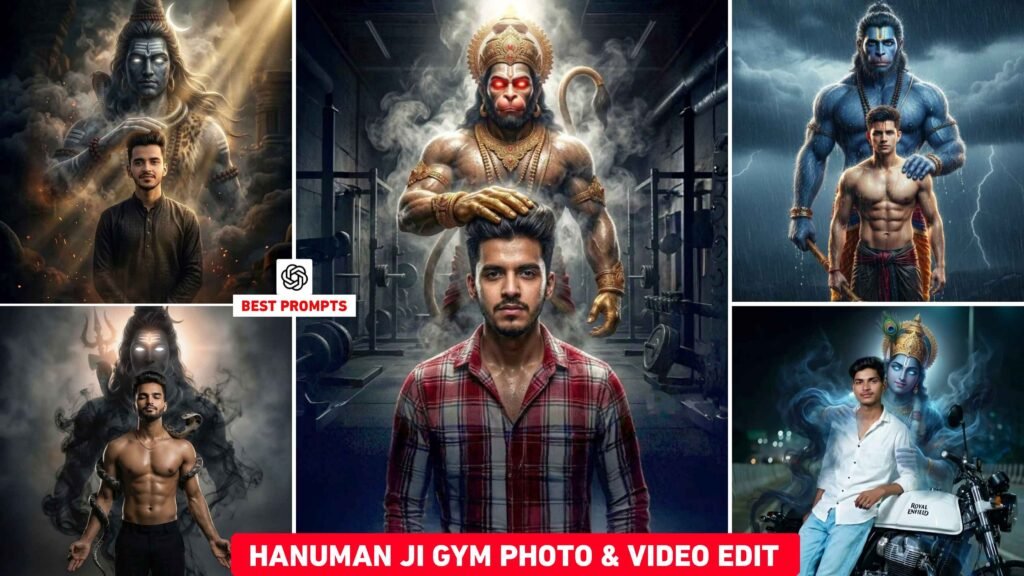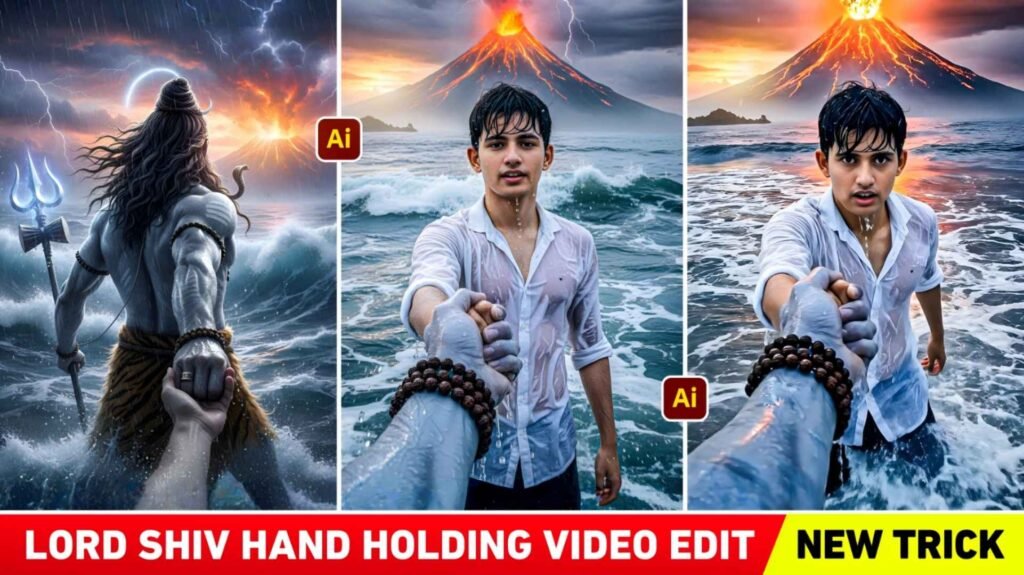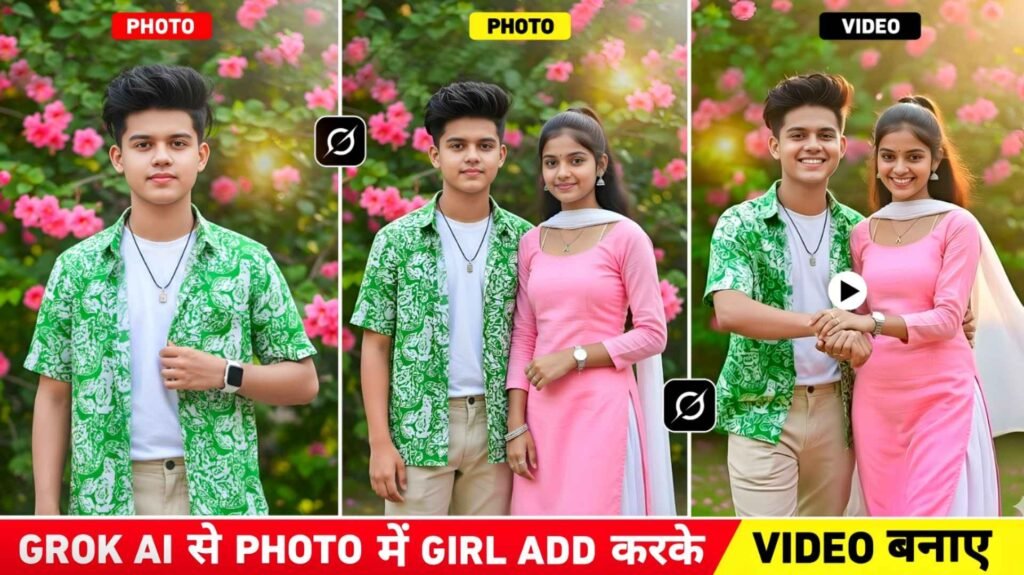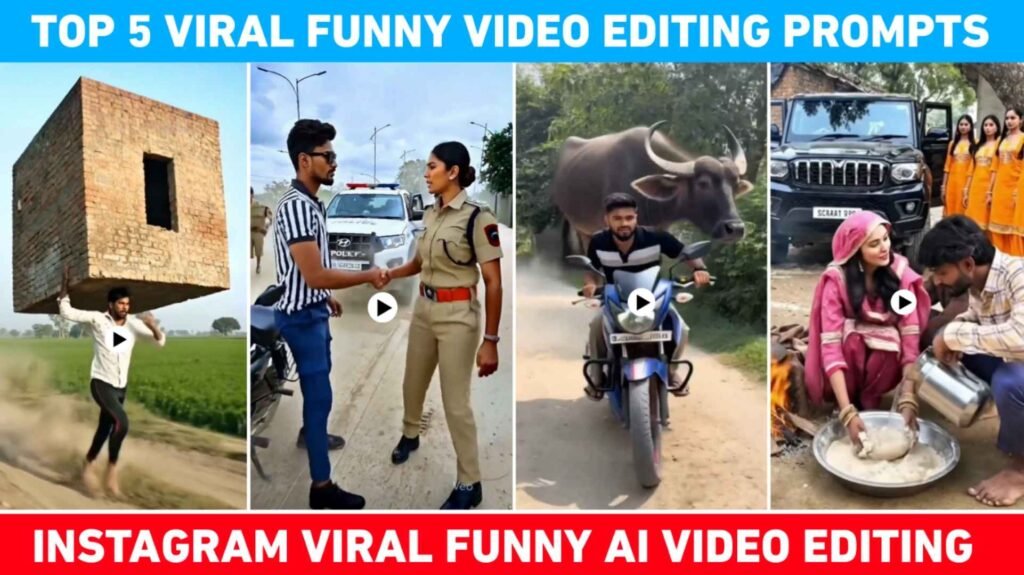
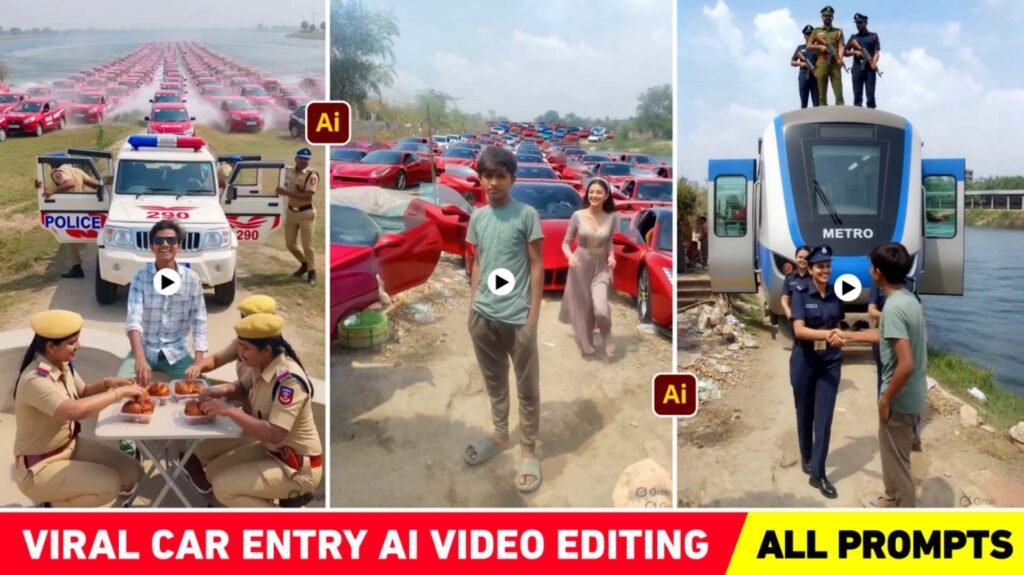
Police Car Entry Ai Video Editing – You must have seen many people making funny types of videos on Instagram. People who create and share with AI. People are making different types of AI videos using just one of their photos. For a few days, I have been watching a brother who is making different types of videos and you will not believe that whatever video he is making and sharing, every video is getting millions of views. I saw that everyone wants to make that kind of AI Video. But no one knows how to make that kind of video. So now there is no need to take tension because today we will tell you. How to make that kind of AI video and post it on Instagram and go viral. Let me tell you that kind of videos people make using Google Flow Ai. Whatever prompt you use with your photo in Flow Ai, the same video will be created. Some people were earlier making such funny videos using Grok AI. But now video is not being made in it. In this article we are giving prompts to make some AI Videos.
Breakdown Of Police Car Entry Ai Video Editing
Well, the funny videos that people are making and posting at the moment are of different types. But one thing I have seen in every video is that the boy remains standing in every photo and a car comes from behind him. Be it a train, bus or car. In each video, a different type of vehicle comes and sometimes a police officer comes out of it and shakes hands with the boy and sometimes a big celebrity shakes hands. Not only this, they also put a table and chair right in front of the boy and give him food, which looks quite fun. Due to all this, this video instantly goes viral on Instagram because nowadays people mostly like to watch funny videos. Often you will see people watching Instagram reels or YouTube shorts to refresh their mind. That is to say, if you also make and share such a video and your video is seen in front of someone and if he watches your video thoroughly once or twice, then other people also start getting suggestions.
You can use any kind of photo to make such a video, but try. There should be such a photo in which the background is completely empty i.e. there should be some road scene, light trees, plants etc. So that the vehicle in the background of the photo created by AI matches well.
Why Should Such Videos Be Made Only With Flow AI?
Apart from flow AI, there are other AI tools using which such videos can be made. I noticed that earlier people were preferring to make such videos using Grok AI. But recently there was an update in Grok Ai in which now we need to pay to make videos. If you have subscribed to Google Gemini and have the option to create a video, then you can create this type of video from there also. But for now we have seen most of it. People are making such videos using flow AI only. Because it is much easier to create such funny videos in flow AI and we write prompts in it. Our video is made exactly as per the prompt. flow ai gives us results accordingly. In flow AI we can easily create video not only from images but also from text. That’s why whatever prompt I will give in this, make your video using this AI tool. Let us explain clearly in the next paragraph how to make a video.
Car Entry Ai Video Prompts
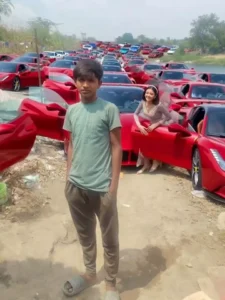
From the two front cars, two elegant girls in matching long dresses step out and walk toward the boy in slow motion, soft wind moving their hair and dresses. The parked cars create a powerful, rich backdrop.
The girls reach him, smile, and shake hands as the boy looks surprised and proud. Smooth tracking camera, slight zoom, shallow depth of field, realistic lighting, dust particles, soft sunlight, 4K cinematic reel style. Duration: 8 seconds.
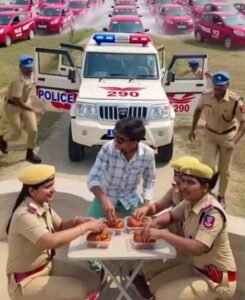
Car Entry Ai Video Editing
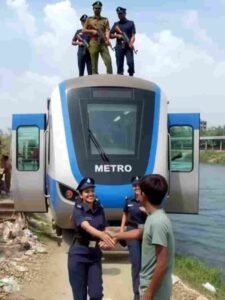
Create Police Car Entry Ai Video Using Flow Ai Prompts
Look, we have shown a lot of images in paragraph four. You will see a prompt just below the image, so guess by looking at the image. Copying the prompt depends on the type of video that can be made. You can copy the prompt by holding and pressing it. After copying, in paragraph four itself, we have given a button named create video which is of flow ai. You will click on that button. You will reach the website directly. There, first of all click on create with Flow option and login with your Gmail. After login, select the new project option and make nano on the right side. Click on two options, select the video option and then select the portrait. Select 1x and tap once anywhere. Now click on the start option, click on the upload option and add one of your photos.
After adding the photo, select it in the start frame and paste the copied prompt in the chat box and click on the send button. As soon as you wait for some time. Your video will be ready. Click on the video and watch it, if you get good results then save it. If not found then try again.
Conclusion
In this article we have told about making viral funny type videos going on Instagram. You must have seen many such videos on Instagram in which a police car suddenly appears in front of the boy or a big celebrity’s car comes and he comes out of it and hugs or shakes hands with the boy. So in this article we have given a prompt to make a video related to the same. This is all about how to create a video using Prompt in Flow Ai. If you are also interested in making such videos then today’s article is going to be very special for you. You can also create such a video and upload it on Instagram from the given prompt.

I’ve Been editing photos and videos for over 5 years. Here, I share Lightroom Presets, Ai Photo Editing Prompts, Vn Templates, and easy editing tutorials so you can give your photos and videos a professional look. Welcome to the world of creative, high-quality editing