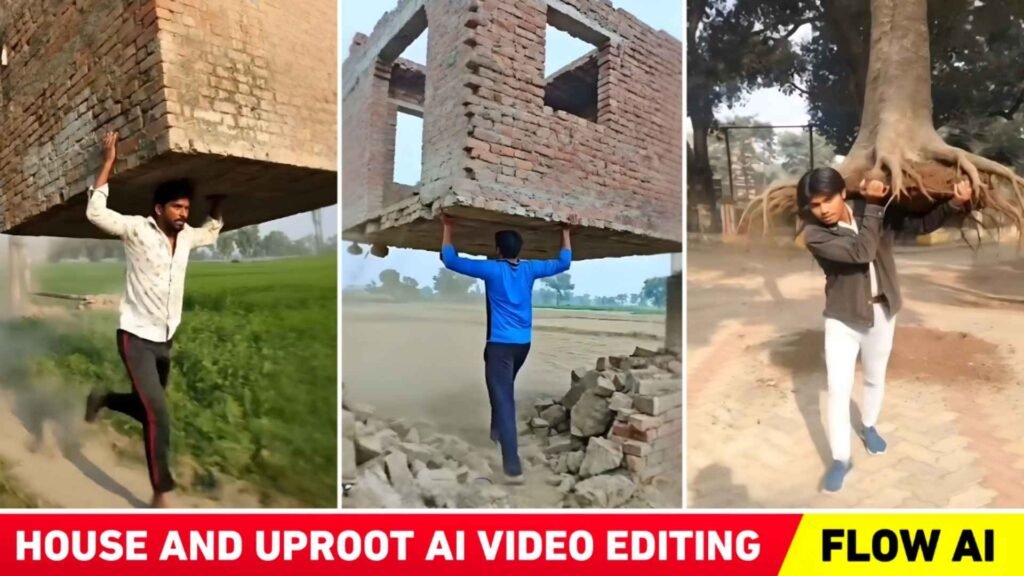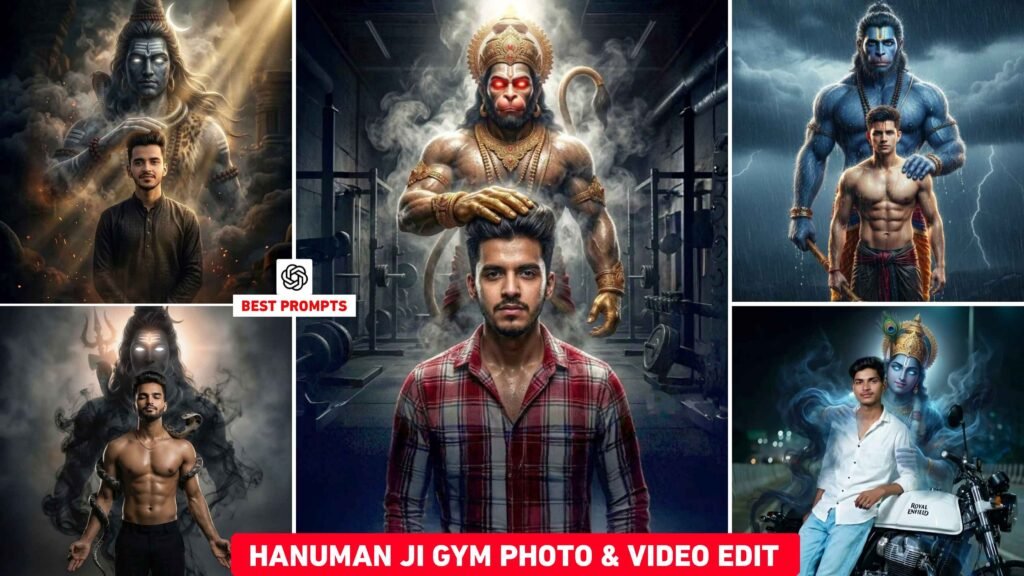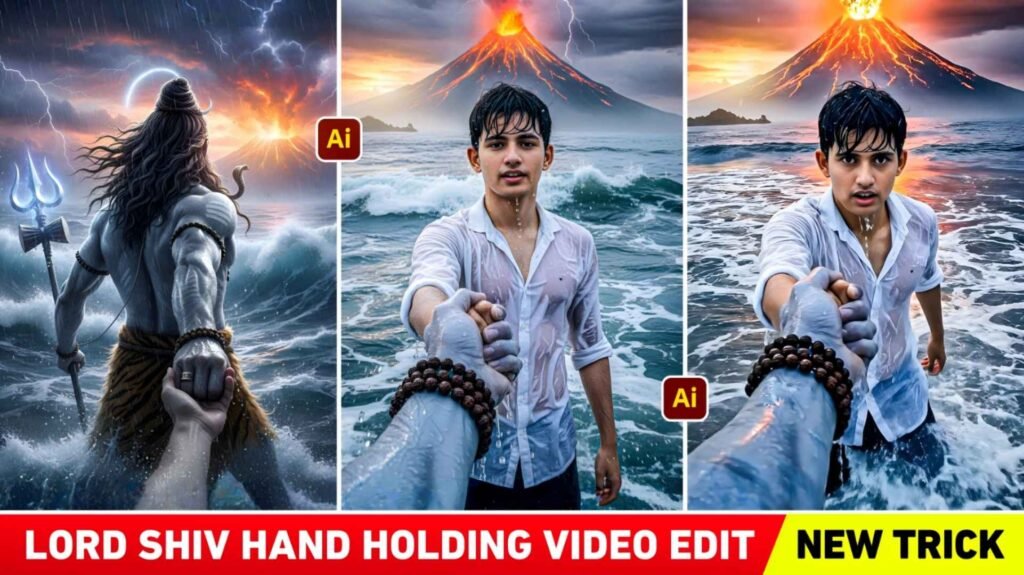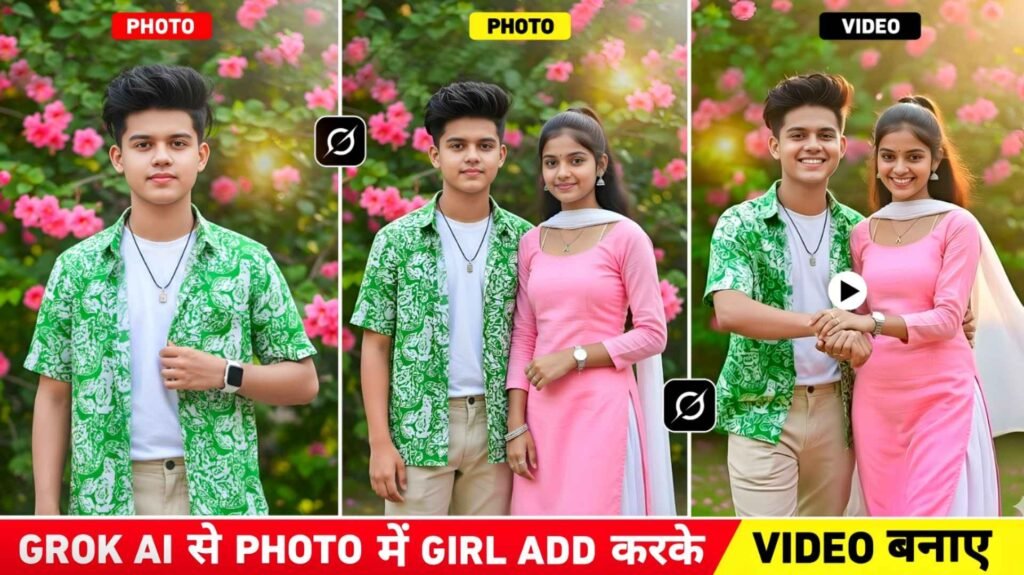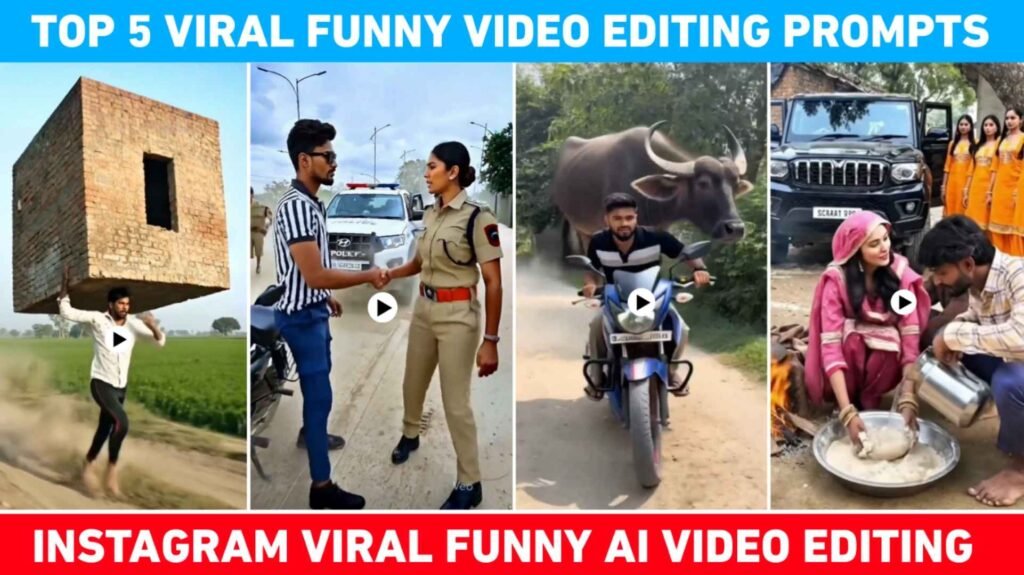
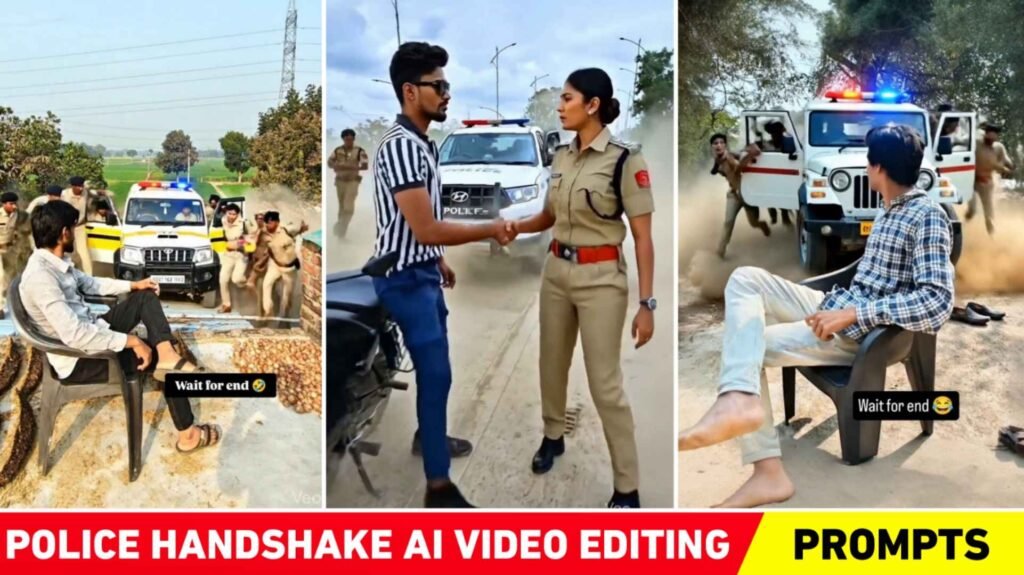
Police Handshake Ai Video Editing – If you use Instagram, you’ve probably seen a video recently that’s gone viral on the platform. People are creating videos of themselves shaking hands with a police officer, using just a single photo. They are using any kind of photo to create these videos, which are going incredibly viral on platforms like Instagram and YouTube. People call these videos “Police Handshake AI Videos.” So today’s article is related to this topic, and I will explain how you can create similar viral videos. Let me tell you all the videos you’re watching related to this topic are being created with the help of AI. In this process people first take a photo of themselves and then create a video based on that photo using the correct prompt. In other words having the right prompt is extremely important for creating that kind of video. So, in this new article, we are providing you with some great prompts to create trending Police Handshake Ai videos. With these prompts, you can create similar videos in just a few simple steps.
Detail Of Police Handshake Ai Video Editing 2026
People are creating their own versions of this viral trend. In most of the videos we’ve seen a photo is displayed then police officers appear driving a car and finally they shake hands with the person in the photo. The background music used in these videos is a song by Bhojpuri actor Tuntun Yadav. We’ve seen that everyone is creating these videos in their own way. So, you can customize the prompts we provide in this article and create your video accordingly. However, when you upload the video to Instagram, choose the same background music that everyone else is using. To create the Police Handshake video, first, you need to take a good photo, then carefully copy the prompt provided by us. Use the Flow Ai website to create the video. This is because Flow Ai creates these types of videos. In the next paragraph, we will explain the step-by-step process of creating videos with Flow Ai.
How To Create A Handshake Ai Video Using Flow Ai
Look, creating a video is incredibly easy. First, all you have to do is this. We will provide a prompt after an image sample in this paragraph; simply copy it carefully, and then go to the Flow Ai website. You can access the Flow Ai website by typing “Flow Ai” into any browser. First log in using your Gmail ID. After logging in click on the Create a video button then click on New Project and select Frame To Video instead of Text To Video. Now click on the plus icon and add any photo of your choice. After adding it crop and adjust it slightly to your liking then click Done. Paste the same prompt that we provided into the message box. After doing this you will see a Send button on the right side. Click on it and your video will start being created. You will need to wait for a short time. As soon as the loading reaches the video will be ready.

What Is The Reason For This Video Going Viral?
Look, you probably already know this. People on Instagram create and upload new types of videos every day that haven’t been made before, and when someone creates and uploads something new, it almost always goes viral on Instagram. The situation with the police Handshake video is similar. People had never created videos like this before. When someone created and uploaded this type of video for the first time using Ai, people wondered if it was real. But once people realized that Ai created the video, they wanted to make similar videos themselves. So as more and more people started creating and posting these kinds of videos this trend gradually gained momentum and eventually it went completely viral. Some people are making these kinds of videos just for fun.
Conclusion
In conclusion, we just want to say this: people are making these Instagram Trending Police Handshake Ai Video Editing 2026 just for fun. It’s not like you should tarnish someone’s reputation or misuse someone’s photo. There’s no need to do that. It’s a trend and you probably know that. Whenever a trend emerges on social media we have to follow it. That’s how we move forward. Understand all the methods we’ve described in this article for creating viral videos. Then create and post your videos accordingly. If you encounter any problems feel free to ask us in the comments section or you can connect with us on Instagram to watch related editing tutorials.

I’ve Been editing photos and videos for over 5 years. Here, I share Lightroom Presets, Ai Photo Editing Prompts, Vn Templates, and easy editing tutorials so you can give your photos and videos a professional look. Welcome to the world of creative, high-quality editing