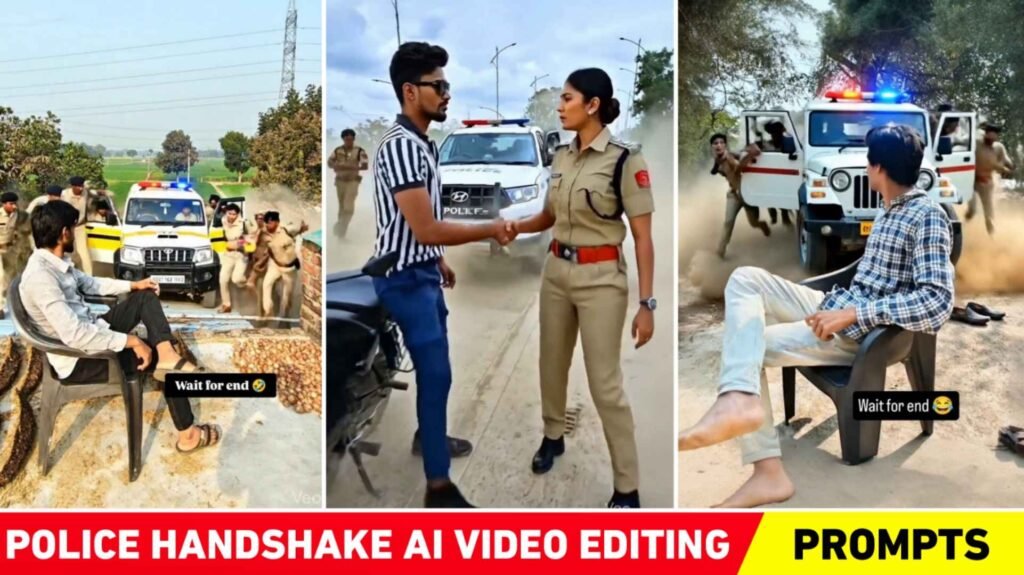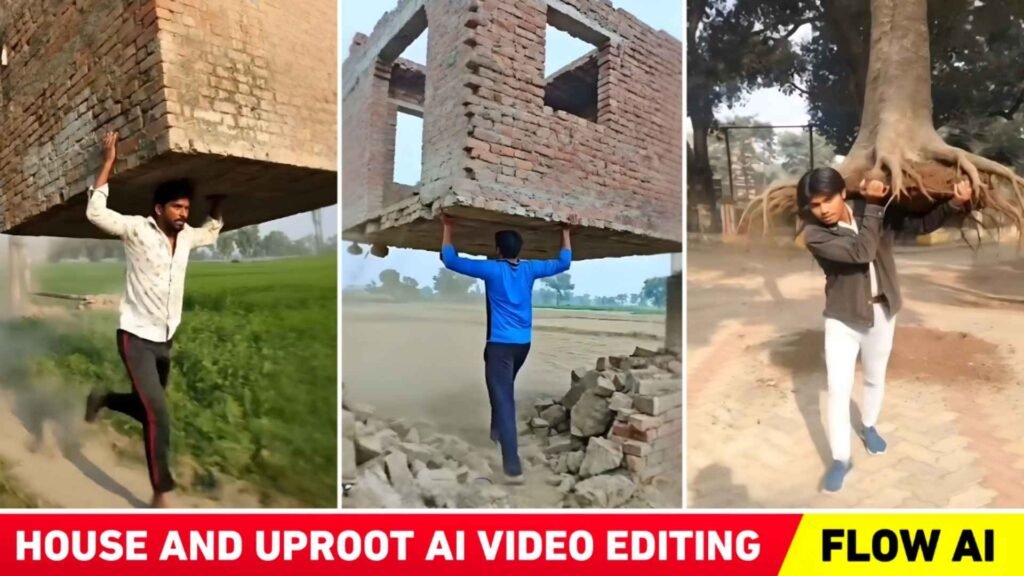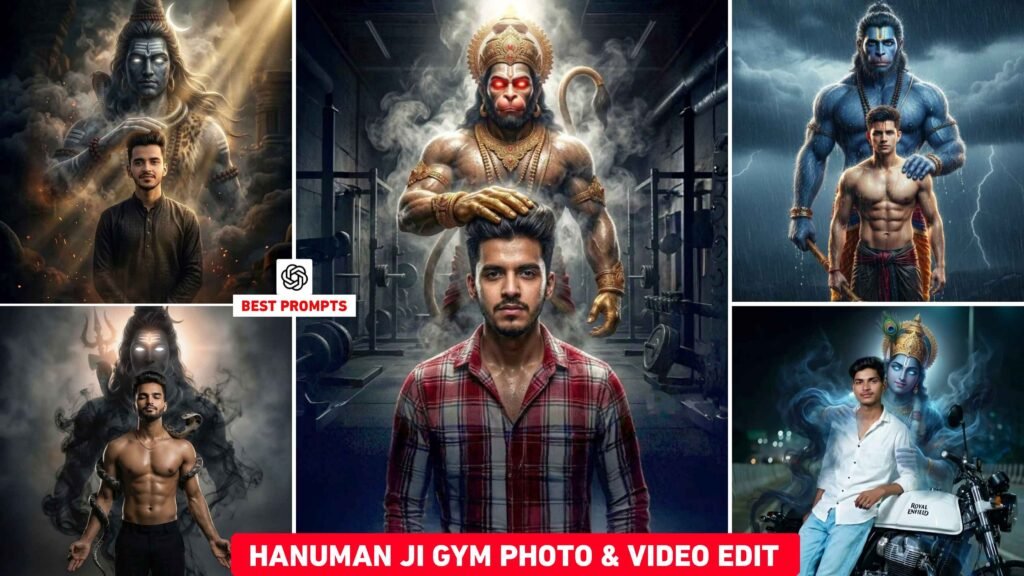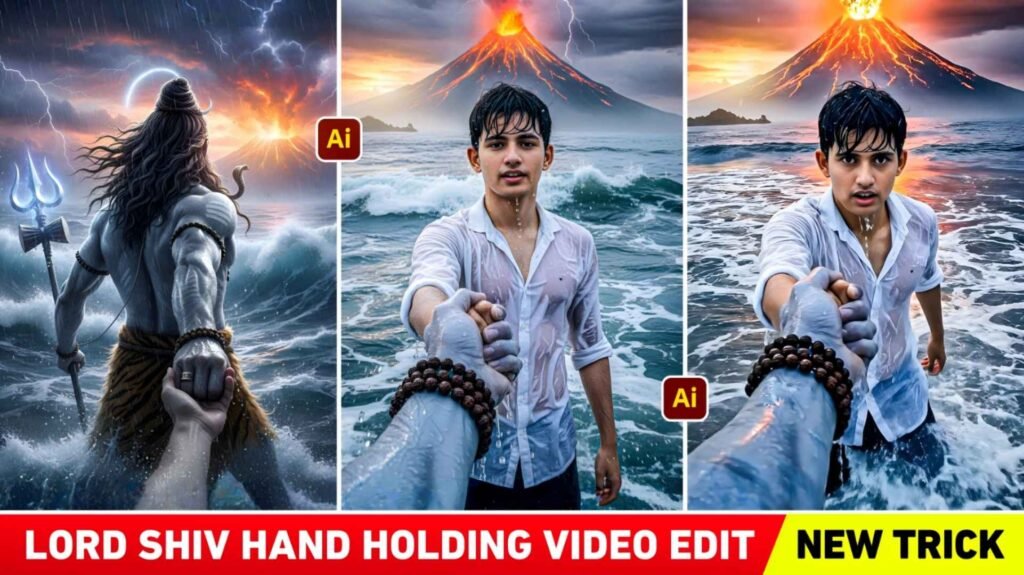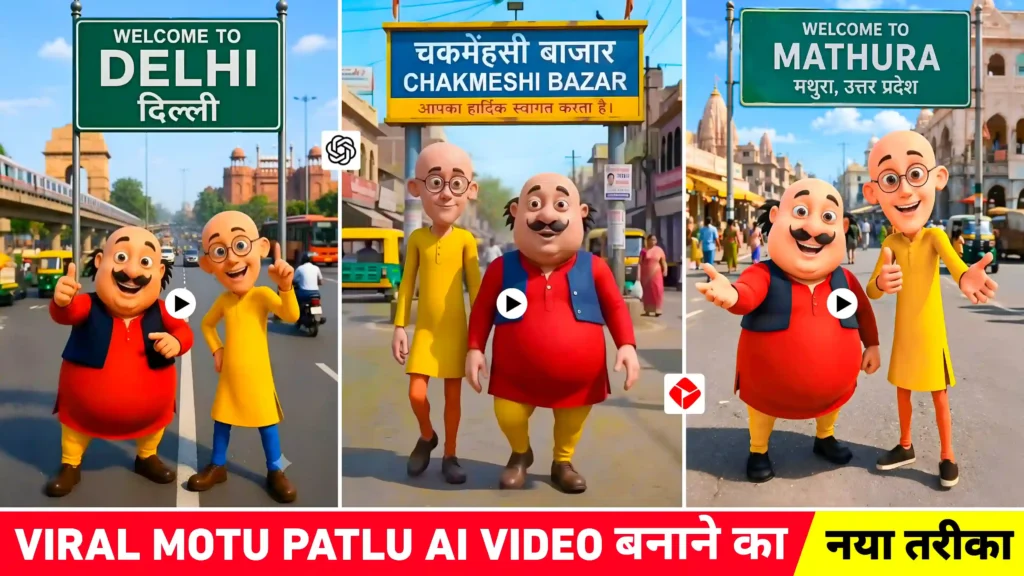
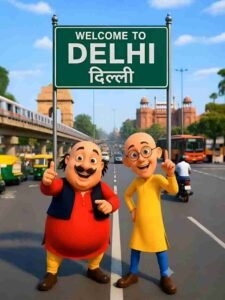
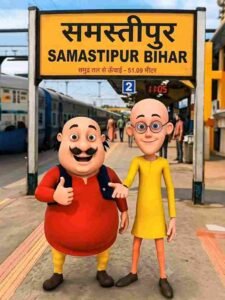
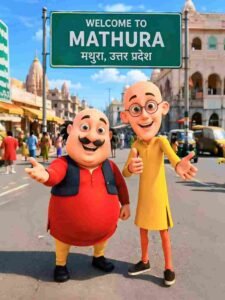
Motu Patlu Ai Video Editing – Nowadays, the trend of Motu Patlu AI Video Editing is going viral very fast on social media platforms like Instagram Reels, YouTube Shorts and Facebook Reels. You must have also seen many such videos in which Motu and Patlu are seen standing in front of any city, village, railway station, market, temple, tourist place or famous place. The most special thing is that the name of that place is written in a very real way on the big board behind them. After this, the same picture is converted into a talking video with the help of AI Image to Video tool, in which Motu and Patlu say funny things about that place in their voices. This is the reason why these types of videos are getting millions and crores of views. Content creators are creating new videos by choosing different cities, villages and famous places as per their imagination. If you also want to make such a viral video in the name of your village, city or any special place, then this article has brought complete information for you.
Information About Motu Patlu Ai Video Editing
At present Motu Patlu AI Video Editing is being done in many different ways. Some people create a new image from scratch using ChatGPT, Gemini, or other AI Image Generators. They just write a nice prompt, add the name of their favorite place, city or village along with Motu and Patlu and the AI creates a brand new photo for them. On the other hand, many content creators take a more simple approach. They first download a pre-made picture of Motu Patlu from the internet. After this, upload that picture to ChatGPT or Gemini and ask the AI to change only the name written on the board. In this process the rest of the picture remains exactly the same. Only the name of the city, village or market written on the signboard changes. This method has become the most popular today because it takes less time and the results also look quite real. Once the photo is ready, the next step is to create the video. Some people use the AI feature available in YouTube Create App. While many people animate the picture with the help of Flow AI.
Users who have a premium subscription to Gemini can also use Gemini’s Image to Video feature to create stunning videos. In this article I will tell you about this easy method. I will also provide Motu Patlu photos from different cities and villages, after downloading which you can just change your name on the board and create your own viral AI video in a few minutes.
Create Photo Your Village & City Name Using Ai Tools
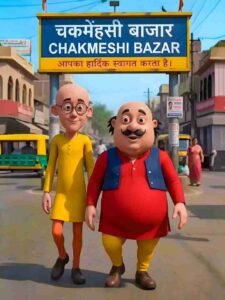
If you want to create Motu Patlu AI photo with name of your village, city, railway station, market or any place, then the easiest way for this is AI Image Editing. First of all you have to download a good picture of Motu Patlu. After this upload that photo to an AI tool like ChatGPT or Gemini. Now you have to paste a special prompt, in which only the part written [CITY / VILLAGE NAME] needs to be changed. For example, if you want to create a photo of your village “Chakmenhasi Bazaar”, then write the name of your village at the same place. If you want to add your city name, just change the same word. Explicitly instruct the AI not to alter anything else in the photo. Motu and Patlu’s faces, clothes, pose, background, road, lighting, camera angles and everything else should remain exactly the same as before. To make it even easier, we have included a prompt in paragraph four that you can use to draw the picture.
Motu Patlu Ai Photo Prompt
How To Create Motu Patlu Ai Video Using Photo?
Once your Motu Patlu AI photo is ready, the next step is to convert it into a video. There are many AI tools available today that can create talking and moving videos from just a single photo. Among these, tools like YouTube Create App, Flow AI and Gemini are quite popular. If you have Gemini’s premium plan, you can use its Image to Video feature. Similarly, many people are creating stunning cinematic videos by uploading their photos in Flow AI.
Motu Patlu Ai Video Prompt
CREATE VIDEO
While making a video, first upload your prepared photo. After this tell the AI what type of activity Motu and Patlu should do. For example, they may wave, smile, look at each other, or talk while looking at the camera. We have also shared a video prompt in this paragraph, by watching which you can get an idea of how to change the dialogue in your video and how to make a video. After the video is created, you can also add background music, sound effects, subtitles and other editing to it. Finally export the video in 1080p or higher quality.
Overall
Motu Patlu AI Video Editing has become one of the fastest growing AI content trends today. The biggest reason for this is that it does not require any complex editing skills to create it. With just a good image, the right AI prompt, and a reliable Image to Video tool. You can create an engaging video in minutes. This is why thousands of content creators are creating such videos with the names of their villages, cities, railway stations. Markets and famous places and sharing them on social media. With the help of pictures and prompts available in this article. You can create an attractive video with the name of your village or city without any difficulty. If you want to learn new AI Photo Editing Prompts. Ai Video Editing Tips and viral trends, keep reading the new articles published on our website regularly. With this you will always get new ideas and you will also be able to easily create viral AI content.

I’ve Been editing photos and videos for over 5 years. Here, I share Lightroom Presets, Ai Photo Editing Prompts, Vn Templates, and easy editing tutorials so you can give your photos and videos a professional look. Welcome to the world of creative, high-quality editing