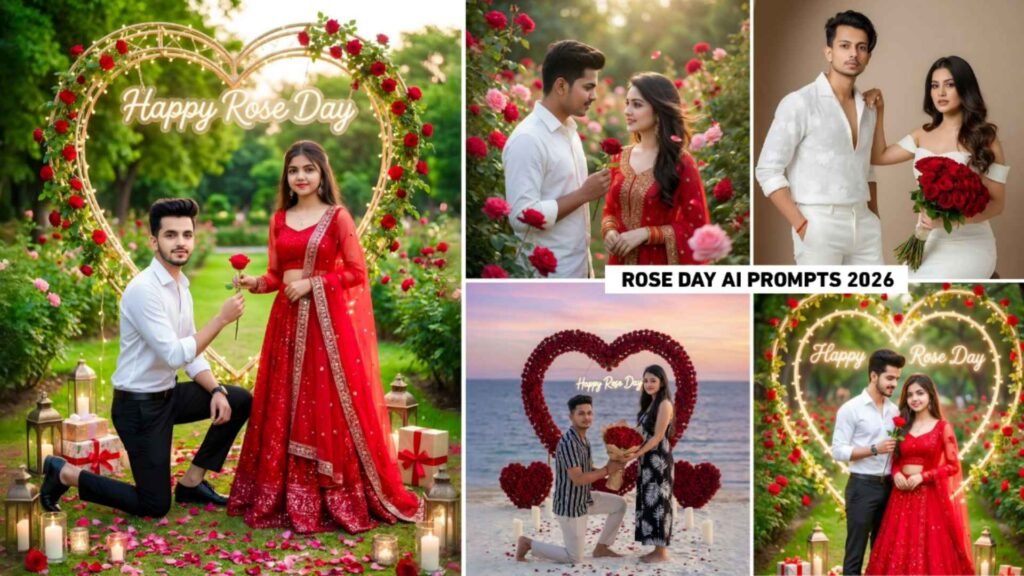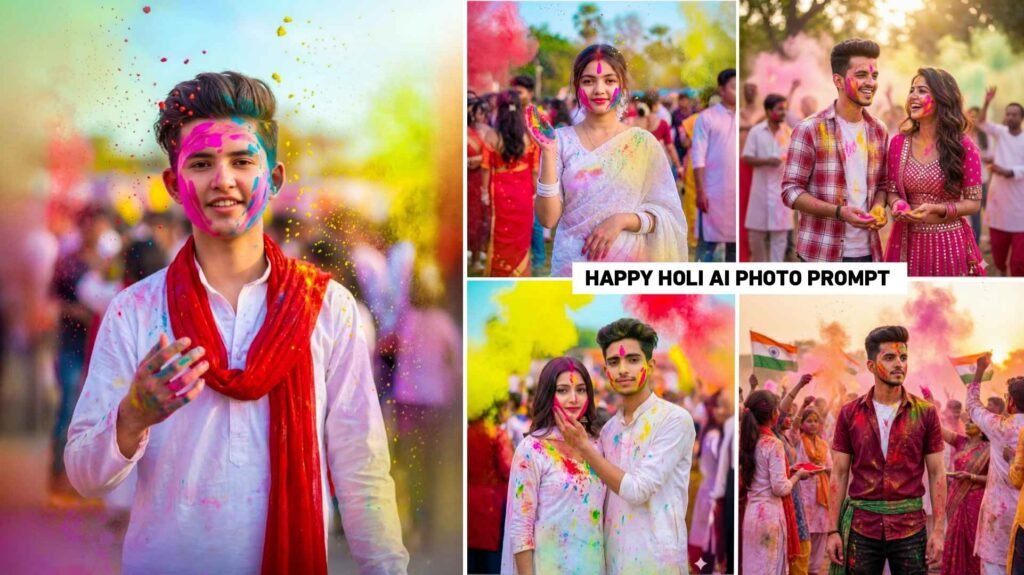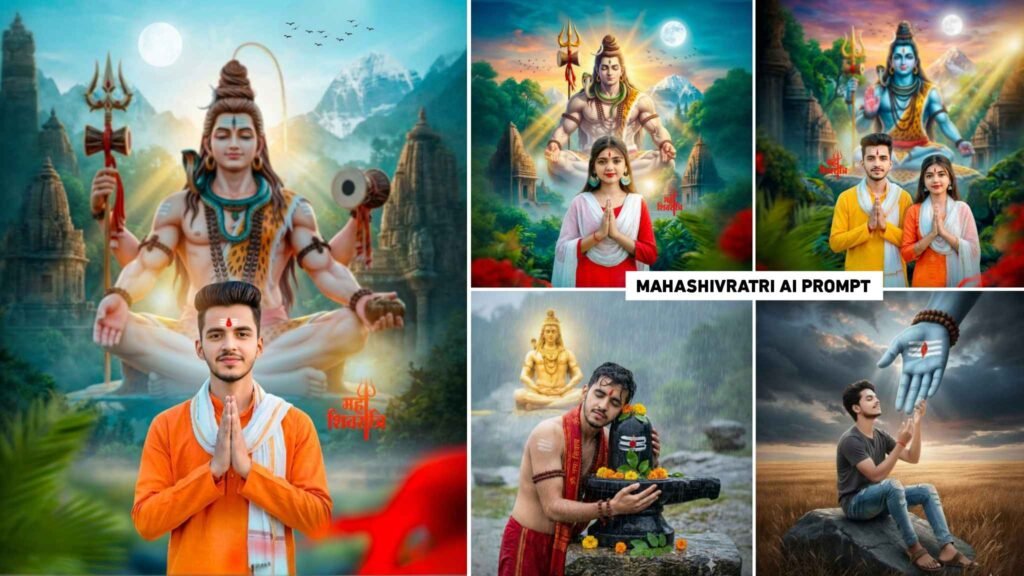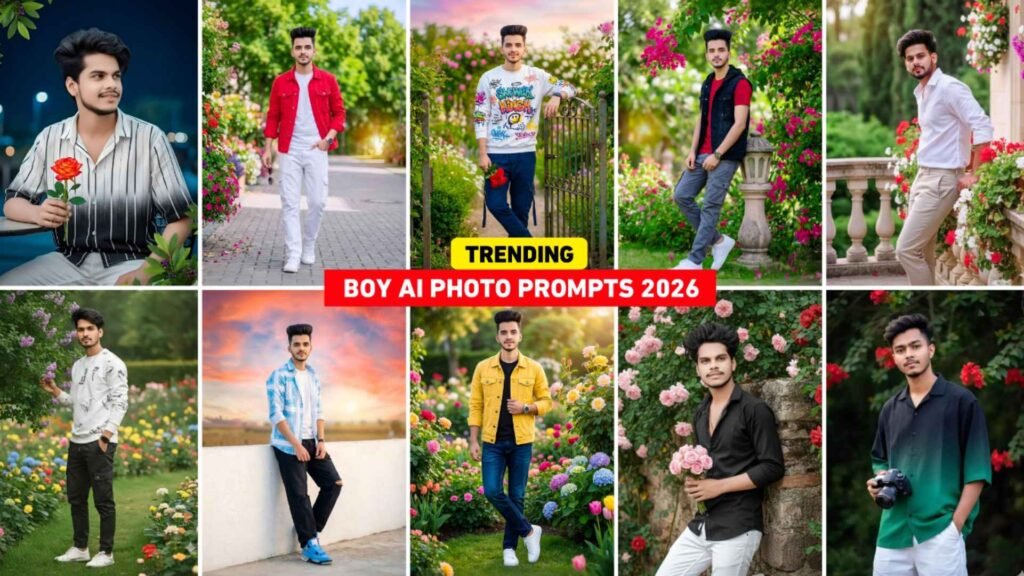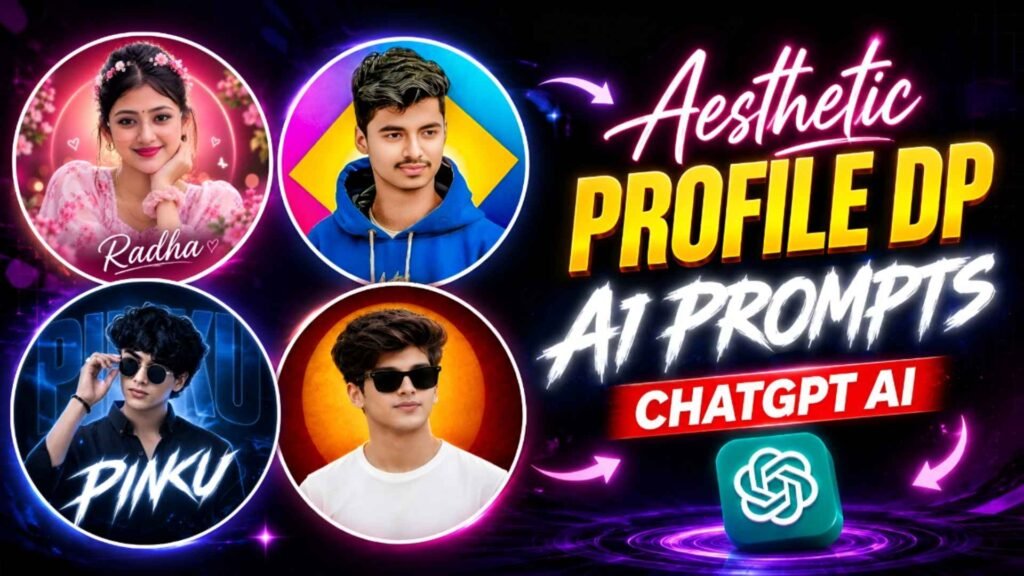
Aesthetic Profile Dp Prompts – Nowadays, profile photos are not posted on social media only for identification, but people also like to show their likes, their style and their creativity through profile photos. For this reason, instead of ordinary photos, the trend of different types of attractive and beautiful aesthetic profile DP has increased. If you also want to turn your ordinary selfie into a stunning round profile DP. So for this you do not need any expensive camera or great editing experience. You can create such a profile DP with just a good selfie of yours and well-worded instructions. In this article we are going to give you some such Aesthetic Profile DP Prompt. With the help of which you can prepare different designs for both boys and girls. These include many styles like dark color DP, light and beautiful color DP, name DP, glasses DP, red, blue, pink and purple background. The special thing is that every DP has a round shape, making it perfect for profile pictures. On Instagram, Facebook, WhatsApp, and other social media platforms.
Aesthetic Profile Dp Editing Complete Guide
The most special thing about this type of aesthetic profile DP is its round shape and the thin white border around it. The photograph is prepared in such a way that the person’s face is clearly visible in the middle of the circle and the entire design remains balanced within that circle. For boys, goggles, white or black clothing, dark red, black or orange lights and a faint glowing circle behind can be used. This gives a slightly powerful and attractive look to the picture. Whereas for girls, light blue, pink, purple, cream or teal colored environment can be kept. Flowers, light glow, soft light and beautiful background make the photo more attractive. In some DPs the name can be placed behind the face in big beautiful letters, while in some the name can be written below in small and clear letters. There is no need to keep the name too big, because the profile photo appears small. Red DP looks dark and powerful, blue DP looks calm and clean, pink DP looks light and cute and purple DP looks modern and creative.
Can I Make Such A DP Using PicsArt?
If you have PicsArt, you can create this kind of aesthetic profile DP to a great extent. In PicsArt, many tasks like cropping a photo into a round shape, applying a border around it, changing the background, adjusting colors, increasing brightness and shadow and writing a name can be done easily. For example, you can first open the selfie of your choice in PicsArt and resize it. After this, you can keep the picture in a round shape and put a white border around it. Red, blue, pink or purple color of your choice can be placed at the back. Different letter styles can be used to add the name. However, creating the same result using only PicsArt as described in the instructions above can be a bit time-consuming, as there are a lot of things to do manually to change the person’s face, clothes, hair, lighting, and entire environment all at once. But if you have to make small changes in the photo, then PicsArt is very useful.
The easiest way is to first create a photo of your choice and then decorate it as per your need in PicsArt. This way you can make your profile DP clean, beautiful and attractive without any complicated editing.
Aesthetic Profile Dp Prompts


Profile Dp Prompt


Make Aesthetic Profile Dp Using Chatgpt Prompts
The method of creating such aesthetic profile DP with the help of ChatGPT is quite easy. First of all you have to choose a clear selfie of yourself. Try that there is not too much darkness on the face and the face should be clearly visible in the photo. After this add your photo in ChatGPT and write the instruction of your choice from the Aesthetic Profile Dp Prompt given below. For example, if you like DP with goggles and orange lights, use that style guide. If you want to make a pink or purple DP for a girl, you can choose the tutorial in that style. In the instructions where YOUR NAME is written, write your name. After this, when the picture is ready, look at it carefully. Especially check the similarity of the face, hair, glasses, clothes, handwriting of the name and rounded edges. If the first result doesn’t meet your expectations, clearly explain the changes you want in the same conversation. For example, you can say keep the face the same, shorten the name, thin the white border, or make the background color darker.
By making a few changes, you can create a profile DP of your choice. The most important thing is to clearly mention the round DP and white border in the prompt. so the image doesn’t come out in a square format.
Conclusion
You don’t need any great editing skills to create an aesthetic profile DP. A good selfie, the right idea and clearly written instructions can make your work a lot easier. In this article we have explained about different types of round profile DP for both boys and girls. These include many styles like boys DP with orange light, strong red and black DP, blue and teal girl DP, pink beautiful DP and purple background DP with name. You can create many different aesthetic profile DPs by slightly changing the above instructions. As per your need and use them on Instagram, Facebook, WhatsApp or any social medium. Make your DP once by using the given Aesthetic Profile Dp Prompts
Thanks For Visit This Website.

I’ve Been editing photos and videos for over 5 years. Here, I share Lightroom Presets, Ai Photo Editing Prompts, Vn Templates, and easy editing tutorials so you can give your photos and videos a professional look. Welcome to the world of creative, high-quality editing