
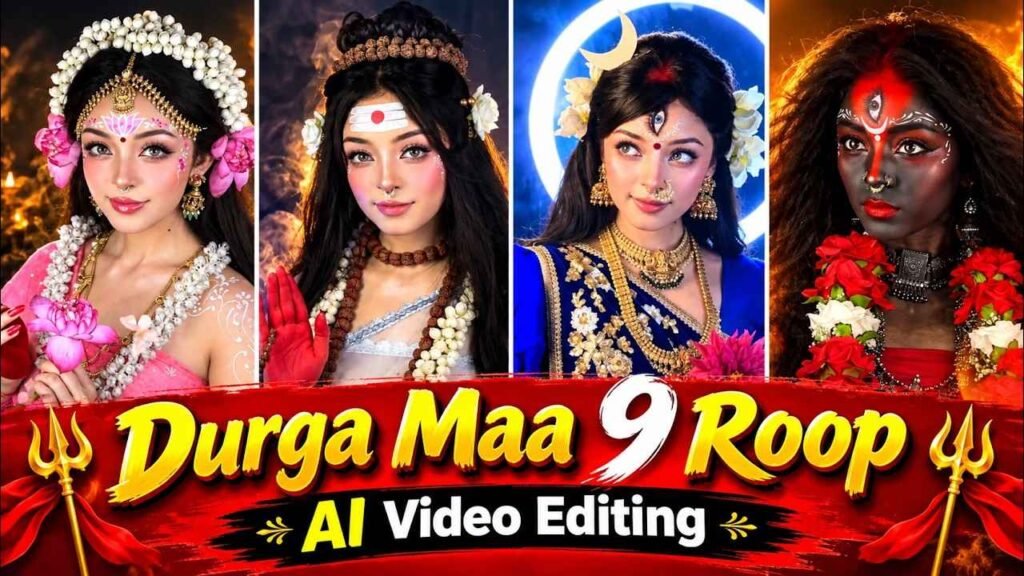
Navratri 9 Roop Ai Video Prompt – On the auspicious occasion of Navratri, AI videos inspired by the nine forms of Maa Durga are being liked a lot on social media. You must have also seen such videos on Instagram Reels, in which in the beginning a person comes in front of the camera and gives a short introduction and then in the next moment he starts appearing in different goddess forms. Gorgeous clothes, attractive jewellery, tilak on the forehead, divine looks and amazing transitions are seen in these videos. This is the reason why such videos are attracting people’s attention. If you also want to make such a wonderful video with your face this Navratri, then you have come to the right website. In this article, we will tell you in a very easy way how to create AI photos inspired by the nine forms of Maa Durga, how to convert those photos into videos and how to create a beautiful Instagram Reel by combining all the clips. For this you do not need to be a professional video editor. All it takes is some good pictures, the right prompt and some easy steps to follow.
About Navratri 9 Roop Ai Video Editing
Such Navratri AI videos usually start with a short introduction. In this, a person stands in front of the camera and asks questions from the audience about the nine days of Navratri and the nine forms of Maa Durga. For example, he says do you know about the mothers worshiped during the nine days of Navratri. After this he makes the audience eager to see the further story. This opening part helps make the video interesting. After the introduction, different forms inspired by the nine forms of Maa Durga are seen one by one in the video. Clothes, jewellery, crown, make-up, colors and background may be different in each look. With the help of AI, your photo is prepared according to these forms, due to which it seems that the same person is changing into different goddess forms. Each photo is then converted into a video clip with light motion, natural facial movements and smooth transitions. Finally all the clips are joined together and music suitable for Navratri is played.
Perfect sequence, good visuals and musical harmony make this video even more attractive. However, the end result of the video also depends on the AI tools used and the quality of the photos.
What Do We Need To Do To Make A Video?
You don’t need a lot of equipment or any expensive software to create this kind of video. First of all, you need a clear and good quality photograph of yourself, in which your face is clearly visible. Try that there is enough light in the photo, the face is not covered and the eyes, nose and facial features can be easily identified. Such a picture can help AI retain your identity. The second thing is a prompt to create photos related to the nine forms of Maa Durga. I have different prompts available for creating these images, which can help you create the desired look using your photo in ChatGPT or Gemini. In this article we will first prepare photos and then convert them into videos. For this I will also share with you a separate video prompt, which can be used in Flow AI. Finally, you will need a video editing app like CapCut or VN to combine all the finished video clips. In these apps you can arrange the clips in the right order, add music and even apply transitions as per your need.
How To Create All 9 Roop Ai Photo Using Prompt?
First of all you have to prepare pictures inspired by the nine forms of Maa Durga. For this go to ChatGPT or Gemini and upload your clear photo. Now enter the corresponding prompt designed for the form you want to create. The AI will generate your photo based on clothing, jewellery, facial expressions, background and other details specified in the prompt. While making the photograph, keep in mind that your face remains recognizable and there are no unnecessary changes in the photograph. Repeat the same process for the remaining forms also. Use that particular prompt with your photo every time. For example, make a picture of the form for the first day, then make pictures of the form for the second day, and so on for all nine forms. Look at each photo carefully to see whether the face is clear, whether the clothes are well made and whether there is anything unwanted in the photo.
If a face is not captured properly in a photo, try again by making necessary corrections in the prompt for better results. After all the photos are ready, keep them safe separately in your phone. It would be better to keep their order correct, so that there is no confusion while making the video. In this way your nine photos will be ready, which will be converted into video in the next step.
1. Shailputri Ai Photo Prompt
2. Brahmacharini Ai Prompt
3. Chandraghanta Ai Prompt
4. Kushmanda Ai Prompt
5. Skandamata Ai Prompt
6. Katyayani Ai Prompt
7. Kaalratri Ai Prompt
8. Mahagauri Ai Prompt
9. Siddhidatri Ai Prompt
PHOTO CREATE
Create Navratri 9 Roop Ai Video Using Photo & Prompt
Once all nine of your photos are ready, the next thing to do is convert them into a video. For this, open Flow AI and select the option to create video from photo. Now upload your first finished image and use the accompanying video prompt. The prompt may instruct natural facial movements, eye blinking, slight head movements, and necessary body movements according to the picture. This helps convert a still photo into a short animated video.
Video Create Prompt
FLOW AI
Now repeat the same process with the remaining pictures. Create a corresponding video for each photo and try to match the quality and speed of all the clips. Keep in mind that AI can sometimes make unwanted distortions in faces or hands, so check each clip before saving. Once all the video clips are ready, go to an editing app like CapCut or VN. Arrange the clips of the nine forms in the correct order, add your intro video at the beginning, and then show all the forms. Now add Navratri music of your choice and adjust the duration and transitions of the clip as per the beat of the music. You can also add light effects as per need, but avoid applying too many effects. Finally check the complete video and then export it in good quality and share it on Instagram Reels or YouTube Shorts.
Final Thoughts
This Navratri, creating AI videos inspired by the nine forms of Maa Durga has become easier than before. You no longer need to shoot each scene yourself or do heavy editing individually. With the help of a good photo, the right prompt, and some useful AI tools, you can create a variety of images. After this, video clips can be created by animating them in Flow AI and with the help of CapCut or VN, all the clips can be combined to create a complete video. Hopefully, the process explained in this article will prove useful for you and you will be able to create a wonderful AI Reel of your own on the occasion of Navratri. Share the video you have made on social media and share this method with others too.

I’ve Been editing photos and videos for over 5 years. Here, I share Lightroom Presets, Ai Photo Editing Prompts, Vn Templates, and easy editing tutorials so you can give your photos and videos a professional look. Welcome to the world of creative, high-quality editing
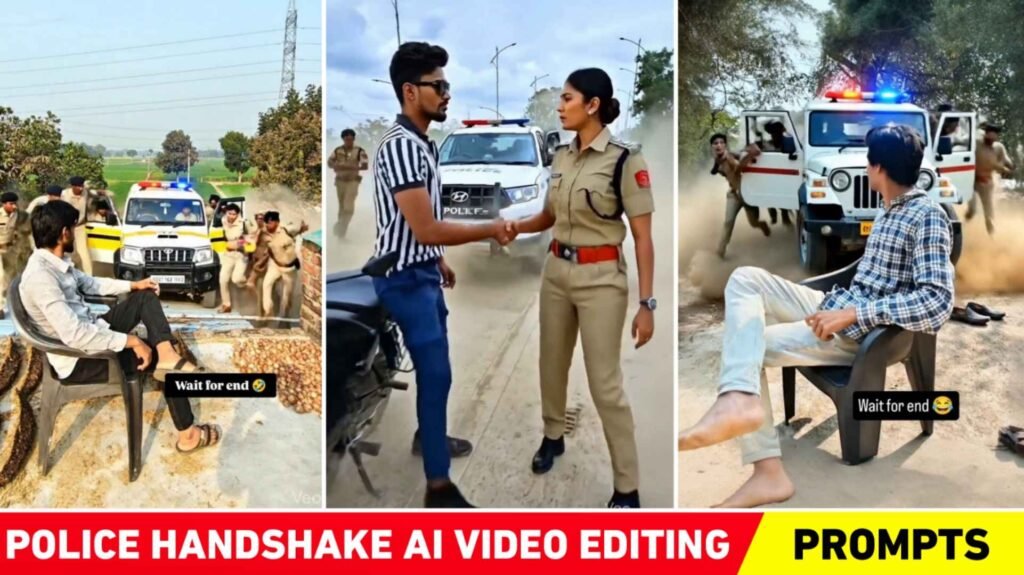
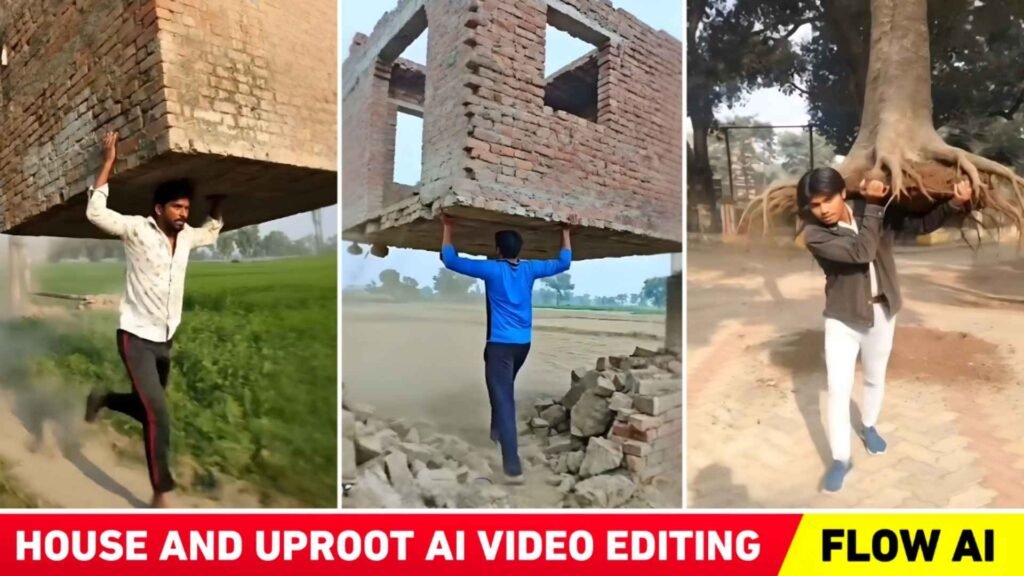
Pingback: Trending 24 Song Ai Video Editing Prompt -