
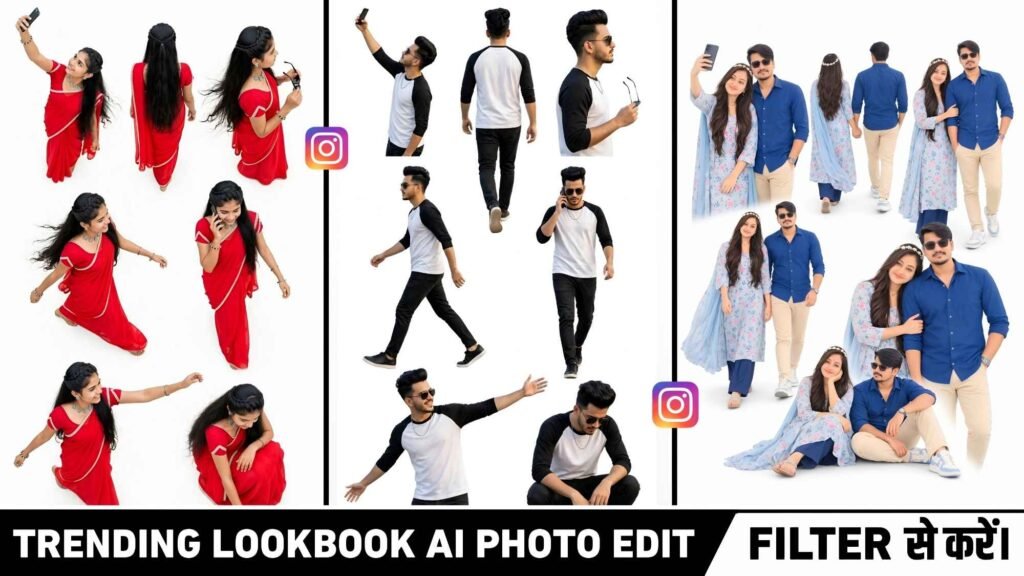
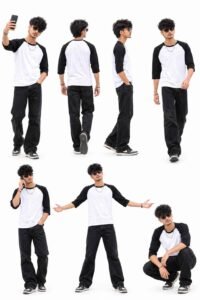
Lookbook Ai Photo Prompt – Meta ai Restyle Lookbook Ai photo editing is gaining popularity on Instagram these days, transforming a single photo into a professional fashion photoshoot with different poses and stylish looks. This type of photo isn’t just a portrait. But rather shows multiple poses of the same person arranged in a single image. In this article, you can create a similar AI fashion lookbook using your reference photo, showing you taking a selfie, walking from behind, in a side profile, talking on the phone, and in various stylish poses. This lookbook features a casual outfit consisting of a white T-shirt with black three-quarter sleeves, black jeans, black sneakers, sunglasses, and a silver chain. All poses will be arranged on a pure white background with ample space, making the entire image appear like a professional fashion catalog. You’ll need a clear reference photo and the right Ai photo editing prompt to use in ChatGPT.
What Is Instagram Restyle Lookbook Ai Photo?
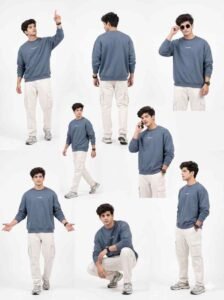
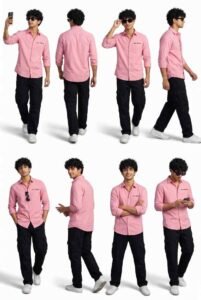
Instagram Restyle Lookbook AI Photo is a fashion-style image concept that shows the same person in several different poses in a single photo. While a normal photo shows a person in just one pose, a lookbook image features seven different poses arranged together. These include a selfie pose, a walking back view, a side profile, casual walking, a phone conversation, a confident pose with arms outstretched, and a stylish squatting pose. In all these poses, the person’s face, hairstyle, beard, skin tone, and body proportions are maintained consistent, so that the same person appears in every photo. The white background and soft natural lighting give the entire image a clean, attractive, and professional look. This style is useful for those who want to present their fashion photos on Instagram in a different style or want to combine multiple poses into a single image.
Create An Lookbook Ai Photo Using Chatgpt
To create your Instagram Restyle Lookbook AI Photo, first select a reference photo that clearly shows your face, hairstyle, and body. For best results, use a photo that isn’t too blurry and has good lighting. Now, open ChatGPT and add your reference photo using the image upload option. Then, copy and paste the Instagram Restyle Lookbook AI Photo prompt provided in this article into the message box. The prompt instructs the AI to create seven different poses. In a single image while protecting your identity as much as possible. It also provides information regarding outfit, background, lighting, camera quality, and image composition. After sending the prompt, wait for image generation to complete. Once the image is ready, check that all poses are clearly visible, the outfits are consistent, and the facial recognition matches the reference photo. The Ai may not capture every detail perfectly every time.
Lookbook Ai Photo Prompt
Customize And Correct Your Lookbook Photo
After the image is generated, carefully examine it to ensure all seven poses are displayed correctly. Sometimes the AI may repeat a pose, make mistakes in the anatomy of the arms or legs. Or slightly alter the face and outfit in different poses. In such a case, instead of changing the entire prompt. Provide correction instructions for only the part that has the problem. For example, if the face appears different in each pose, ask to keep the reference photo’s facial identity. Hairstyle, beard, and skin tone consistent across all poses. If the outfit changes, ask to keep the white T-shirt with black three-quarter sleeves, black jeans, black sneakers, sunglasses, and silver chain consistent across all poses. If poses are too close together, ask to maintain adequate spacing between them to make each pose clearly visible. Similarly, if unnecessary elements appear in the background, you can provide correction instructions to maintain a pure white background. It’s helpful to make one or two specific corrections at a time to avoid unnecessary changes to the rest of the image.
Last Word
Instagram Restyle Lookbook AI Photo Editing is a good option for those. Who want to present their reference photo. As a stylish fashion catalog. The unique feature of this concept is that seven different poses are displayed in a single image, giving your photo. A fresh and professional presentation. This doesn’t require traveling to different locations. To take seven photos; you can upload your reference photo to ChatGPT and try creating. Such an image using the prompts provided. Moreover, For best results, use a clear reference photo and carefully examine the face, outfit, poses, and background. After the image is generated. If any areas appear flawed, try to improve them by giving small correction instructions. However, the quality of the final image and the accuracy of all poses will depend on the AI generation.

I’ve Been editing photos and videos for over 5 years. Here, I share Lightroom Presets, Ai Photo Editing Prompts, Vn Templates, and easy editing tutorials so you can give your photos and videos a professional look. Welcome to the world of creative, high-quality editing
Pingback: Dussehra Ravan Ai Photo Editing Prompt 2026