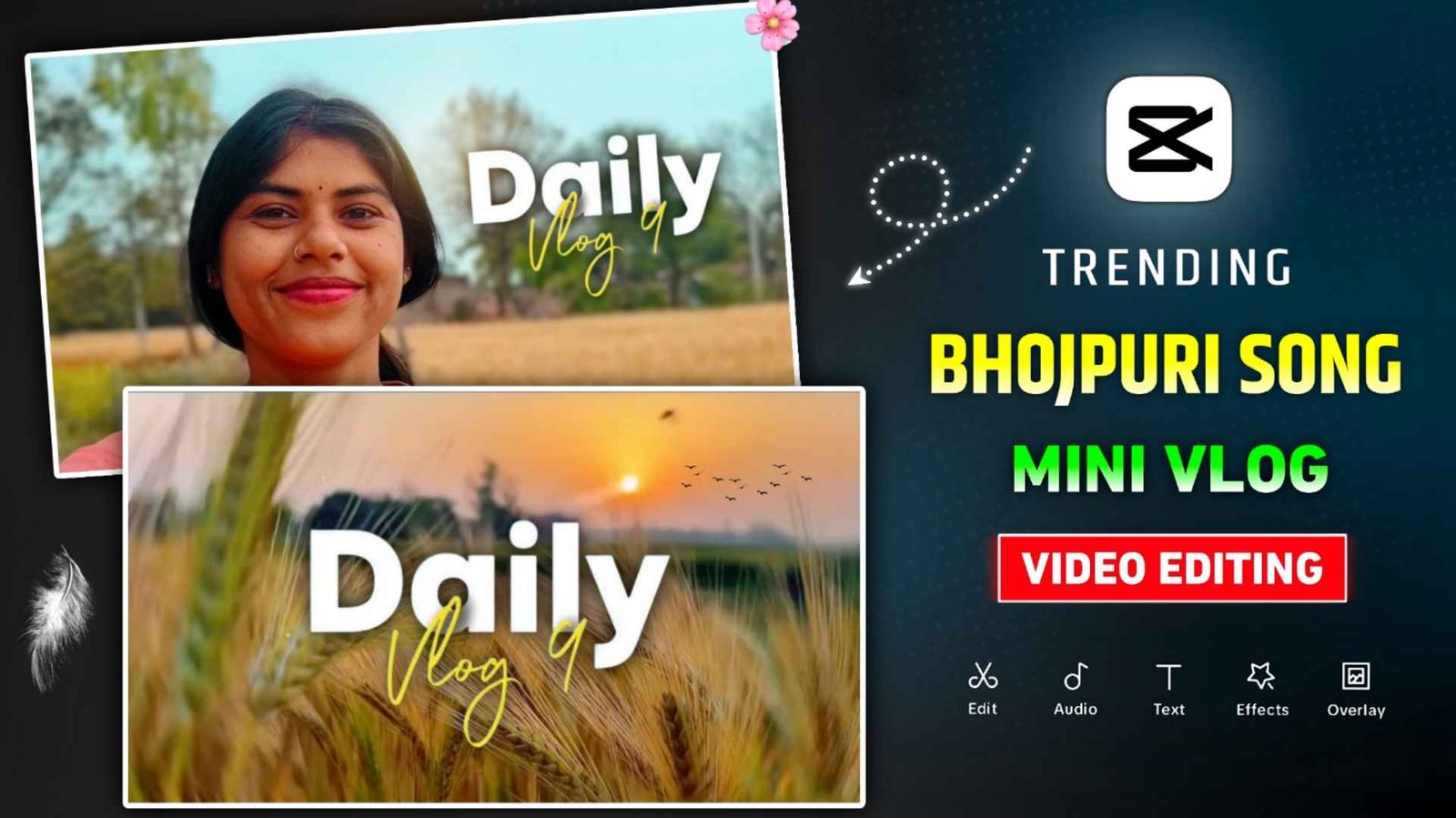
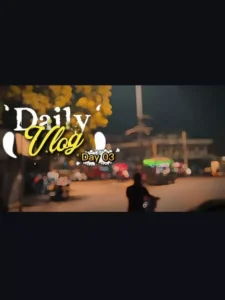
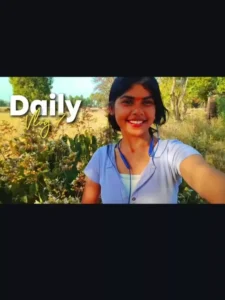
Daily Mini Vlog Vn And Capcut Template – Friends, if you are interested in photo and video editing and watch videos related to editing on Instagram, then you must have seen a video at this time. In the name of Mini Vlog, which is going viral very fast on Instagram. This video is currently trending on the entire social media in the name of Daily Mini Vlog or Mini Vlog. At this time everyone is very fond of making such videos. All the people are currently making such videos and posting them on Instagram. We saw millions and millions of views on everyone’s videos. When I researched about it I came to know. People are making that kind of videos with the help of capcut and vn app. In which he would first add all his video clips and match the video with the song and then make the video. People who do editing are able to make mini vlog videos easily, but those who do not have even the slightest knowledge about editing are finding it a difficult task.
But there is no need to take tension at all because in today’s new article we are going to share with you vn and capcut template to make that kind of video. With which video can be made in one click.
Complete Guide Daily Mini Vlog Video Editing
With the help of Capcut and vn template, it is very easy to create that kind of mini Vlog video because all the things are already adjusted in the template. Just replace your video clip in it and your video will be ready in a single click. In the mini vlog video which is going viral, Bhojpuri songs are being used in every video, so in this also we have provided a template related to Bhojpuri songs. In this we have shared two to three types of vn templates. Also shared two capcut templates. Before making a video, check all the templates once. The song on which the video has to be made. Add all your video clips into it and then make the video. If you make a video using vn template then you cannot customize anything in it. If you make a video using the same Capcut template, you can easily customize everything in it. To create a video using the template, you will need to have at least fiveteen to sixteen types of video clips.
Create Mini Vlog Video Using Vn Template?
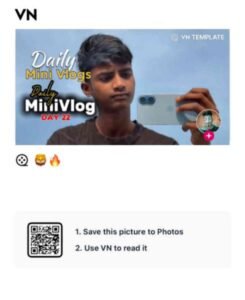
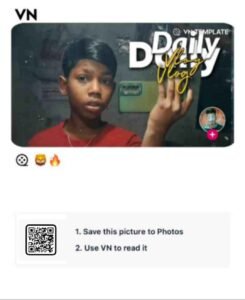
With the help of vn code, it is much easier to make mini vlog video with Bhojpuri song. That’s all that needs to be done. Go to paragraph four, there you will see photos of all the VN codes. A button will be found just below the photo. Click on the red colored button and save it in your device. After saving, you have to install the vn app from Play Store or App Store. After installing the vn app, open it and you will see an option of scanner on the top right side. By clicking on it you can either scan it and add the vn code. Otherwise, click on the media option and add from your device. After adding, the video will start playing there. That means you will get to see what kind of video you can make right below that. You will see a pink colored download button, click on it to download. After that, add all the video clips you have from the gallery one by one as per your convenience. After you add the clips, you will see the Next button. Click it to complete your video.
Mini Vlog Vn Template
Mini Vlog Capcut Template
How To Use Daily Mini Vlog Capcut Template?
It is much easier to create a video using the capcut template. You just need to complete this step. Have all the video clips you want to use ready. Secondly, you must have the latest version of Capcut, only then the template will work. Now go to paragraph 4, there you will see all types of templates with the help of which you want to make a video. Just below the image, you will find a button named Check Template, clicking on it will take you directly to Capcut. There you will see a button with the name use template of Cyan color. As soon as you click on it, all your video clips will be demanded, so add all the video clips one by one as per your convenience. After doing this, click on the Next button and the video will be ready. If you want to customize anything as per your choice then there will be an option named Edit more, by clicking on which you can customize everything easily. Like changing the transition effect in the video. Changing the style of mini vlog text.
Conclusion
Those who are thinking of making viral mini vlog videos on Instagram without any effort. Today’s article is going to be very special for them because in this article we have given capcut and vn template to make mini vlog video, with the help of which anyone can easily make the video in one click. All the templates we have shared in this. We included different types of Bhojpuri songs so you can easily create a video on any song you want. So, do try making a video once using the given template. If there is any problem then please contact us.

I’ve Been editing photos and videos for over 5 years. Here, I share Lightroom Presets, Ai Photo Editing Prompts, Vn Templates, and easy editing tutorials so you can give your photos and videos a professional look. Welcome to the world of creative, high-quality editing