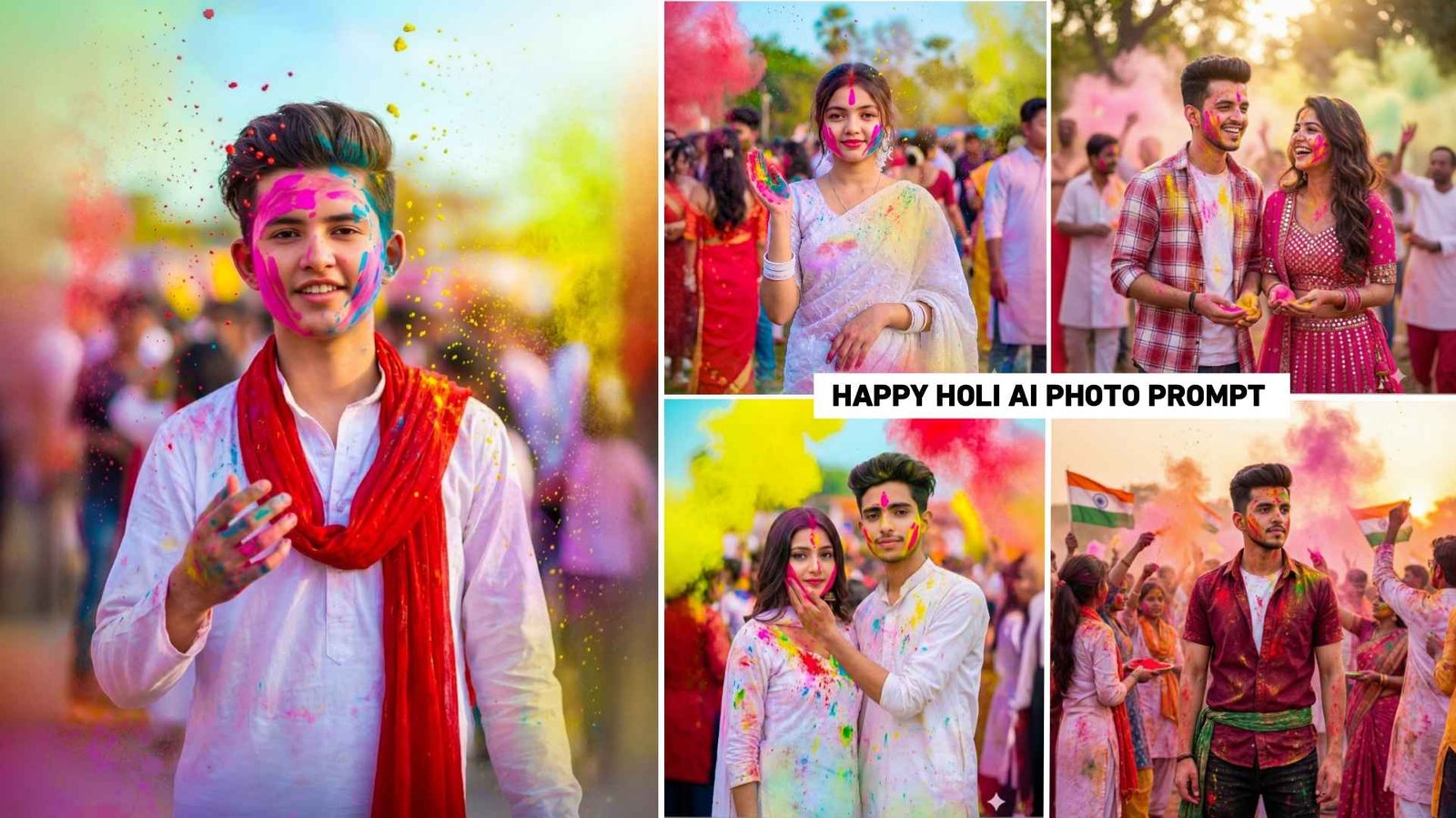
Gemini Happy Holi Ai Photo Editing Prompts 2026 – The festival of colors, Holi, is just around the corner, and this year it will be celebrated on March four If you also want to create some Holi themed pictures before the festival arrives, you’ve come to the right place. There’s still some time before Holi, but we’ve noticed on Instagram and YouTube that many people are already creating and uploading various Holi-related pictures, and these pictures are going viral on both platforms. This is because creating any kind of image has become very easy with the help of AI. Nowadays, people can easily create any type of photo using just a selfie and the right prompt. People are easily creating all kinds of images using Ai tools like Chatgpt and Gemini. In this article, we are providing some prompts that will help you create different types of Holi-themed photos using just one image. We are providing prompts for all the photos that are currently trending.
Gemini Happy Holi Ai Photo Editing Prompts 2026
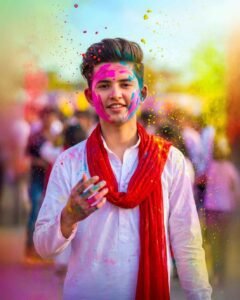
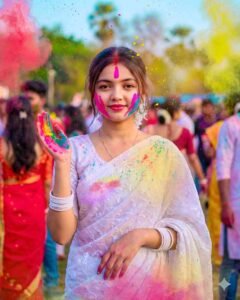
It is not just boys who are making photos during the Holi festival. We saw everyone create photos. Be they boys, girls or couples. That’s why we have given prompts for everyone. You just have to keep one thing in mind. Before creating your photo, check out some of our uploaded photos. There will be a prompt below each photo, using which you can create your image. I’ve seen people use Gemini to create photos. Therefore you should also try making photos with this tool. Because it creates a very realistic image. The photo created will look exactly the same as seen here. You can also create a photo using the prompts in Chatgpt. Chatgpt may not be able to create realistic photos for you. The face also won’t match properly. Let us know in the next paragraph what things we will need to make photos.
Will Also Need A Background Png Image
No, we don’t need a background PNG to create photos with Ai. If you’re using Ai tools like Chatgpt or Gemini to create any kind of photo, you simply need to upload a good quality photo of yourself. Your face should be clearly visible in the photo as the Ai uses this as the basis for creating the image. The second most important thing is the prompt because the prompt is how we tell the Ai what kind of photo we want to create or what elements we want in the photo. We explain everything to it through the prompt. That’s all you need to create photos using Ai. Sometimes the photo is created but the face doesn’t match properly. To avoid this upload a photo where your face is clearly visible. Only then will the face match perfectly. So, I would just say, take a good picture of your face. Then use editing apps to enhance it in Hd quality so that everything is clear.
Gemini Holi Photo Prompt
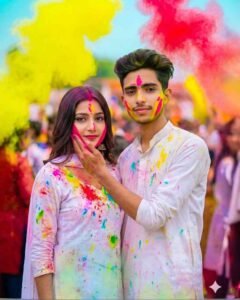
Holi Ai Photo Editing Prompt
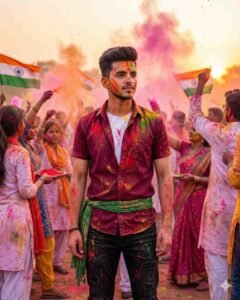
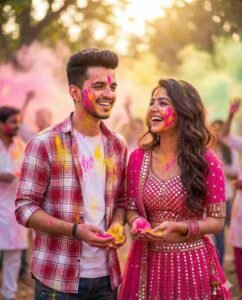
Create Happy Holi Ai Photo Editing Using Prompts
These days, everyone is creating photos using Gemini, so I’ll also show you how to create photos using Gemini Happy Holi Ai Photo Editing Prompts 2026. It’s very easy. Just copy the prompt for the photo you like. Then open the Gemini app, which you can easily install from the Play Store. After opening the app, simply log in and select the “Create Image” option to create a photo. I’ve noticed that if you don’t select “Create Image,” the photo won’t be generated. You’ll see a small plus icon at the bottom. Click on it and select the “Upload File” or “Gallery” option, and then upload a photo where your face is clearly visible. Paste the copied prompt into the message box and click on the send button icon in the right corner. Gemini will start generating the photo. Please wait a few moments until your photo is ready. Once it’s finished, click on the photo to save it. You’ll see a save icon there. Click on it to easily save the photo to your device.
Final Thoughts
In Final, if you are looking for Gemini Ai prompts to create photos for the Holi festival but can’t find any, then these Gemini Happy Holi Ai Photo Editing Prompts 2026 will be a great option. This is because it provides prompts for creating photos related to every type of Holi festival, which are currently going viral on social media, whether on Instagram, Facebook, or YouTube. Anyone can easily create photos using the prompts for Holi-themed images that I’ve provided in this article. So, we’ll just say that the purpose of this article was to explain how to create Ai generated photos for Holi.

I’ve Been editing photos and videos for over 5 years. Here, I share Lightroom Presets, Ai Photo Editing Prompts, Vn Templates, and easy editing tutorials so you can give your photos and videos a professional look. Welcome to the world of creative, high-quality editing