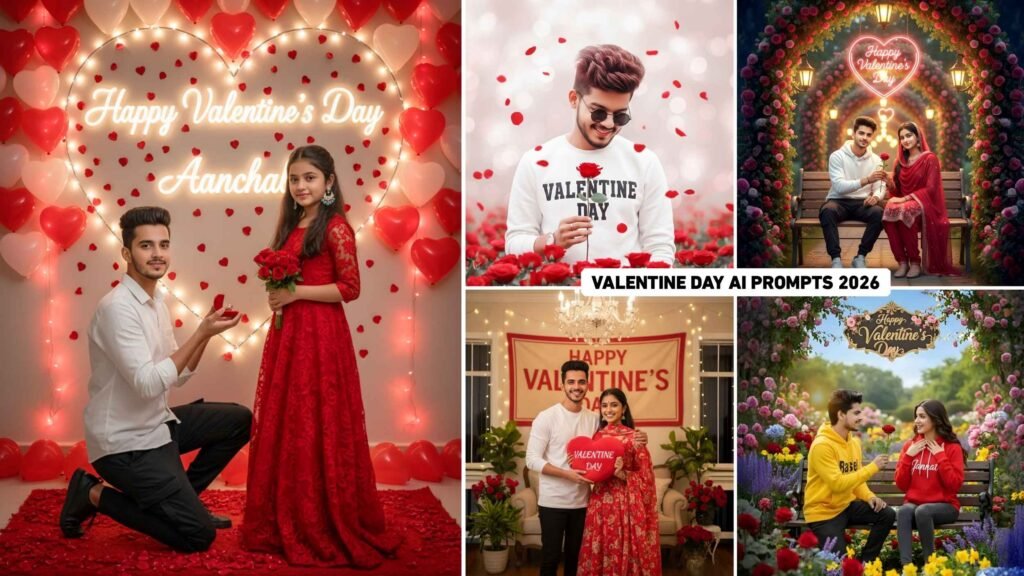
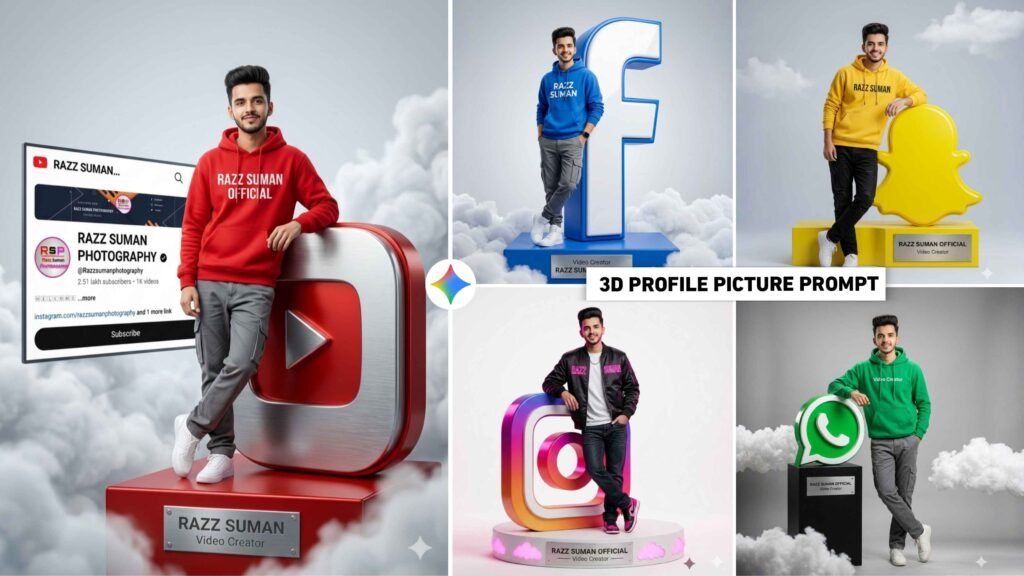
3D Profile Picture Ai Prompts – Friends, a year ago you must have seen a trend on social media. 3D social media profile picture in which people were making different types of photos and sharing their social media profile picture with their name. That kind of photo became so viral that even if you don’t ask anything, people had created and shared the photo with 3D logo of different types of social media like Facebook, Instagram, YouTube etc. Which was being created with Bing image creator. The updated version of the same is currently trending with some 3D social media AI photos. In which I saw that people are creating and sharing such 3D photos with their different types of social media profile photos and that type of photo is also becoming very viral. In today’s new article, we are going to share with you some prompts to create exactly the same 3D social media profile picture, using which you can easily create exactly the same photo in gemini as well as chatgpt. As seen in some photo thumbnails.
Breakdown Of 3D Profile Picture Ai Photo Prompts
As I already told. Earlier people were creating and sharing 3D profile pictures with just their name. But from Gemini, we have seen that people are making photos by attaching their social media profile pictures along with their faces, which looks very attractive. In this we have shared a prompt to create a similar photo with gemini with different types of Instagram profile pictures like different for Instagram, different for Facebook, different for WhatsApp and many more. One important thing: If you want to attach your Instagram profile in your photo, then what to do first to create the photo. Have a good quality selfie photo of yourself ready. Also, if you want to make your profile like Instagram, then take a screenshot of your Instagram profile. Then by uploading both the photos in gemini and whatever prompt. We have shared in this article, you can easily create the photo by putting it there. Similarly, you can easily take screenshots of different social media profiles and create them with your photos.
Can I Create All Types Of Photos With A Single Prompt?
Yes, we can do this, but for this you should have good knowledge of editing because in all the prompts I have shared, I have made some changes. If you want to create a similar 3D social media profile picture from the same prompt, then copy any one prompt for this. Then paste it in notepad. After pasting it in Notepad, see whatever name of social media we have given there, like Instagram is given in the prompt and if you want to make it for YouTube, then remove Instagram and write YouTube there. Similarly, change the name of the background color and enter the prompt. If your photo is possible then it will be made. If it still doesn’t work then you can customize the prompt as per your requirement through chatgpt. This is what I mean to say. I have provided different types of prompts only for the convenience of the creator. So that whatever type of photo people want to make, they can easily copy the prompt after seeing the photo.
3D Profile Picture Ai Prompts


Google Gemini Photo Prompts


How To Create 3D Profile Picture Ai Using Gemini?
Before making a photo, keep two things in mind. First, take a screenshot of the social media profile picture with which you want to create a photo. Take screenshots in light theme and do not take them in dark theme at all. Secondly, keep a good quality photo of yourself ready, in which your face is clearly and clearly visible. Mask, hat and glasses should not remain in your face at all. Otherwise your face will not match correctly in the photo created by gemini. Now we have to learn how to create photos using gemini. Let us know step by step.
- First of all open Google Gemini.
- To create a photo, select the Create Image option.
- Click on the media option and upload a screenshot of your profile along with your photo.
- Paste the copied prompt into the chat box.
- Click on the send button on the right side and wait for a while.
- Your photo will be ready after waiting for some time.
- Click on the created photo to take a closer look at it.
- Now you can save the photo by clicking on the save button.
Conclusion
A few years ago, the trend of 3D social media profile pictures was very high. Updated version of the same: In this article, we have shared some prompts. For making photos, which can be easily made in Google Gemini as well as in ChatGPT. In this we have shared prompts for making different types of photos. Be it for YouTube, Instagram or Facebook. That is why you can easily create any type of photo you want by copying its prompt. If you face any problem in making this type of profile picture, then you can definitely ask us in the comment box.

I’ve Been editing photos and videos for over 5 years. Here, I share Lightroom Presets, Ai Photo Editing Prompts, Vn Templates, and easy editing tutorials so you can give your photos and videos a professional look. Welcome to the world of creative, high-quality editing