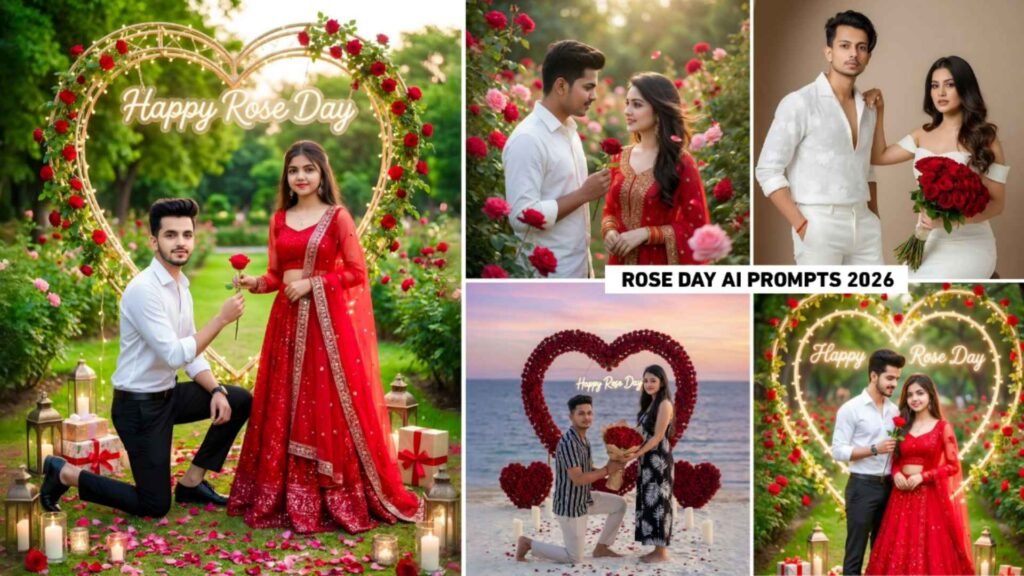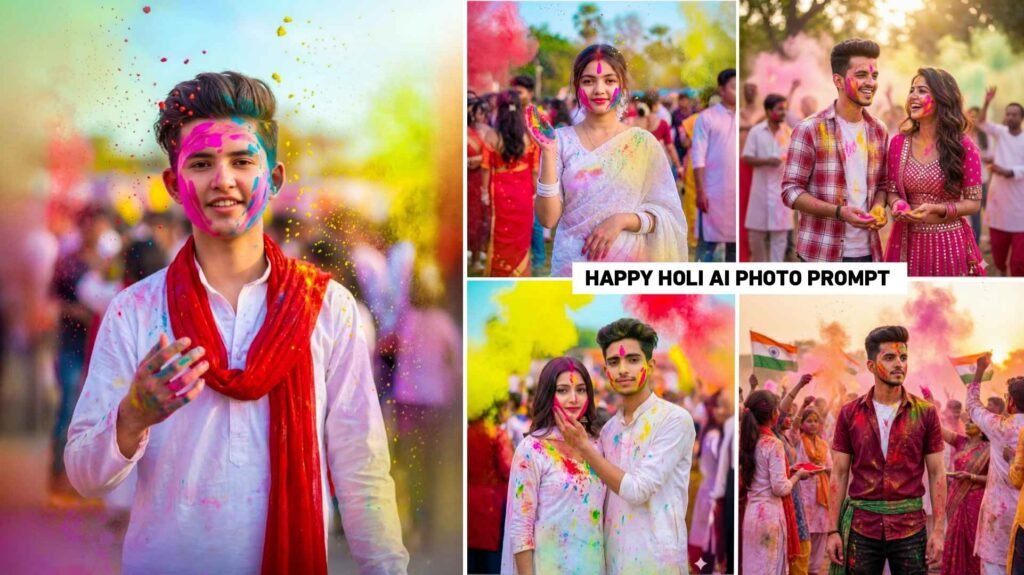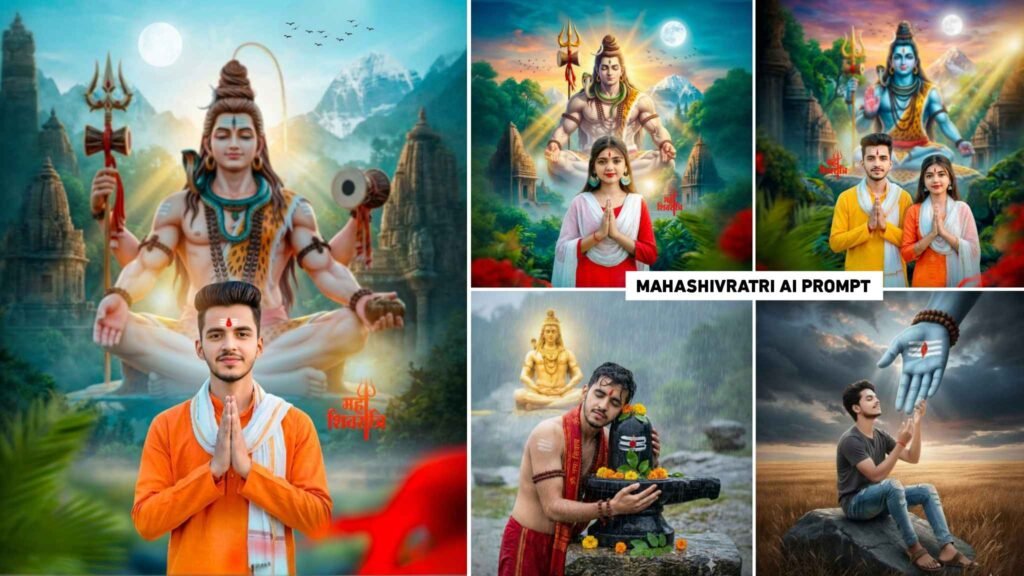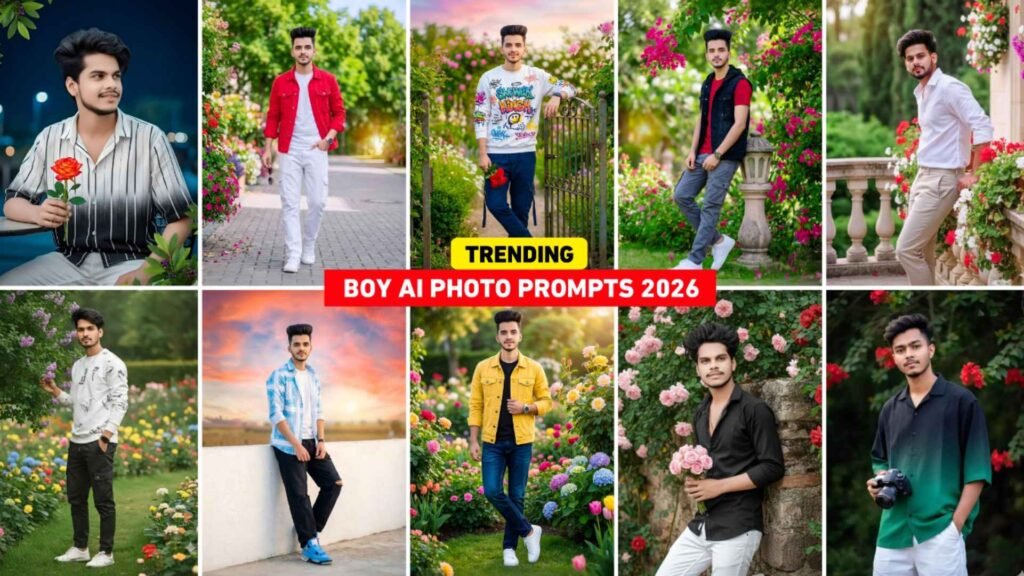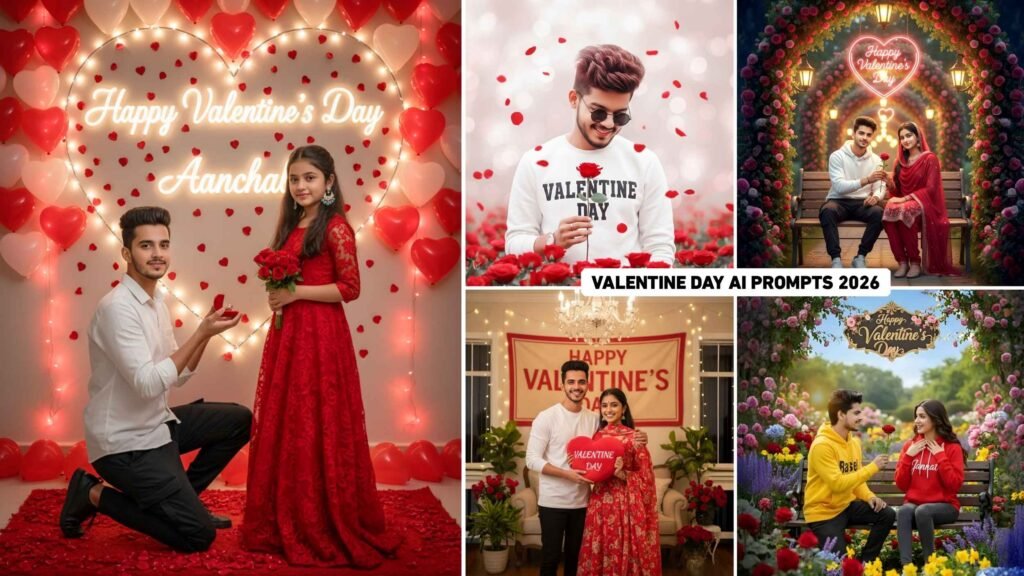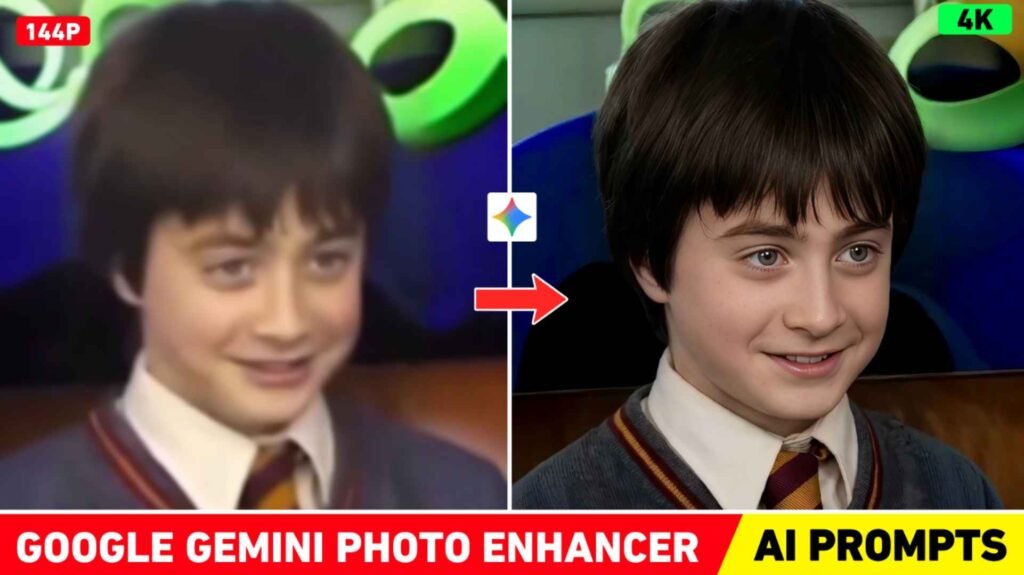
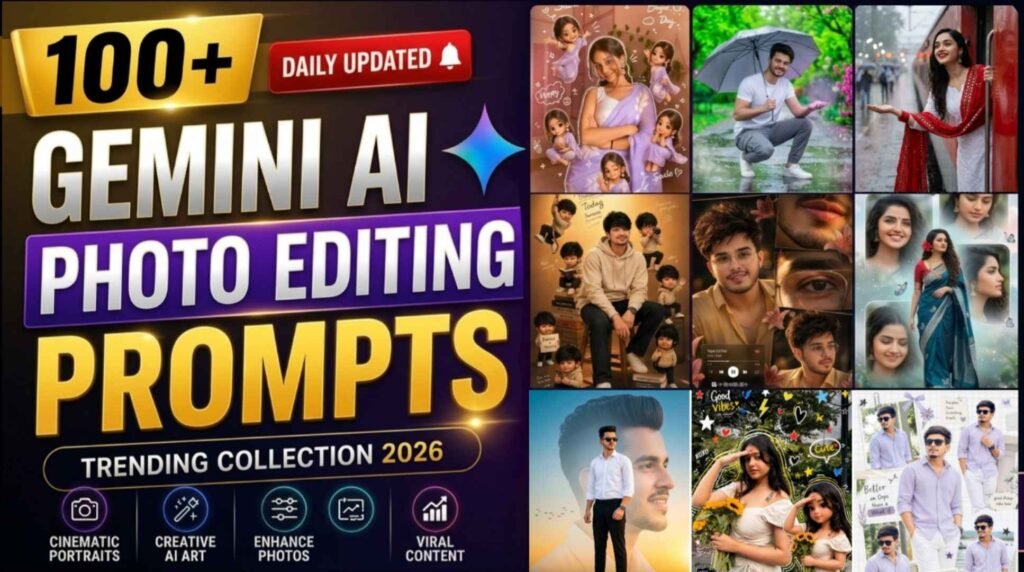
Chatgpt & Gemini Ai Editing Prompts – Ever since gemini and chatgpt came, new types of pictures created with AI are trending on Instagram every day. As soon as one trend ends, other trends influence people. I have been watching this for the last one week now. The picture created with Google Gemini and Chatgpt is becoming very viral on social media. Every day people are creating and sharing new types of pictures which are becoming very viral. Recently, many pictures made by chatgpt are going viral since last one week such as collage style AI editing, butterfly AI photo editing, cute couple photo editing, photo editing changing Instagram profile to crayon style and many more such photos made with AI which are in high trading. People who are interested in making pictures with AI will know this. We can create photos with any type of AI. We need a prompt. Without prompt, we cannot create any kind of photo or video with AI. The purpose of this article is that whatever trend of creating new types of AI will come on Instagram, the prompt of all will be shared in this article.
Complete Guide Viral Chatgpt & Gemini Ai Editing Prompts
In this article, you will be shared with such trending prompts which you can easily use to create your own photos. All kinds of prompts on how AI created photos will trend on Instagram will be shared in this article. Here you will be given every prompt step by step. That too with reference photo so that by looking at the photo you can guess what kind of picture we can make using which prompt. The special thing is that every prompt will be designed in such a way that you can directly copy it and put it in ChatGPT or Google Gemini to get great results. If you do not get good results from any prompt then try making photos from that prompt one or two times continuously. You will get to see good results. Even if you are a beginner, this article will be very useful for you. Because prompts from basic to advanced level will be included in it. Overall, this will be a daily updated source from where you will be the first to learn about every new viral AI trend and use it in your content.
Ai Photo Editing Tips & Tricks For Viral Results
The photo you want created by AI. Just creating a photo with a prompt is not enough to go viral on Instagram quickly. You also have to adopt some smart tips and tricks. The first thing is to understand the trend. Create photos according to the style that is trending right now, like crayon style, collage editing or cute couple aesthetic. If you follow the trend, the chances of your photo going viral automatically increase. Secondly, whatever prompt you give to AI to create a photo, you can customize all the text as per your requirement so that the photo can be made as per your wish. Those who are making photos should also try the third trick. Make different types of photos with them, so that your photo can look different in everyone’s eyes. Use the correct aspect ratio. For Instagram, 1:1 (square) or 4:5 (portrait) size gives the most engagement. Also add words like “high resolution” or “ultra HD” so that the image looks clear and sharp.
Whenever you create photos with AI, try. Make sure your face is clearly visible in any photo you upload to Gemini or ChatGPT so the AI can include your face in the generated image. In the end, I would say try new prompts every day, test different styles and see which content is going more viral.
Chatgpt & Gemini Ai Editing Prompts


Ai Photo Editing

Trending Ai Photo Prompts


How To Use Chatgpt & Gemini Ai Editing Prompts?
It is very easy to create a photo using prompt. Just keep a few things in mind before taking a photo. For example, use a selfie photo in which the face is clearly visible so that the face matches well in the photo created by AI. Copy the same second prompt carefully. If even one text is missing then the photo will not be so good. To create photos with AI on the latest trends, install Gemini and Chatgpt app from Play Store. Now you must have copied the prompt for creating photos using the AI tool from here. Open that app, like if you want to create a photo through chatgpt, then open chatgpt and if you are creating a photo for the first time, then login into it with Gmail. After login, select Create Image option, click on Media option and add your photos there. If you want to make any changes by pasting the copied prompt. In the chat box, make changes in the prompt first. After that click on send option.
As soon as you click on send, chatgpt will start creating your photo. Once you create the photo, click on it after some time and save it. Similarly, you can also create photos using Gemini.
Conclusion
The conclusion of this article is that the picture created by AI becomes more viral on Instagram. Today’s article is going to be very special for those who create pictures with AI. Share them on Instagram because in it prompts for all types of viral photos will be shared on Instagram. The purpose of the daily updated prompts shared. In this article is to keep you updated with every new trend. So that you are always ahead. If you identify the right trend, write detailed prompts. Create images in a creative way, your photo can easily go viral. This prompt shares the prompts of every AI tool. Be it Google Gemini or ChatGPT.

I’ve Been editing photos and videos for over 5 years. Here, I share Lightroom Presets, Ai Photo Editing Prompts, Vn Templates, and easy editing tutorials so you can give your photos and videos a professional look. Welcome to the world of creative, high-quality editing