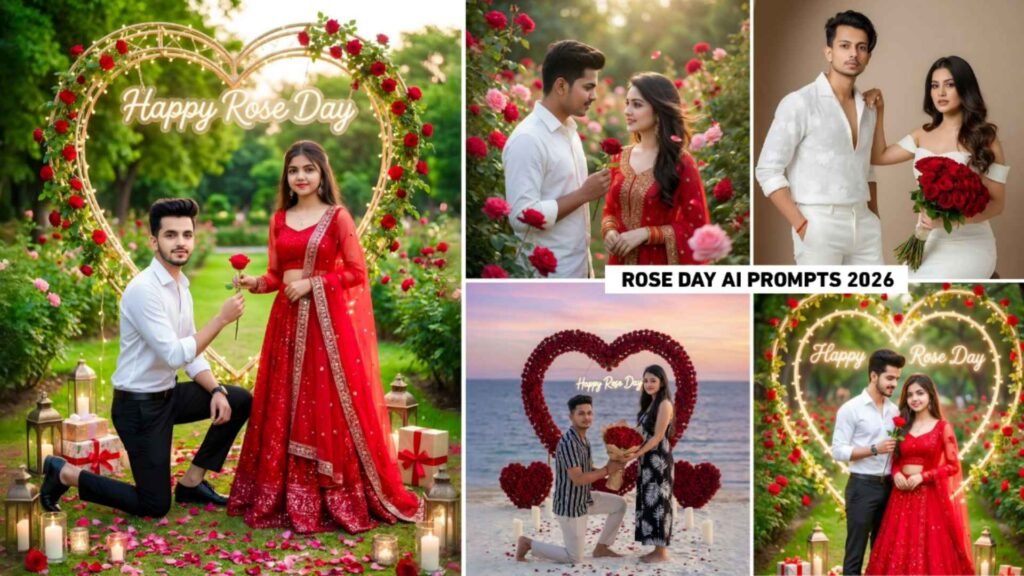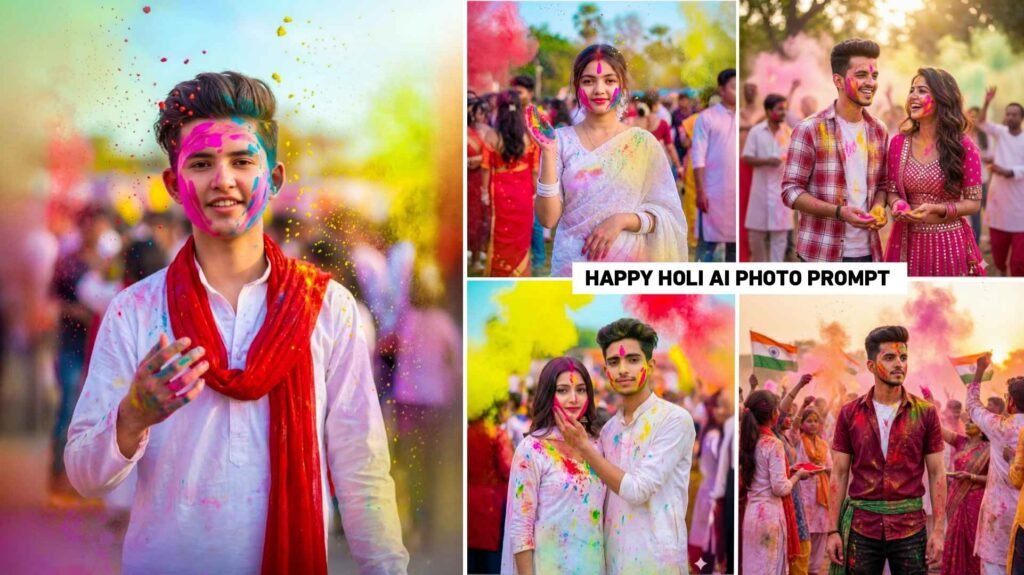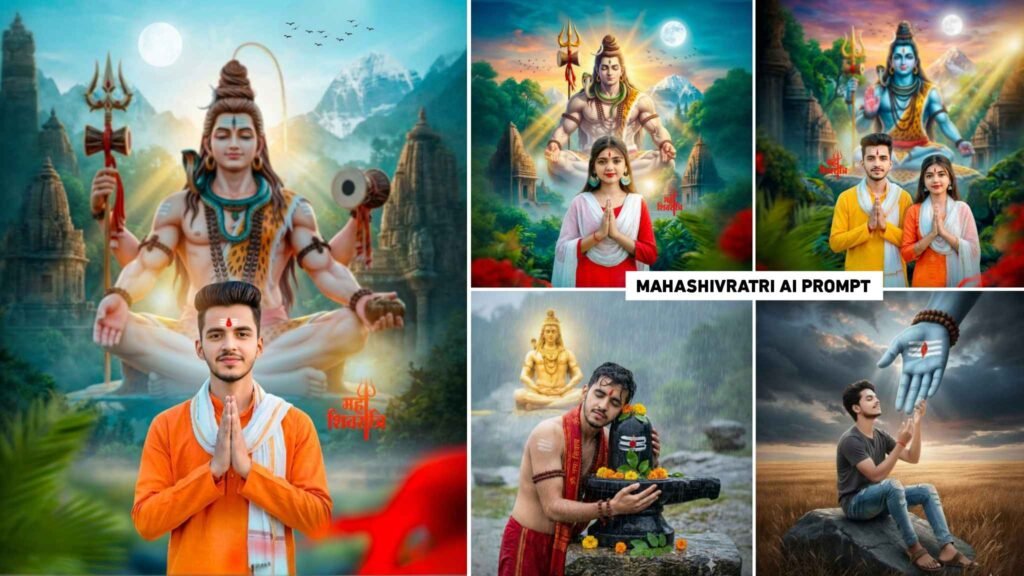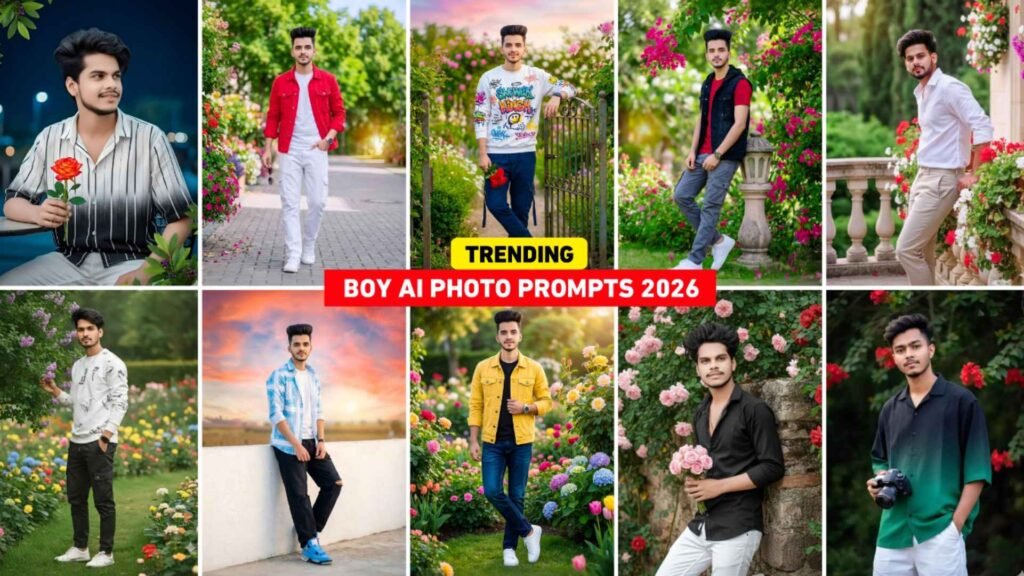
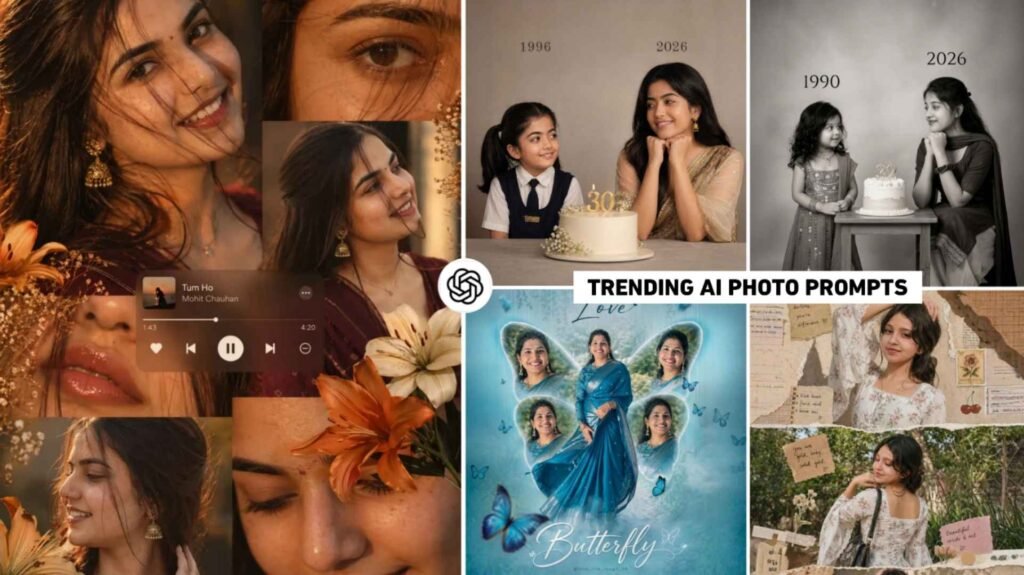
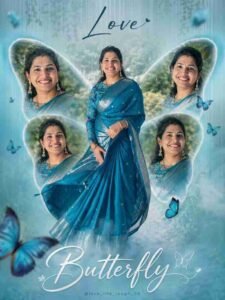
Instagram Viral Cinematic Ai Prompts – At present, the trend of pictures made with AI has become so prevalent on social media that even if you don’t even ask, everywhere people are sharing pictures made with AI. Be it Instagram, Facebook, WhatsApp status or YouTube. As far as I have seen, girls are taking advantage of this trend the most because the trend of pictures created with AI is still going on. It’s all for girls only. I am saying this because the first picture went viral. Girls mostly created the collage-style one using ChatGPT. There are many more pictures of the second kurti style and the third butterfly which are going viral. And I have been seeing this for a few days now that people are also making similar pictures and posting them on Instagram or Facebook. People are liking everyone’s photos a lot and talking about the editing. His videos are also getting very good views. So in this article, whatever picture is going viral at this time. We are going to share all the prompts in this article.
About The Prompts And The Pictures They Create
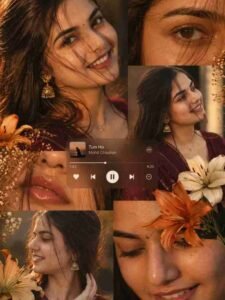
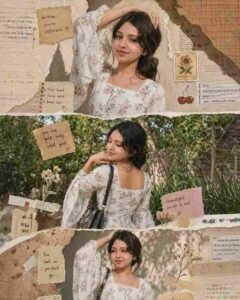
Whatever picture is going viral right now, people are knowing it by different names or by the name of the song, like collage style photo is known by the name of Khat Song Photo Editing, Kurti Style photo is known by the name of Nazar Na Lag Jaaye Song Photo Editing, similarly there are many more pictures which people are knowing by different names. The first picture you will be prompted to make will be of collage style in which you will see a girl wearing a maroon colored saree and traditional jewelery like jhumkas. The pictures of the girl are shown in different frames in which different types of poses are done. A music player interface is added in the middle of the picture in which Pritam’s song Tum Mile keeps playing. You will see the same second photo in Kurti look. The layout displays the girl across three frames stacked one above the other. The edge of every photo has a “torned paper” effect. Which gives it the look of an old diary or scrapbook.
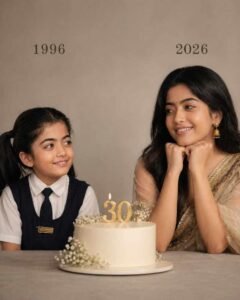
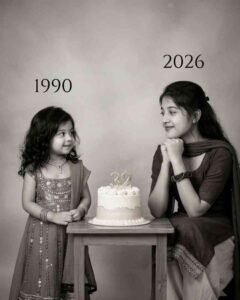
On the other hand, people call this photo Childhood to Young Birthday Editing. In which childhood photos are shown on one side. Secondly, the photo of the present time is shown. A cake is placed between them, and it shares prompts to create many similar photos. it. You can go to paragraph four to view it and copy it to create a picture
Tips For Choosing The Right Photo Of Your Choice
To create a high quality cinematic photo using the given prompt, which is going viral on Instagram nowadays, it is very important for you to choose a right reference photo which you will use with the prompt in ChatGPT or Gemini. The face should be clear, sharp and properly visible in that photo. Try that the photo be in HD quality (high resolution) and not blurry or low-quality. You should take full body or half body (medium shot) photo, but keep in mind that the background should be clean and clearly visible, not too cluttered or crowded. There should not be a mask, cap, sunglasses or any obstruction on the face, so that AI can easily detect the face. The clothes you wear should be simple, plain and normal. Avoid heavy designs, prints or complex patterns, as these may cause problems for AI in processing. Photos should have natural lighting or properly balanced lighting avoid photos that are too dark or overexposed. Make sure you take the photo from a straight (front-facing) angle and keep shadows on the face minimal.
Instagram Viral Cinematic Ai Prompts
Cinematic Ai Photo Prompts

How To Use Instagram Viral Cinematic Ai Photo Prompts?
As far as I have seen, people are using Google Gemini AI tool and also ChatGPT to create photos. But as far as I have seen, they are using only chatgpt because chatgpt creates any kind of pictures in a very high quality realistic manner. You can also create a picture using chatgpt’s website or app. But the best option would be to install chatgpt from Google Play Store and login into it with the help of Gmail ID. After logging in, select the create image option and click on media and add your good quality photo. After uploading the photo, you come to paragraph four and whatever type of photo you want to make, after seeing the photo, press Hold and copy the prompt. Copying, paste the same prompt in the chat box and click on send option. chatgpt will start creating the picture given your prompt and the photo. Waiting for about one minute, your picture will be ready. Click on the photo and take a good look at your photo. If you like it, save it by clicking on the save button.
Conclusion
Currently, the picture created with chatgpt and Google gemini is going viral on Instagram. In this article, we have shared Instagram viral cinematic AI prompts. These prompts help you create all types of photos. In this we have shared the prompt to make every type of photo which is going viral on Instagram. Be it collage style, butterfly look, Kurti look or childhood to young look, you can easily copy the prompt. By looking at the photo and create the picture. So, if you have understood the guide given in this article and have made your picture, then definitely share this article with your friends so that they can also make such a viral picture. If there is any problem then you can definitely ask us in the comment box.

I’ve Been editing photos and videos for over 5 years. Here, I share Lightroom Presets, Ai Photo Editing Prompts, Vn Templates, and easy editing tutorials so you can give your photos and videos a professional look. Welcome to the world of creative, high-quality editing