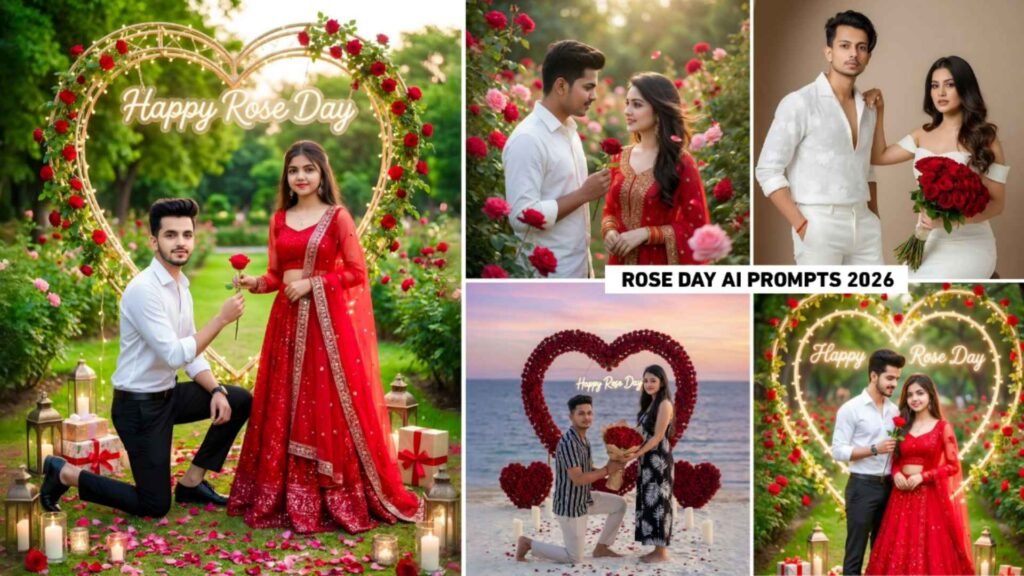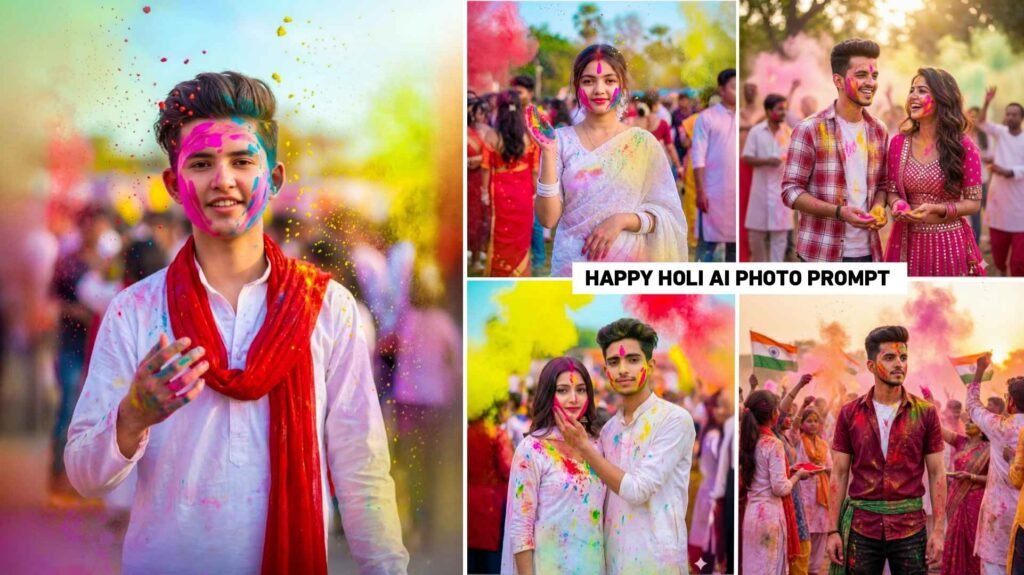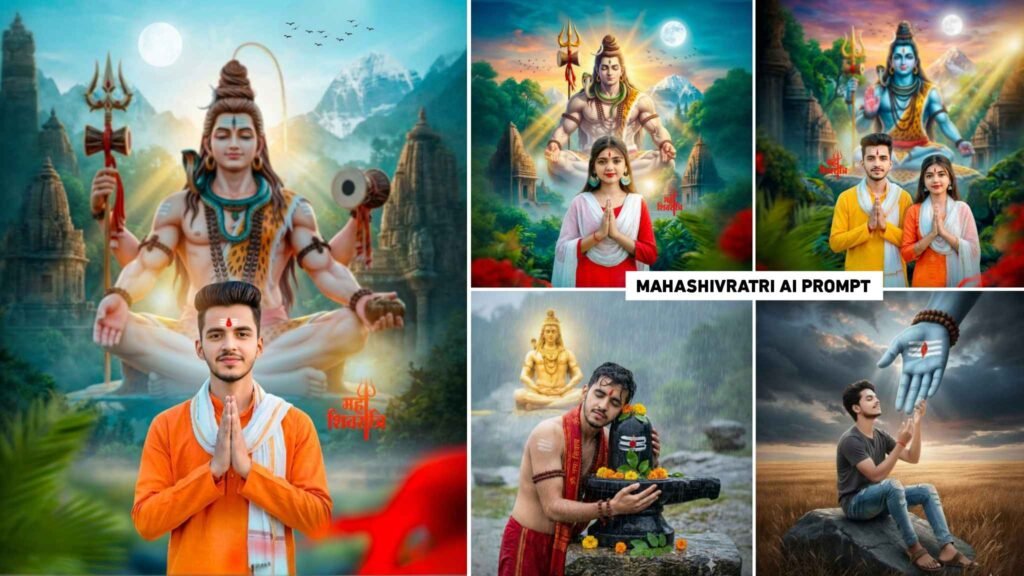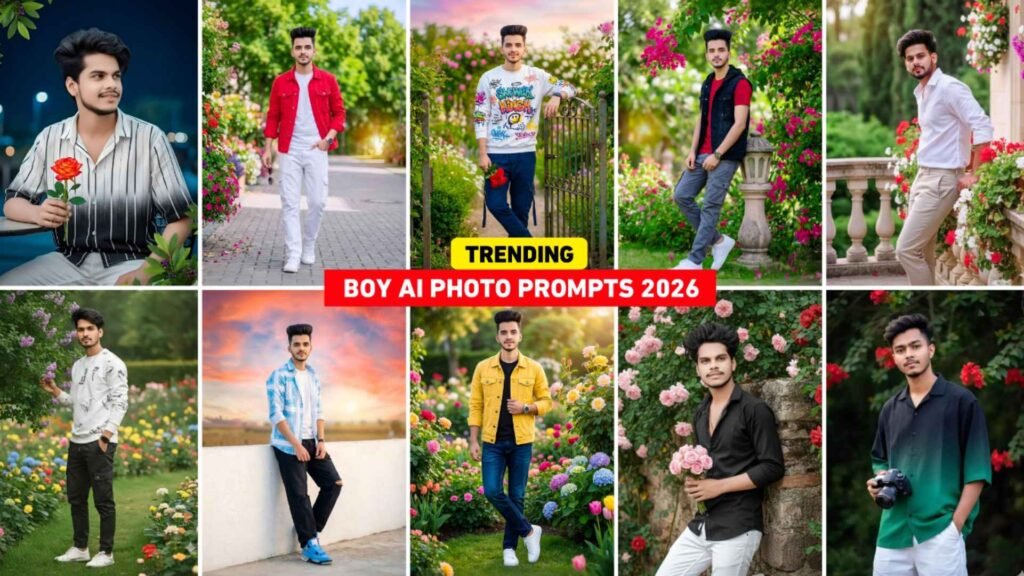
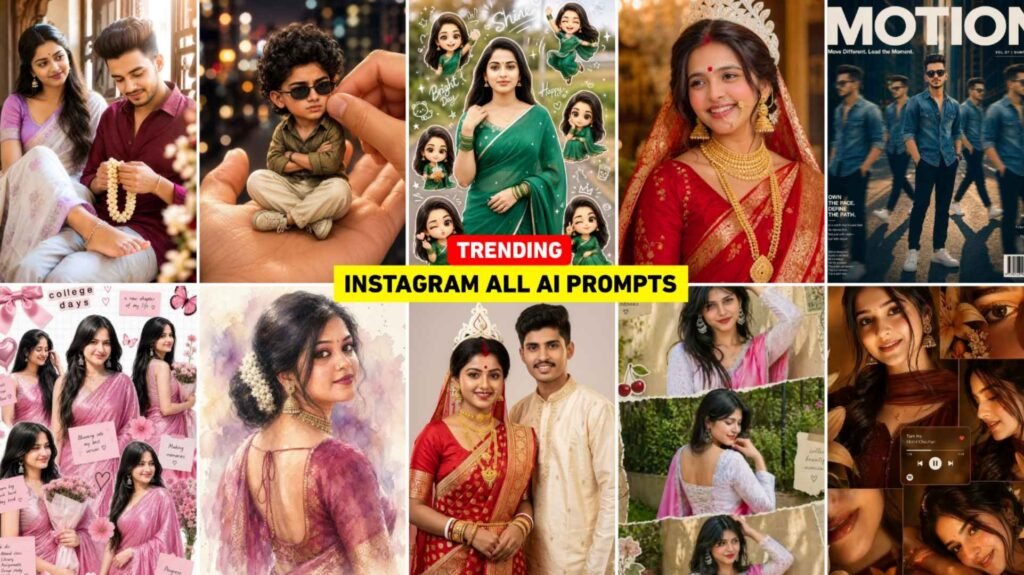
Trending Ai Photo Prompts – Today’s article is going to be very special for those who use gemini or chatgpt to create images with AI. Because you must know. Recently, various kinds of pictures created with AI have been going viral on Instagram for the last several days. Whether it is for a boy or a girl. Every type of photo is trending a lot. People who also tell about making photos with viral AI. We saw that people leave the same comment in everyone’s post. Give a prompt, give a prompt. That is to say, to create any kind of picture with AI, we have to give a command to AI which is called prompt. In the prompt, we explain everything and tell what kind of picture we have to make. We cannot do anything without prompt. At present, many types of pictures like Chibi Cartoon Style, Collage Style, Couple Art and Miniature Photo Editing are trending on social media. Which people are sharing by creating amazing types of photos using their selfie photos with prompts in AI tool. This is the purpose of our article today.
Complete Guide Trending All Viral Ai Photo Editing
In this article, we will share all those types of Trending Ai Photo Editing prompts which are trending at the moment. There are also some prompts which I will make available in the WhatsApp channel. From there also you can easily copy and recreate the photo. First of all, the photo prompt will be of chibi cartoon style because chibi cartoon photos are trending a lot. From boys to girls as well as couples, they are taking a lot of interest in making that kind of photos. The second picture prompt will be college style because college style photos have become very viral. People are creating and sharing college look photos on different themes, which have become very viral. Everyone’s photos have received very good likes. In this article, at least five to six types of prompts will be shared with you. We have made the rest of the PROMPT available on our WhatsApp channel. Whatever prompt will be shared in it. Everyone can create pictures using both chatgpt and gemini. I would say that by using both, you should create a picture in which you will get good results. Share the same photo on Instagram.
Ai Photo Editing Tips For Best Result
If you always make photos with AI, then I would just say that whenever you make photos with AI and the prompts you give in it. So give the prompt in such a way that AI can understand what you really want to do. That means always writing a clear prompt. This is because the more specific the prompt, the more professional and realistic the image will be. If using the prompt with your selfie photo in Google Gemini and ChatGPT, then first of all take the selfie in good lighting. Because AI is not able to capture face details correctly due to dark or blurry photos. What happens is that many people do not have faces in the photos created by AI. Try to keep the face completely visible, the camera should not be too close or too far. Keep the background simple so that AI does the face cut correctly. If possible, click your photo using the rear camera instead of the front camera in selfie. Not only this, while uploading selfie in AI tools, do not crop the face too much.
Because by keeping head, hair and shoulders visible, AI creates better composition and the final photo looks more realistic and high quality. To make the photo created by AI even better, try to edit it a little using an editing app. Like color grading, making photos HD etc.
Trending Ai Photo Prompts



Chatgpt Viral Ai Prompts



How To Use Trending Viral Ai Photo Editing Prompts?
It is very easy to create a photo using gemini and chatgpt given prompt. I am saying this because the method of making photos is the same in both. Meaning the interface of both is the same. That’s why I tell you step by step which you can follow to make photos easily. Before making the photo, keep your good selfie photo ready which we have mentioned in paragraph three.
- Install chatgpt or gemini from play store.
- Open the app and login with your email ID.
- Now select the Create Image option to create a photo.
- Add your selfie photo from gallery by clicking on the plus button at the bottom left side.
- Enter the copied prompt into the chat box.
- Now click on the send button on the right side and wait for some time.
- After waiting for some time your photo will be created.
- Click on the photo to take a closer look.
- Click on the Save button to save it to your device.
- If you don’t get good results, try again.
Conclusion
The image created by chatgpt and gemini is trending at the moment. Prompts for making all types of photos have been provided in this article. Using which anyone can easily create a photo. It does not matter whether he has editing knowledge or not. In this, we have shared a separate Trending Ai Photo Prompts for making photos for boys as well as girls, that too with reference photo. Not only this, if the photo will trend in the coming time. This article will also include its updated prompt. Apart from this, we have also made some prompts available in WhatsApp channel, the link of which I have given in paragraph four. By clicking on that button you can also get the prompt directly from the WhatsApp channel.
FAQ
1. Why Does The Face Change?
Ans. – If you don’t type words like “same face” or “keep original face” in the prompt, the AI can generate a new face.
2. Can Blurry Selfies Be Made Clear With Ai?
Ans. – Yes, but the best result is achieved when the original selfie is already taken in decent quality and proper lighting.
3. Prompt Of Upcoming Trend Will Be Shared In This?
Ans. – Yes, a prompt for an upcoming trend will be updated in this article. Otherwise, it will also be posted on the WhatsApp channel.

I’ve Been editing photos and videos for over 5 years. Here, I share Lightroom Presets, Ai Photo Editing Prompts, Vn Templates, and easy editing tutorials so you can give your photos and videos a professional look. Welcome to the world of creative, high-quality editing