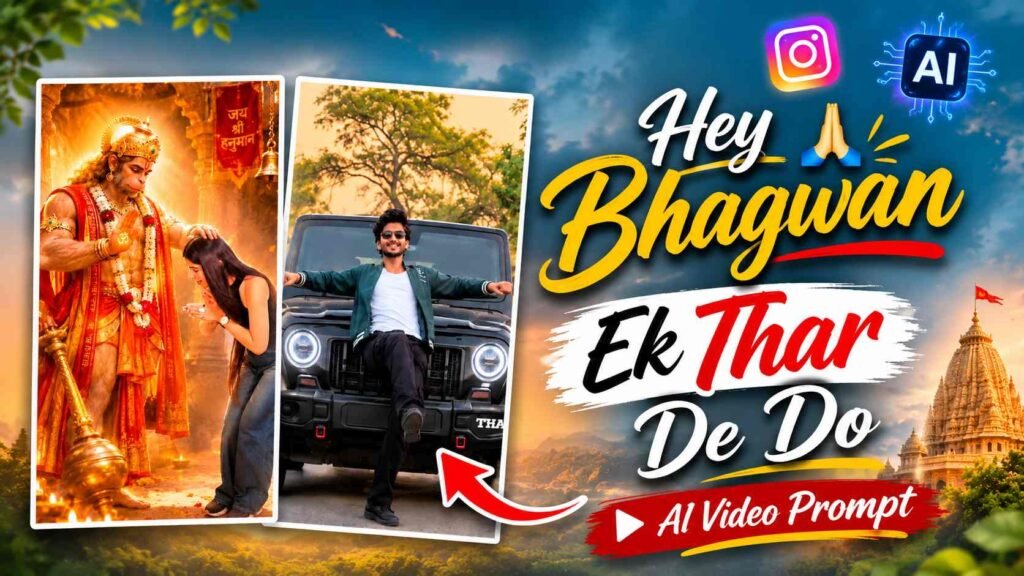
Hey Bhagwan Ek Thar De Do – These days, videos created with the help of AI are gaining popularity on Instagram Reels. In these videos, a simple dance performance is suddenly followed by a world of imagination. In these videos, the person performs various dance moves and funny poses in the same location, but as soon as they strike a specific pose, the video momentarily transports them to a completely different world. At times, they are seen receiving the blessings of Lord Hanuman, while at others, a magnificent Mahindra Thar appears before them. Scenes like a luxury limousine, a gym transformation, and a magnificent palace filled with wealth are also seen. The most remarkable thing is that in each imagination scene, the person’s pose remains the same as the one they performed just before. This entire concept can be recreated using your own photo using Google Flow AI. You only need a reference video and the appropriate video prompt. After that, you can create this trend using any clear face photo of yourself. This method can be used for both boys and girls.
What Is The Hey Bhagwan Ek Thar De Do AI Video Trend?
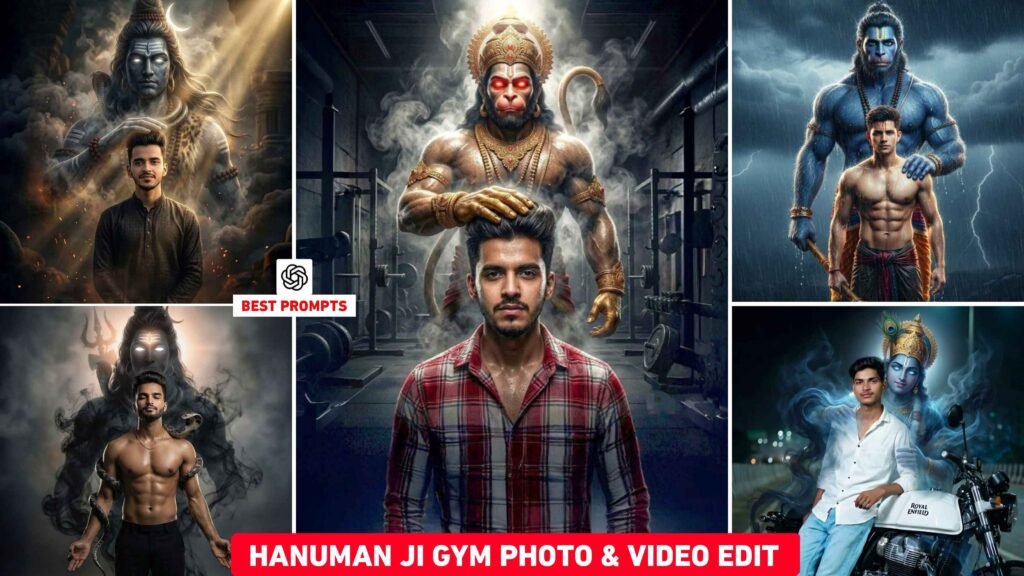
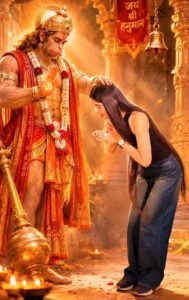
Hey Bhagwan Ek Thar De Do is a fun and cinematic AI video trend that showcases a man’s dance performance and his various imaginations. The video begins in a simple Lilac-Lavender Studio, where the man happily dances, makes various hand gestures, and then strikes a special pose. As he strikes a pose, the video suddenly cuts to a new scene. First, a scene of a beautiful Hanuman Temple appears, where Lord Hanuman is seen blessing the man with his hand on his head. The video then returns to the same studio, where the man happily dances and strikes a new pose with both hands spread. The next moment, a stunning black Mahindra Thar appears, with the man sitting on its bonnet in the same pose. This is followed by a scene of a white Stretch Limousine, where the man poses in a stylish manner, leaning in front of the vehicle. The video then returns to the studio, where he dances and flexes his biceps. The Imagination Scene then shows a modern gym, where the man’s physique appears quite muscular and strong. He then dances again and reaches a grand golden palace, where bundles of banknotes and notes flying in the air are visible everywhere. The palace’s large crystal chandelier, golden decorations, and magnificent staircase add to the scene’s allure.
Finally, the man bows with folded hands again, and in the final Imagination Scene, he appears to be prostrating before Lord Shiva. The most striking feature of this entire video concept is the repeated sharp, hard cuts between the studio and the imagination. Each time, the man’s pose remains the same, only the background and environment around him change. This makes the video unique and entertaining to watch.
Hey Bhagwan Viral Reels Reference Video And Prompt
To create this trend with your photo, you’ll need two things. The first is the Original Reference Video and the second is the Video Generation Prompt. The Reference Video already contains all the dance movements, poses, scene changes, and imagination effects. The prompt helps Google Flow AI understand that the original character seen in the Reference Video needs to be replaced with the person in your photo and the entire performance needs to be repeated in the same way. First, save the Reference Video given below on your mobile. After this, copy your actual prompt from the Prompt option given below. By using both things in Google Flow, you can generate this trend with your photo.
Reference Video Here
VIDEO CREATE
How To Create A This Video Using Google Flow Ai?
Now let’s discuss how to create this entire AI video using Google Flow. First, open the Reference Video link above and save the original video to your mobile device. Next, open the Google Flow website or app and select the Video Generation option. Upload your saved Reference Video to the Reference Input. If the Reference Video already contains music or audio and you don’t want to use it, mute it and upload the video. Next, add a clear face photo of yourself as a character or image reference. You can use a photo of anyone, whether male or female. Ensure the face is clearly visible in the photo so that there’s no difficulty identifying the person. Now, copy your actual prompt from the Video Prompt option above and paste it into Google Flow’s Prompt Box. After adding the prompt and both references correctly, generate the video.
The AI will be instructed to replace the original character in the reference video with the person in your photo and replicate their dance performance, expressions, hand gestures, body movements, poses, and all scene transitions in the same order and timing. This video changes rapidly, from the studio to the Hanuman Temple, Mahindra Thar, Limousine, Gym, Money Palace, and Lord Shiva scenes. Therefore, after generation, be sure to watch the entire video from beginning to end and check that no scenes are missing, that the character’s identity remains consistent, and that each pose is displayed at the correct time. Keep in mind that Google Flow’s results may not be exactly the same every time. If a character or pose in a scene is incorrect, you can regenerate it by making the necessary adjustments to the prompt.
Conclusion
If you want to create the viral AI video trend “Hey Bhagwan Ek Thar De Do” with your photo, you can try it with the help of Google Flow AI. This trend combines various scenes like dance, imagination, Lord Hanuman’s blessings, a Mahindra Thar, a luxury limousine, a gym transformation, a palace full of money, and bowing before Lord Shiva into a single short video. You don’t need to record all these scenes yourself. Add the reference video and your character’s photo to Google Flow and use the provided prompts. Both boys and girls can create such AI videos with their photos. Once the video is generated, save it and share it on YouTube Shorts or Instagram Reels as per your choice.

I’ve Been editing photos and videos for over 5 years. Here, I share Lightroom Presets, Ai Photo Editing Prompts, Vn Templates, and easy editing tutorials so you can give your photos and videos a professional look. Welcome to the world of creative, high-quality editing