
Instagram Restyle Ai Prompts – Instagram keeps adding new AI features for its users from time to time. Recently Instagram has introduced a new feature called Restyle AI Tool. Which appears while uploading the story. Using which people can edit whatever kind of photo they want. That kind of photo can be edited easily. Recently you must have seen that people were creating and sharing different types of Lofi Dusk Night Glow photos using the same Restyle tool. In Restyle, we get to see a lot of filters, along with this we also get to see the option of custom, that is, we can edit the photo by writing the prompt as per our choice. Earlier, to change the background of a photo or make it attractive, different photo editing apps had to be used. Now Restyle AI does this work in a few seconds.
In today’s new article, we are going to share some prompts for creating photos with natural scenes, fantasy locations, cinematic backgrounds with the help of the same Restyle tool. Using which you can make the original background of any of your photos exactly the same as the two photo samples seen in the thumbnail in just one click.
About The Given Photos And Their Prompts
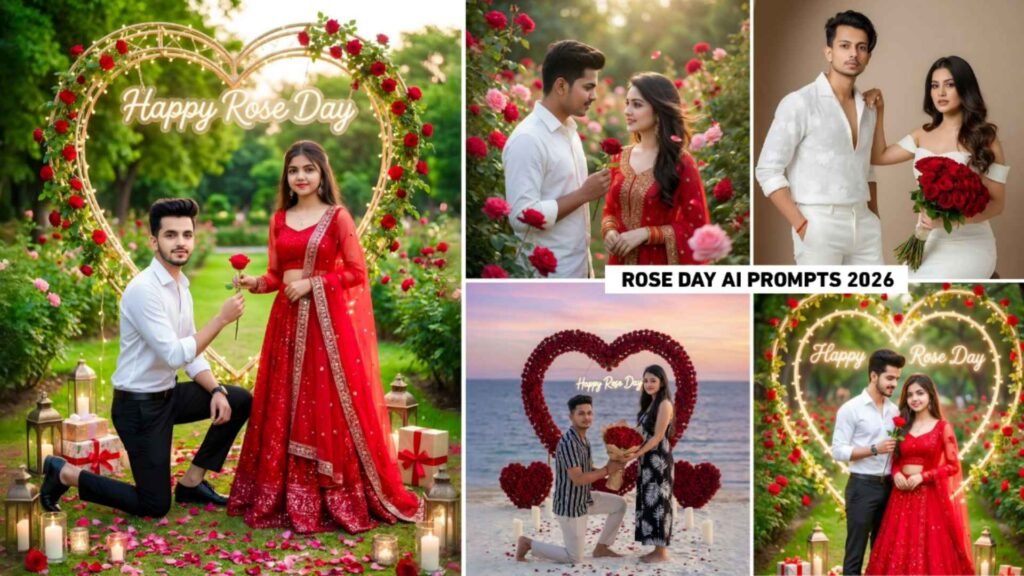
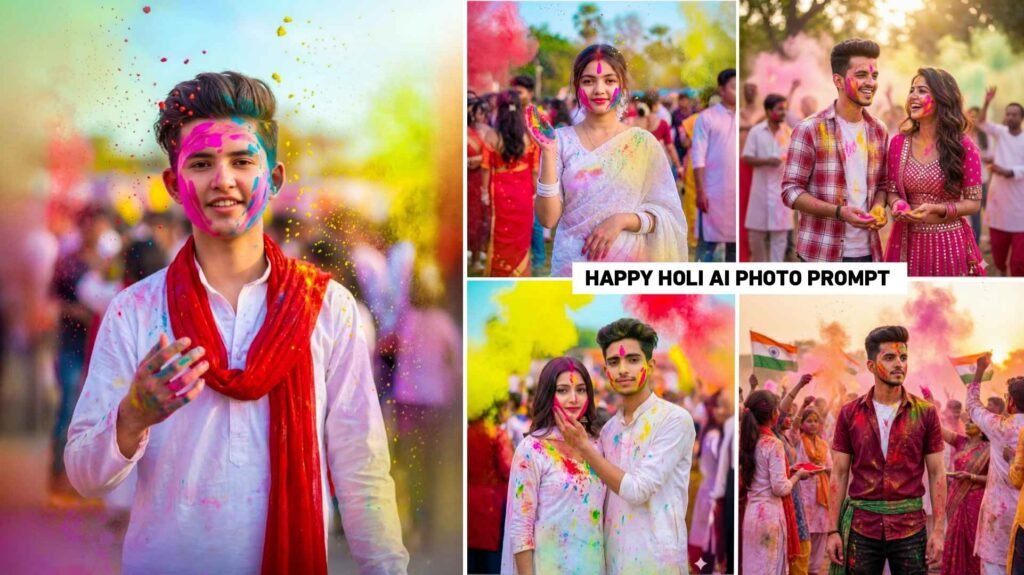
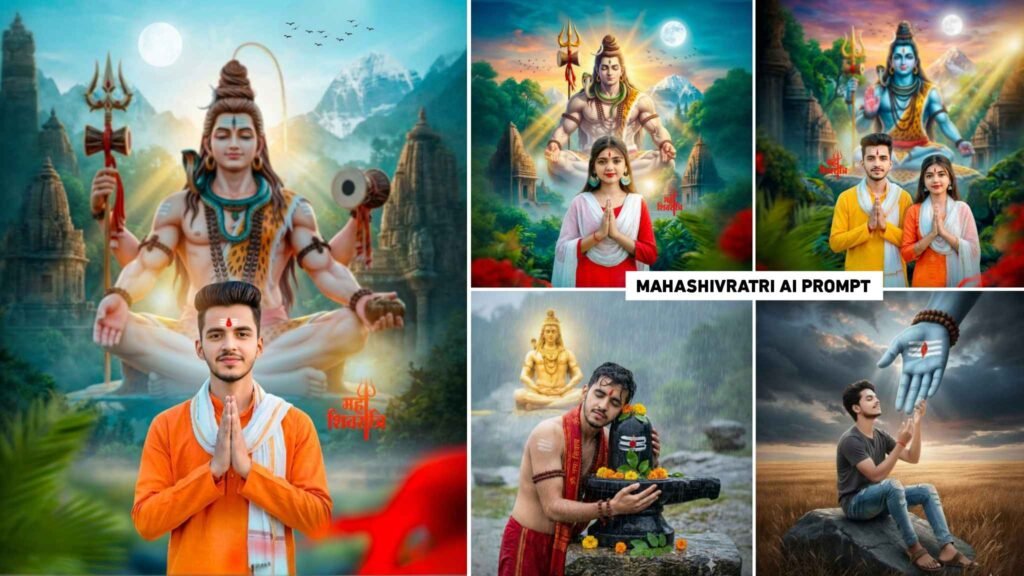
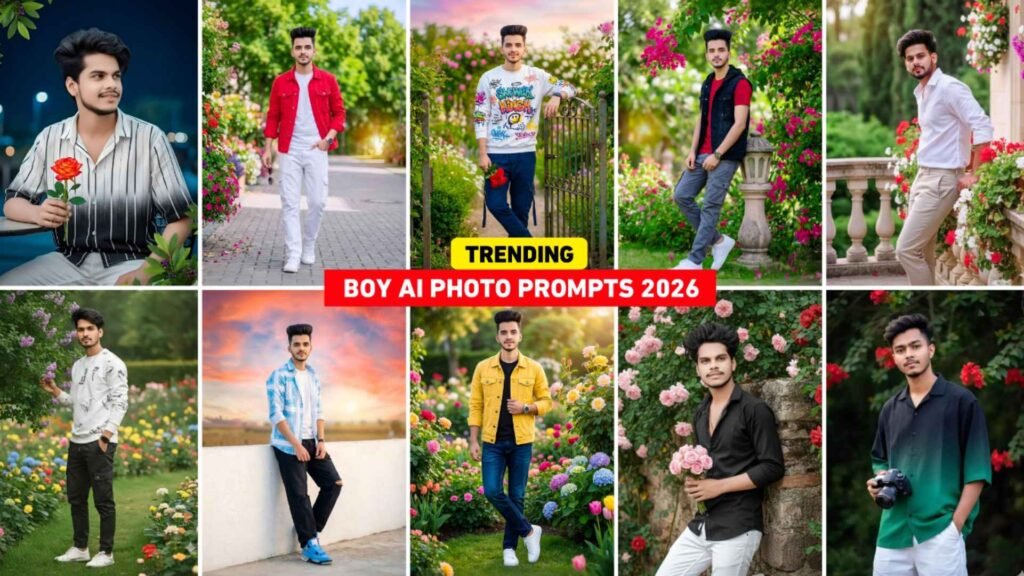
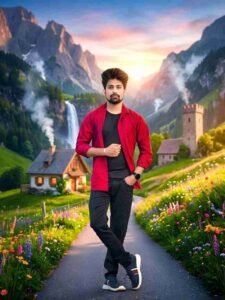
As you can see in the thumbnail. I have also shown an original photo. Two edited photos have also been shown. You can definitely see in that kind of photo. Ordinary portrait photos have been transformed into completely new natural environments with the help of AI. In the first photo, high mountains, beautiful waterfall, colorful flowers, green valleys, a cozy cottage and a stone tower are visible behind the person. Also, the golden light of sunset makes the whole scene even more attractive. In the second picture also, a similar natural environment has been created, in which a beautiful combination of mountains, waterfall, river, colorful flowers and greenery can be seen. Prompts for making many such photos have been shared in it. To achieve such results, detailed AI prompts are used, describing in detail the background, lighting, weather, natural elements and different parts of the scene. The clearer and more detailed the prompt is, the better and more attractive the AI will be able to produce a picture. The prompt that we have shared in this has been shown and uploaded along with the photo.
Can I Ise Prompts In Chatgpt And Gemini?
Yes, if you have the correct and detailed AI prompt. So it can also be used in the image generation feature of ChatGPT. When prompted, the AI in ChatGPT can create a new photo or restyle an existing photo based on your instructions. However, the results depend on the AI model and its capabilities. Which is being used. Instagram Restyle and ChatGPT both use AI technology. Therefore similar types of results can be obtained in many cases. If the prompt clearly states the landscape, mountain, waterfall, flower, cottage, lighting and other details, the AI is able to produce more realistic and attractive photos. You can use these prompts in AI tools like Chatgpt or Gemini when you use the Restyle tool while creating a photo from Instagram and there is a problem of something going wrong. I am saying this because there is a limit in the Restyle style tool. That means you can make only a few photos in a day. The remaining photos can be made the next day.
Instagram Restyle Ai Prompts


Create Photo Using Instagram Restyle Ai Prompts
Before creating a photo using Instagram’s Restyle tool, first of all try to update Instagram from Play Store or App Store. After that, open Instagram and click on your profile and there click on the plus option and select the story option and select whatever photo is yours from the gallery. Now you will also see a Restyle tool on the right side, click on the same tool. Now you decide whether you want to create a photo with a filter or with the help of a prompt. If you want to create a photo with the help of a prompt, then you will get an option of chat box at the bottom. Click on this chat box and whatever type of photo you want to create, put the prompt there. If you want to create a photo like me, then copy the prompt from our website. Which we have provided in paragraph four and paste it there and click on the generate button. Your photo will be created within some time.
Conclusion
Instagram Restyle AI Tool is a great feature for those who want to make their photos attractive without any complex photo editing knowledge. With its help, ordinary photos can be transformed into natural, cinematic or fantasy styles in just a few seconds. Using the right and detailed prompts can produce beautiful and professional looking photos. If you want to create unique and attractive photos for social media, Instagram Restyle Tool can prove to be a great option for you. This technology, combined with AI tools like ChatGPT, is making the future of photo editing even easier and more interesting.

I’ve Been editing photos and videos for over 5 years. Here, I share Lightroom Presets, Ai Photo Editing Prompts, Vn Templates, and easy editing tutorials so you can give your photos and videos a professional look. Welcome to the world of creative, high-quality editing