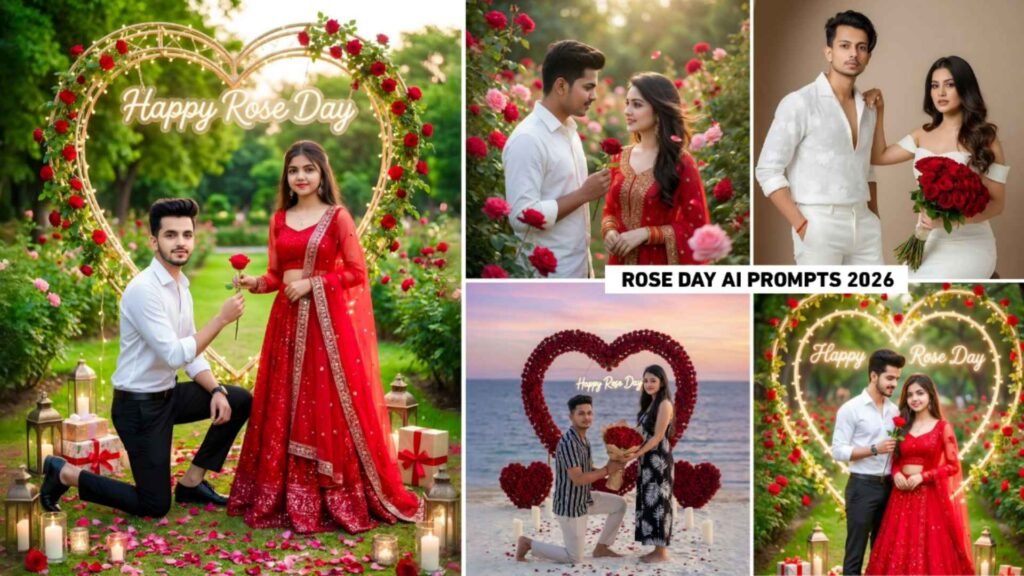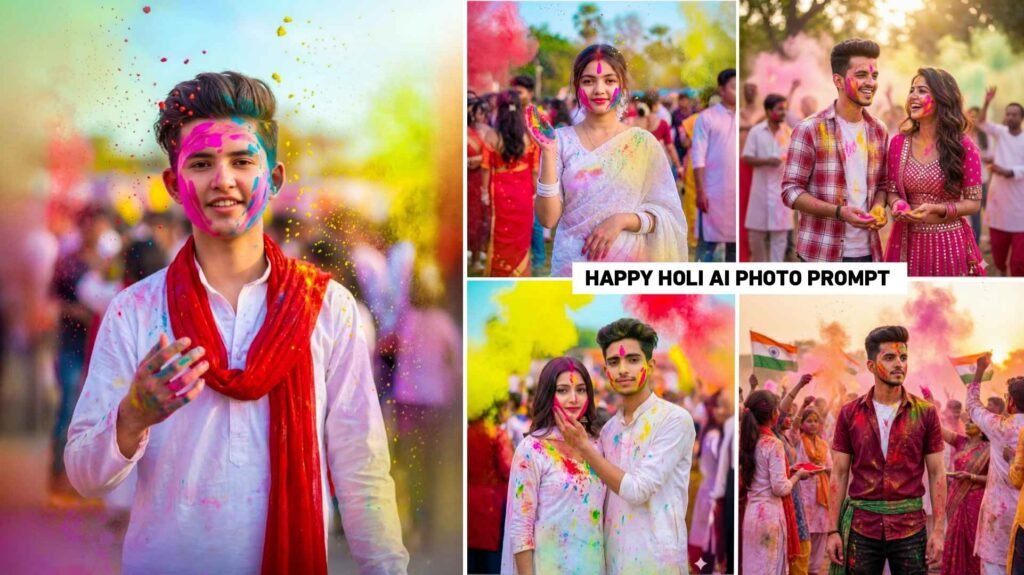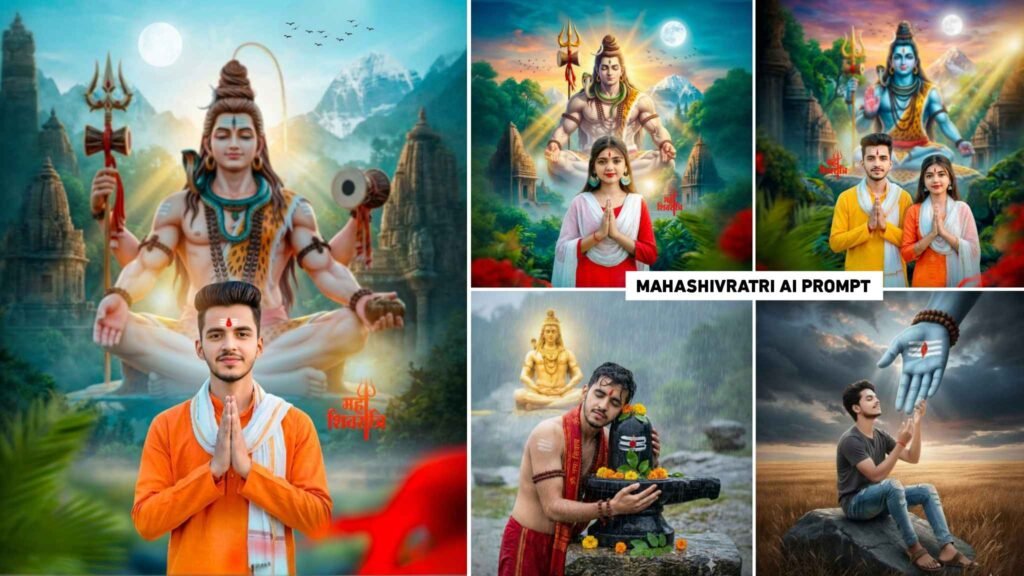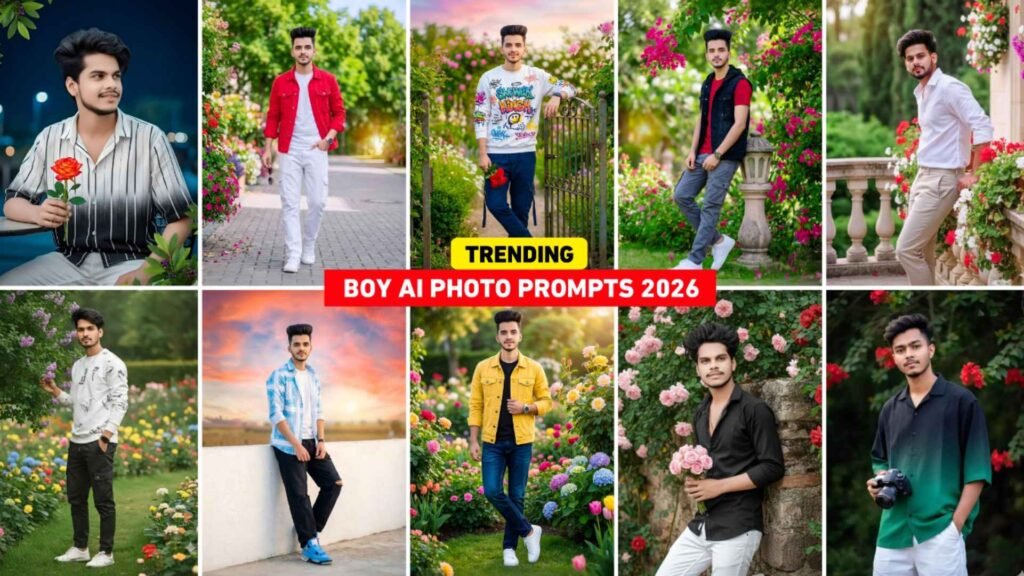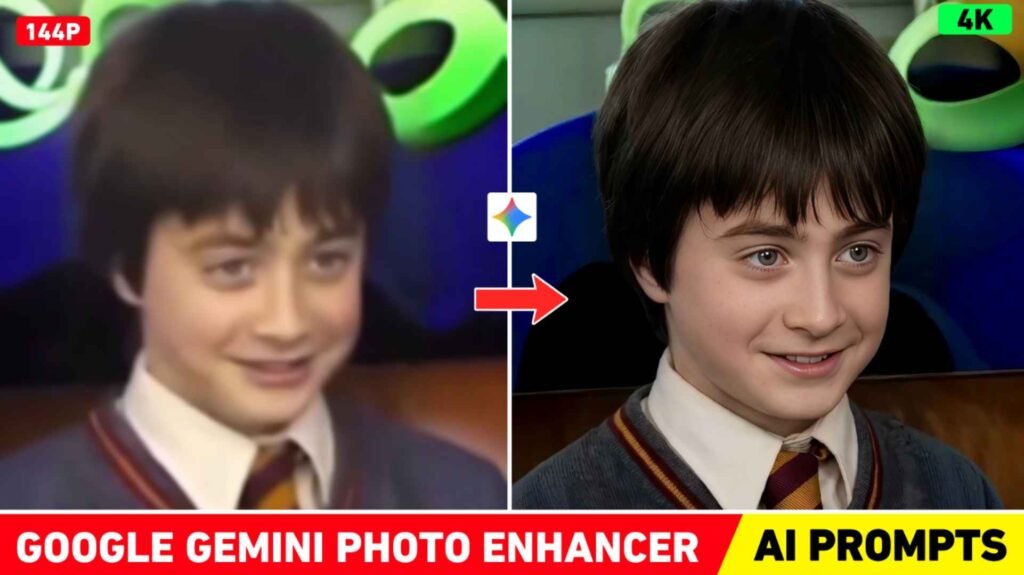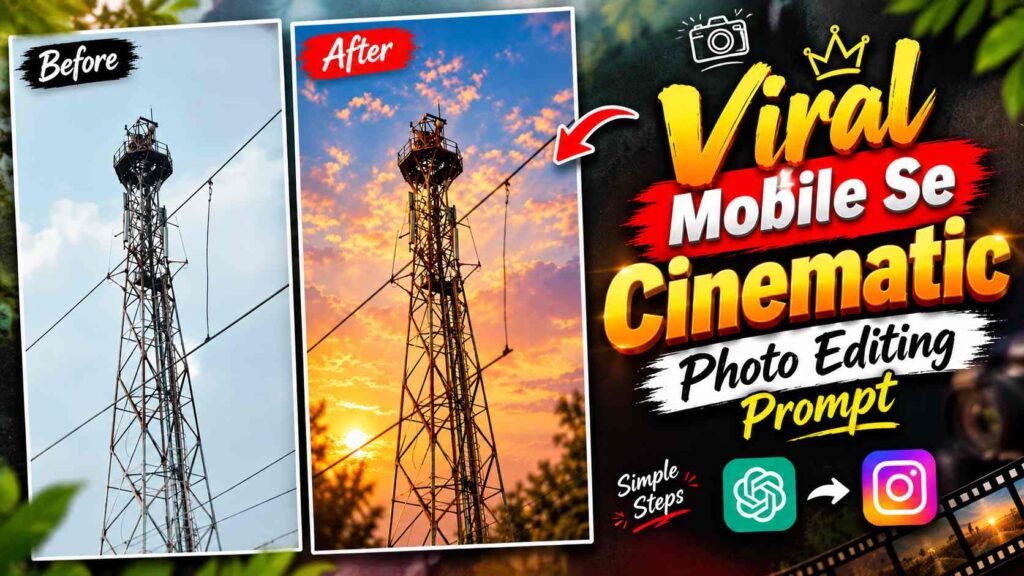
Cinematic Photo Prompt – Many times, we have a photo with a good pose and background, but the image doesn’t look as attractive. Sometimes the photo lacks sharpness, sometimes the lighting is not right, and sometimes the background obscures the subject. In such cases, it’s not necessary to retake the photo every time. AI photo editing can be used to give an existing image a new photographic finish. This concept of cinematic photo editing is gaining popularity on social media these days. It preserves the original appearance of the photo while making it clearer and highlighting the subject by adding a camera-lens-like bokeh effect to the background. A light warm-pink tone, balanced lighting, and soft highlights give the photo a distinct visual mood. If you’re looking to transform your ordinary or low-quality photo into a more attractive portrait, the prompts and methods provided in this article can be helpful.
What is AI Cinematic Photo Editing?
AI Cinematic Photo Editing is a method of improving the visual quality of an existing photo and giving it a specific photographic style. This doesn’t necessarily involve changing the clothing, pose, or the entire background. Instead, the AI is instructed to focus on the areas of the image that need improvement. For example, increasing the clarity of the photo, correcting the exposure, keeping the subject’s details sharp, and creating a strong bokeh effect in the background. This way, the background appears softer and the main subject is more easily visible. The light, warm, and pinkish color tone gives the entire image a consistent cinematic feel, while the natural contrast prevents the photo from becoming too dark or bright. The purpose of this editing is not to overly stylize an ordinary photo, but to bring out its existing beauty.
Cinematic Photo Prompt
If you want a similar look in your photo, you can use the actual prompt below in your AI photo editing process. It will include instructions for image enhancement, background bokeh, color tone, and portrait framing. The main purpose of the prompt is to improve the presentation of the original photo, not to unnecessarily alter the appearance of the subject.
Cinematic Photo Editing Prompt
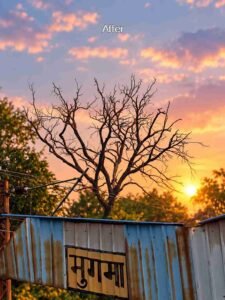
Before using the prompt, select a photo of your choice and upload it to the AI tool. Then, paste the entire prompt to generate the image. Keep in mind that the final result will depend on the source photo. If the original image is too blurry or lacks clear facial details, AI may not be able to accurately reproduce every detail. However, in photos where the subject and its overall shape are already visible, efforts can be made to improve the clarity, lighting, and background presentation.
How to Change the Look of a Photo with AI?
First, upload your original photo to ChatGPT. After this, paste the actual prompt given above and ask the AI to edit the same image as per the given instructions. In this process, the overall clarity and exposure of the image will be worked upon, while there will be an instruction to maintain the original composition and proportions of the subject as much as possible. Applying hard bokeh effect on the background can make the background details appear soft and the main subject can appear more prominent. After this, warm-pinkish grading and soft highlights help in giving a cinematic finish to the photo. The prompt also includes a 3:4 portrait ratio, hence the instruction has been given to prepare the result according to that framing. After the image is created, look at it carefully and if any part appears excessively blurred, bright or saturated, then point out the specific problem and get it corrected.
Natural Bokeh and Color
A good cinematic photo isn’t achieved simply by blurring the background; a natural balance between the subject and the background is also essential. The bokeh effect can be so strong that distracting details in the background are obscured, but the edges around the subject should remain clear. Excessive blurring of hair, clothing, or the edges of the body can make the image appear edited or cut out. Similarly, it’s best to keep the warm-pinkish tone subtle so that the original skin tone and clothing colors aren’t completely altered. Soft highlights create a pleasant sense of light in the image, while balanced contrast helps preserve the subject’s details. So, when checking the final photo, don’t focus solely on the background; also consider the natural appearance of the face, clothing details, lighting, and overall colors. Achieving the right balance can make the image appear more polished and photographic.
Tips for Better Results
When using Prompt, it’s beneficial to choose a photo that already clearly displays the subject’s shape and key details. If an image is too dark, lighting enhancement can improve it, but it’s not guaranteed to completely recover every missing detail in the original photo. Similarly, when adding bokeh to a background, AI can sometimes alter the shape of surrounding objects, so it’s a good idea to compare the generated image with the original. If unwanted changes are noticed in a face, hairstyle, clothing, or composition, instead of rewriting the entire prompt, clearly state that only that part should be corrected and the rest of the image should be kept the same. Making one or two corrections at a time makes it easier to understand which changes improved the result. This way, the image can be gradually refined to your liking.
Final Thoughts
If an old or generic photo of yours lacks cinematic depth and a professional finish, AI-based enhancement can be a useful option. This type of editing focuses on image clarity, exposure, and background presentation, while warm-pinkish tones and realistic bokeh give the photo a distinct visual character. The most important thing is not to overlook the identity and natural appearance of the original subject in the pursuit of effect. Upload your photo, use the actual prompt, and make small corrections to the result where needed. Not every image will have the same effect, so it’s helpful to make adjustments based on the source photo. An image created with the right balance can create an attractive cinematic look for a social media post, profile portrait, or Instagram content.

I’ve Been editing photos and videos for over 5 years. Here, I share Lightroom Presets, Ai Photo Editing Prompts, Vn Templates, and easy editing tutorials so you can give your photos and videos a professional look. Welcome to the world of creative, high-quality editing