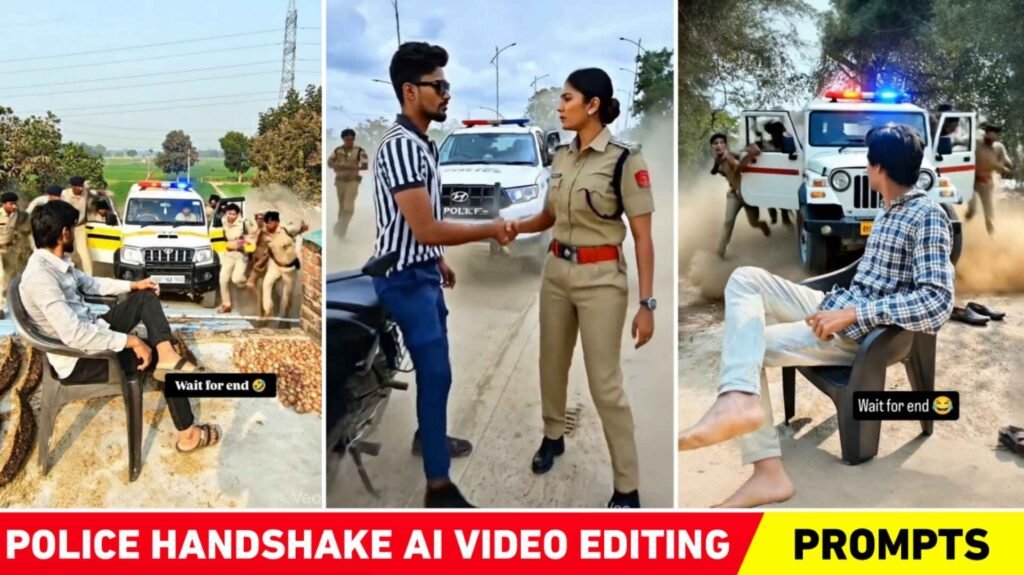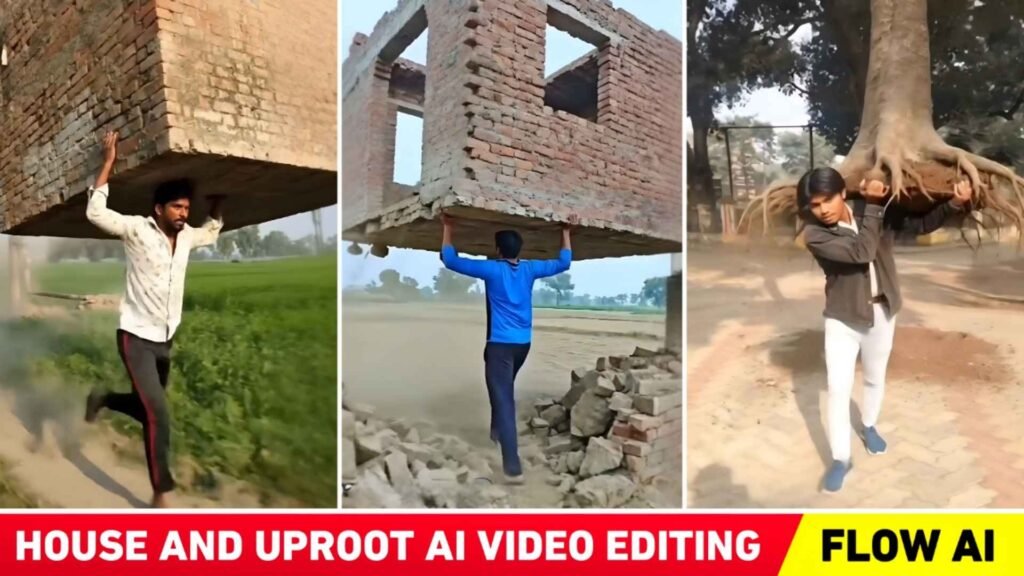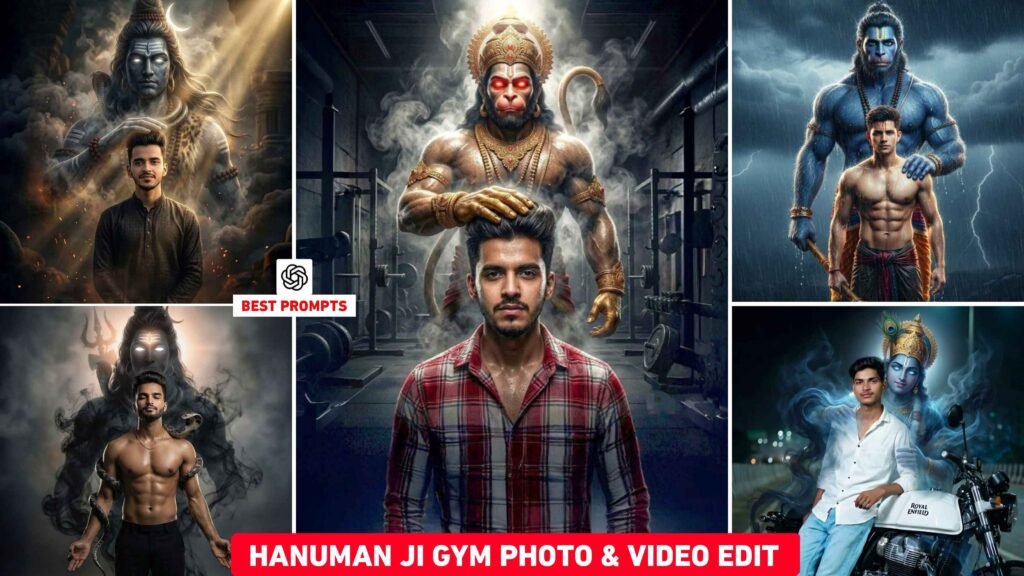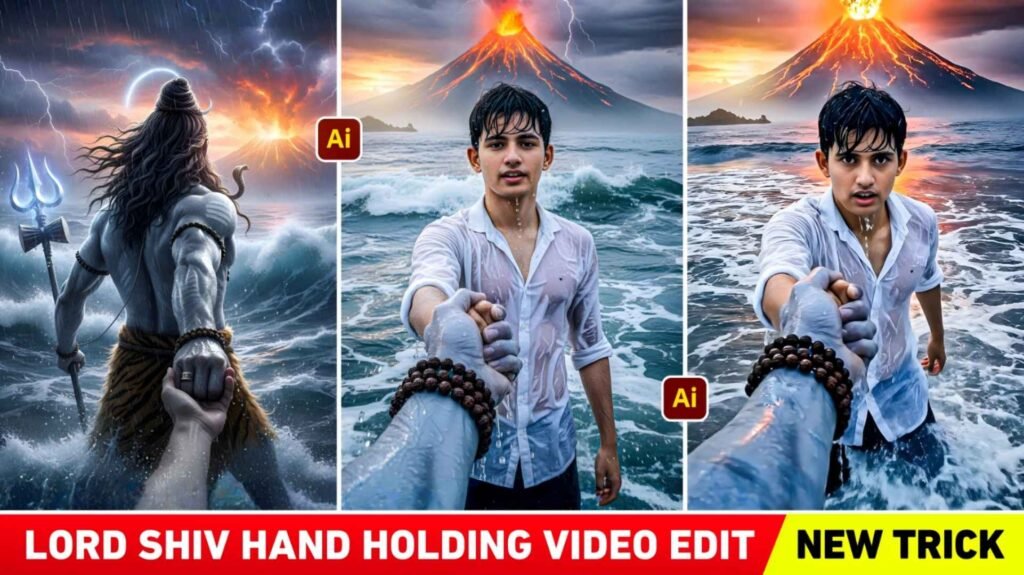
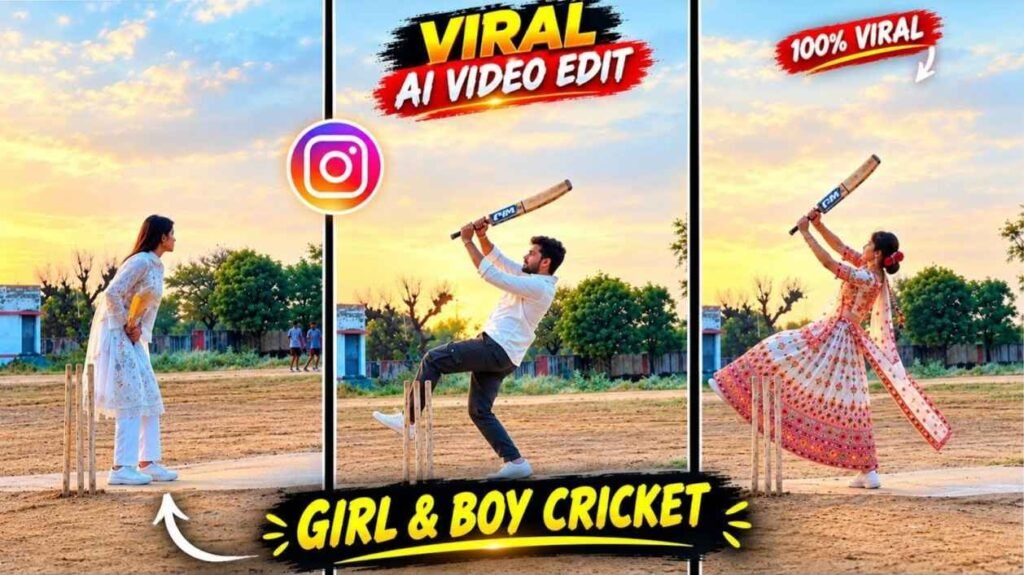
Cricket Shot Ai Video Prompt – Imagine you have a video of a cricketer playing a brilliant cover drive, pull shot, or powerful batting, but you want to see someone else of your choice batting in the same video. Now, Ai video generation can make this creative concept a reality. Cricket-related Ai Reels are gaining attention on Instagram, attempting to create a video with a new person based on the action from a reference video. The most interesting thing about this trend is that you don’t need to go to the same ground to record a video or play cricket in front of the camera yourself. You can select a cricket clip of someone else as a reference and then use a photo of that person to feature in your new video. For example, using a photo of a girl as input in a video of a boy batting, you can ask the AI to generate a result that shows the girl playing a cricket shot.
Similarly, a similar video concept can be created using a photo of a boy. Google Flow AI and the right video prompts play a crucial role in this process, as they help the AI understand the connection between the reference action and the selected person.
Change The Look Of A Video With Google Flow Ai
When working with Google Flow AI, you first need to decide what kind of cricket action and person’s look you want in the final video. The reference video helps you understand the batting movement, camera angle, shot direction, and overall scene, while the selected photo is used to identify the person to be featured in the video. A clear prompt then tells the AI to use the cricket action from the reference clip to create a new person in the video. This isn’t just a simple process of superimposing a photo on a video; the AI has to try to match the person’s face, body position, and playing movements with the video. This is why selecting a reference clip is crucial. It’s best to choose a video that clearly shows the player for a longer period of time, the batting action is understandable, and the scene isn’t too blurry. Also, keep in mind that Google Flow’s actual results depend on the available model and tool options. Not every reference video is guaranteed to completely replace the person or maintain the original action exactly, so some experimentation with the correct inputs may be required.
Cricket Shot Ai Video Editing Prompt
When creating this type of video. The prompt serves to tell the AI what the reference clip and new photo are intended for. Simply stating that the person is playing cricket isn’t always sufficient. Instructions such as maintaining the action from the reference video. Preserving the identity of the selected person as much as possible. Showing natural body movements in the video can be useful. Add your Cricket Shot Ai Video Editing Prompt. Below and use it with the appropriate video generation options available in Google Flow. Providing a reference video and a photo of the selected person along with the prompt can help the Ai understand the expected result, although the quality of the final output is not guaranteed.
Prompt & Refrance Video
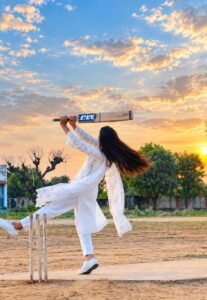
REFRANCE VIDEO
Create A Video By Adding Reference Video And Photo
First, open Google Flow and start a new project. Select a video generation workflow from the available options that allows. You to use your reference clips and photos as input. Select a cricket video that features the desired batting action. Then, add a clear photo of the person you want to feature in the resulting video. After adding your files, paste the instructions into the prompt. Before starting generation, ensure that the correct reference video and photo are selected. Once the video is ready, don’t just look at the face. instead, pay attention to the entire action. Does the batting movement look natural, is the person’s face recognizable. Do the hands and bat appear correct, and has the scene in the video been unnecessarily altered. If you notice any issues, clearly state the flaw in the prompt and try again. Results may vary with different videos and photos. So consider your first attempt an opportunity. To improve rather than assuming it’s the final result. The features available in Google Flow’s interface may change. So use the currently available options for adding input and generating shots.
Final Thoughts
This method from Cricket Shot Ai Video Editing Prompt 2026 can be useful for creators. Who want to create a new AI video concept based on common photos and existing cricket footage. It takes a batting stance from a reference video. Attempts to identify a new person from a selected photo. Provides instructions for using the two together through prompts. Choosing the right inputs in Google Flow. Providing clear prompts, and carefully reviewing the generated results are crucial parts of this process. If the first video has errors with faces, hands, or cricket actions. You can try again with small and precise corrections. This way, you can try creating new cricket videos for your social media content with different reference clips and photos.

I’ve Been editing photos and videos for over 5 years. Here, I share Lightroom Presets, Ai Photo Editing Prompts, Vn Templates, and easy editing tutorials so you can give your photos and videos a professional look. Welcome to the world of creative, high-quality editing